


New Participant
August 3, 2023
Question

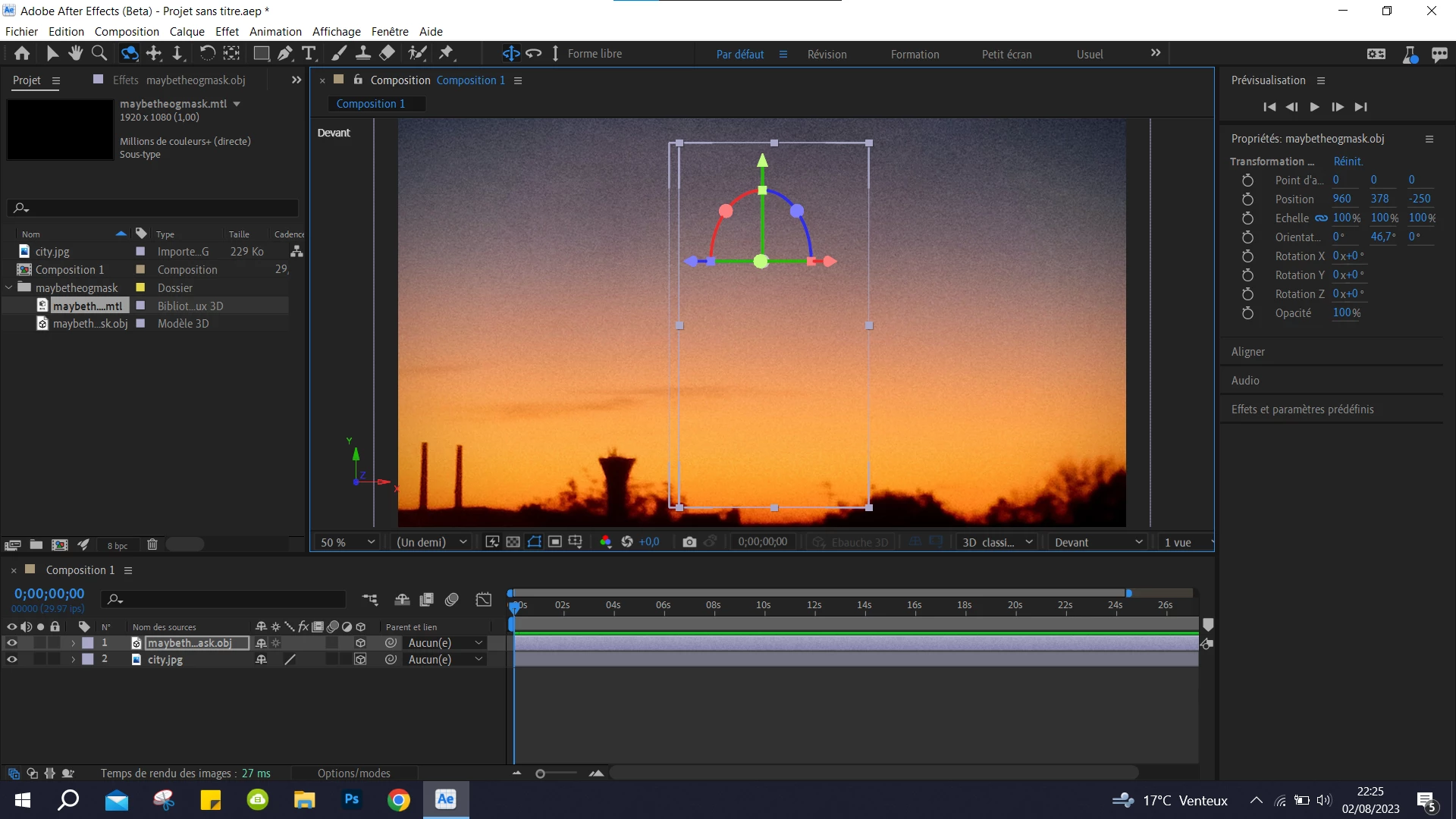
AE 24.0 not showing 3D object

  • August 3, 2023
  • 4 replies
  • 6995 views

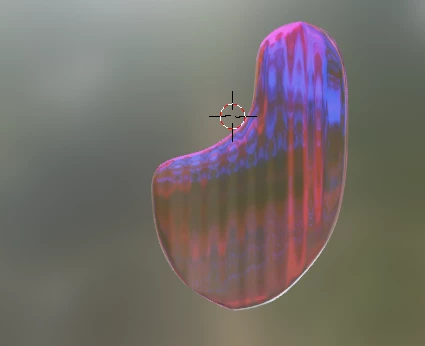
Hello ! I recently made a 3D Object that i wanted to import in AE (beta 24.0, that supports obj and glb files). I imported a glb and an obj file to test which one works, and when i import the 3D object into the scene, i can't see the object, it's selected, but invisible. I imported an image as a background, to see if it was because my object is glass and it needs a light/background to reflect to, but it didn't work I think it's because the 3D object doesn't use the background to reflect, but how can i fix that ?
 

4 replies

New Participant
June 9, 2024

Would love a older model and young model to make the PC just right


New Participant
June 9, 2024

I am also having the same issue. I have AE 24.3

New Participant
July 23, 2024

Not sure if you already got it but I had the same problem and I was able to import 3D objects by setting "Use of advanced 3d image settings" on my graphics control panel (in my case it was NVIDIA).

New Participant
May 5, 2025

Can you tell me exactly what settings you have set?


Community Expert
September 27, 2023

The latest build of AE beta is not properly displaying 3D files when using the Advanced 3D rendering engine. You will either need to roll back a version or two using the Creative Cloud app or wait for the next build that is working.

demi14
Known Participant
January 1, 2024

The AE 2024 24.1.0 is out and the same problem persists, however it at least has the boxes populated next to comp that identify/recognize it as a 3D model. I made my GLB in ZoeDepth and it shows up there.

New Participant
February 2, 2024

Is there any response to this from Adobe? Still cant import 3d models they are showing up as invisible!

New Participant
September 27, 2023

I have the exact same problem, and it doesn't seem to work for me with any 3D model, not only glass (on AE 24.1 beta, tried all renders as well). Did you end up fixing that?