In addition to what Roei said consider this:
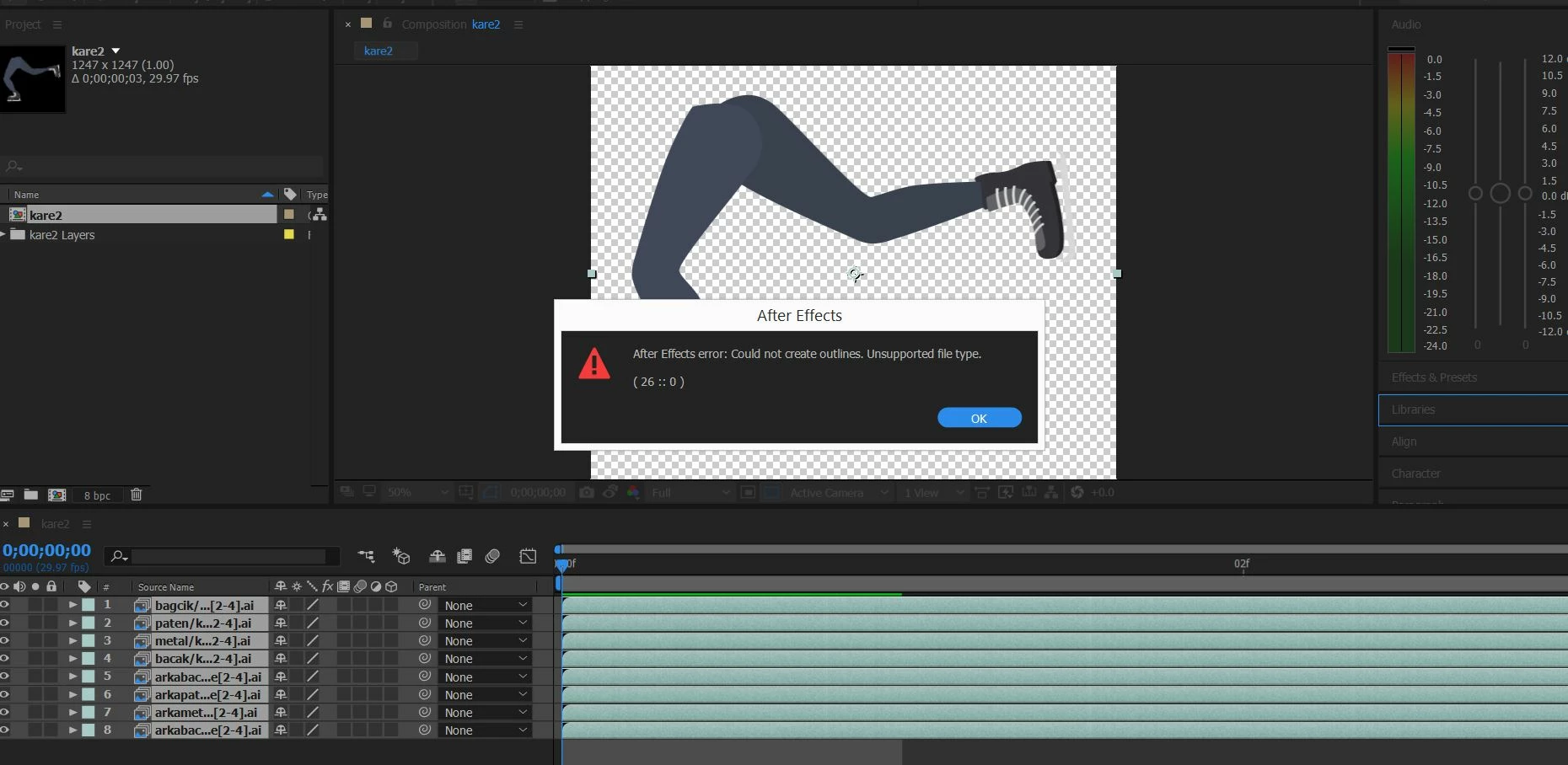
First question, why is it necessary to convert the vector layers to shapes? The only reason I know of to do so is to use the shape animators available under the "add" button in the timeline. If you are not doing that there is no advantage to converting vector layers to shapes so unless you are going to do things to the layers that can only be done to a shape layer there is no reason to go through this step.
Second question, have you looked at the layers that you are having problems with in illustrator to see what is different about them. Raster effects applied to a path in AI will cause that layer to be converted into pixels so there is no vector layer to convert to a shape. Overly complex paths, paths with blends, and paths with complex gradient fils will not convert accurately to shape layers in AE. You need to understand the limitations of this workflow and it is fairly well documented in the help files.
To fix your problem remove the effects applied to the layers in AI that are blocking the conversion to shapes or simplify the paths. Make sure that your layers are all separated in the right way and that your artwork is compatible with AE. If you have reviewed your AI file and can't find any problems post some detailed screenshots of the layers giving you problems in AE and AI and let us see the modified properties (appearance) of the layers in question so we can help you dig into the problem. Another option is to post the AI file so we can take a look.




 AdChoices