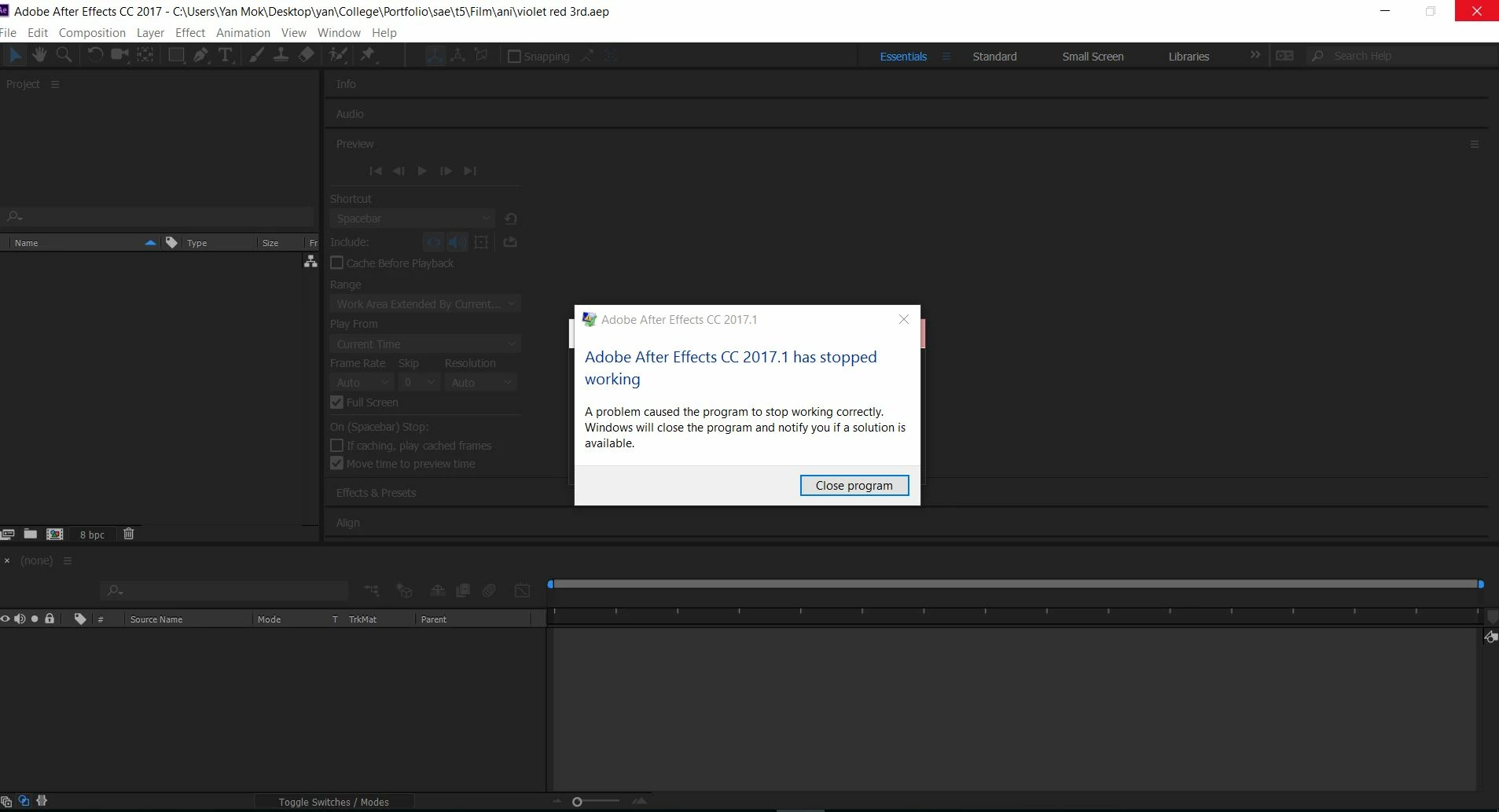
The problem is solved with the help of Adobe Live Chat. Thanks to Yash 
He suggested me to clean uninstallation of the whole Adode things and reinstall it.
Here are the steps I would like to share and help who has the same problem.
---------------------------------------------------------------------------------------------------------
Please perform the steps mention below:-
For Windows:
Uninstall ALL Adobe product(s) from "Control Panel\All Control Panel Items\Programs and Features"
Then follow the below steps:
Run the Adobe Cleaner Tool-- https://helpx.adobe.com/creative-cloud/kb/cc-cleaner-tool-installation-problems.html
Go to RUN (Windows key+R) and go to the following locations to delete files that are marked *.
%temp%
C:\Program Files\Adobe*
C:\Program Files\Common Files\Adobe*
C:\Program Files (x86)\Adobe*
C:\Program Files (x86)\Common Files\Adobe*
C:\ProgramData\Adobe*
C:\Users\<user_name>\AppData\Roaming\Adobe*
C:\Users\<user_name>\AppData\Roaming\com.adobe.*
C:\Users\<user_name>\AppData\Local\Adobe*
C:\Users\<user_name>\AppData\LocalLow\Adobe*
~ Registry Keys ~
*Please take backup of the registry and delete the backup once everything seems to be working fine.
HKEY_LOCAL_MACHINE\SOFTWARE\Adobe
HKEY_CURRENT_USER\Software\Adobe
Then click here to install the desktop app-
http://www.adobe.com/in/creativecloud/desktop-app.html
---------------------------------------------------------------------------------------------------------
The steps are by Yash. Thanks Yash!




 AdChoices