


samerr17414008
Known Participant
February 18, 2025
Question

After effect 2025 crach on login

  • February 18, 2025
  • 3 replies
  • 1203 views

I have a valid yearly subscription with Adobe creative cloud.

I frequently use Photoshop, illustrator and inDesign and all of them are working fine.

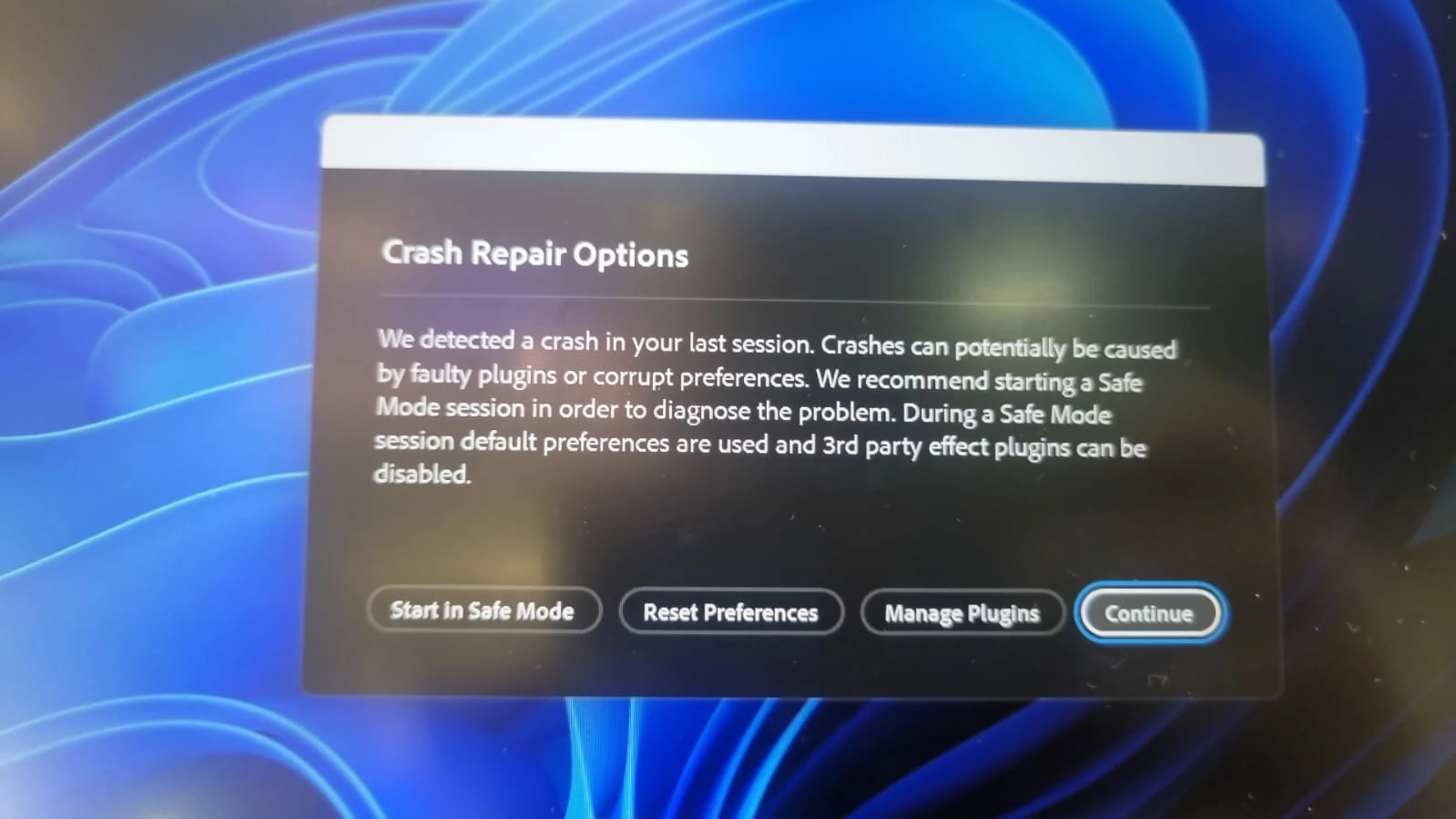
I start talking some After effect classes. After a few days of using After effect I start getting this error message.


I update the drive of the Nivide chipset on my laptop but it is not loading. 


I can use it on safe mode but i prefer to use it on normal mode. 
3 replies

ToolfarmJP
Community Expert
Community Expert
February 19, 2025

If you can launch After Effects by safe mode without problem, you check the third-party plugins installed.


samerr17414008
Known Participant
February 19, 2025

I did not install any third party plugin

this is what i have installed on my computer

Participating Frequently
February 18, 2025

To fix this, first update your NVIDIA graphics drivers from the official NVIDIA website. If the issue continues, reset After Effects preferences by holding Ctrl + Alt + Shift (Windows) or Command + Option + Shift (Mac) when starting the app. Also, disable third-party plugins by starting After Effects in safe mode with the Shift key held down, then restart in normal mode.
Hope it helps

samerr17414008
Known Participant
February 19, 2025

I have installed the latest update from Nvidia website yesterday.

 holding Ctrl + Alt + Shift (Windows) is not making anything. the application does not open while I am  holding Ctrl + Alt + Shift (Windows) . 

I disabled the third party plugin in the safe mode even i do no have any plug in installed on After effect.

I am wondering if there is a conflict between Blender or Unity with AF


nishu_kush
Community Manager
Community Manager
February 19, 2025

I've not seen any complaints of conflicts between Blender or Unity and After Effects, so that's not likely the case. Launching After Effects while holding down holding Ctrl + Alt + Shift (Windows) or Command + Option + Shift (Mac) should bring up the Start Up Repair Option. Which is similar to the Crash Repair Options. If you don't see the Start Up Repair Option, you can reset the preferences from Crash Repair Options (check out the screenshot). Give it a try if you haven't already.


Thanks,
Nishu

nishu_kush
Community Manager
Community Manager
February 18, 2025

Sorry to hear about the issue, samerr17414008.

Try resetting the preferences when you see the Crash Repair Options.

Let us know how it goes.


Thanks,
Nishu