


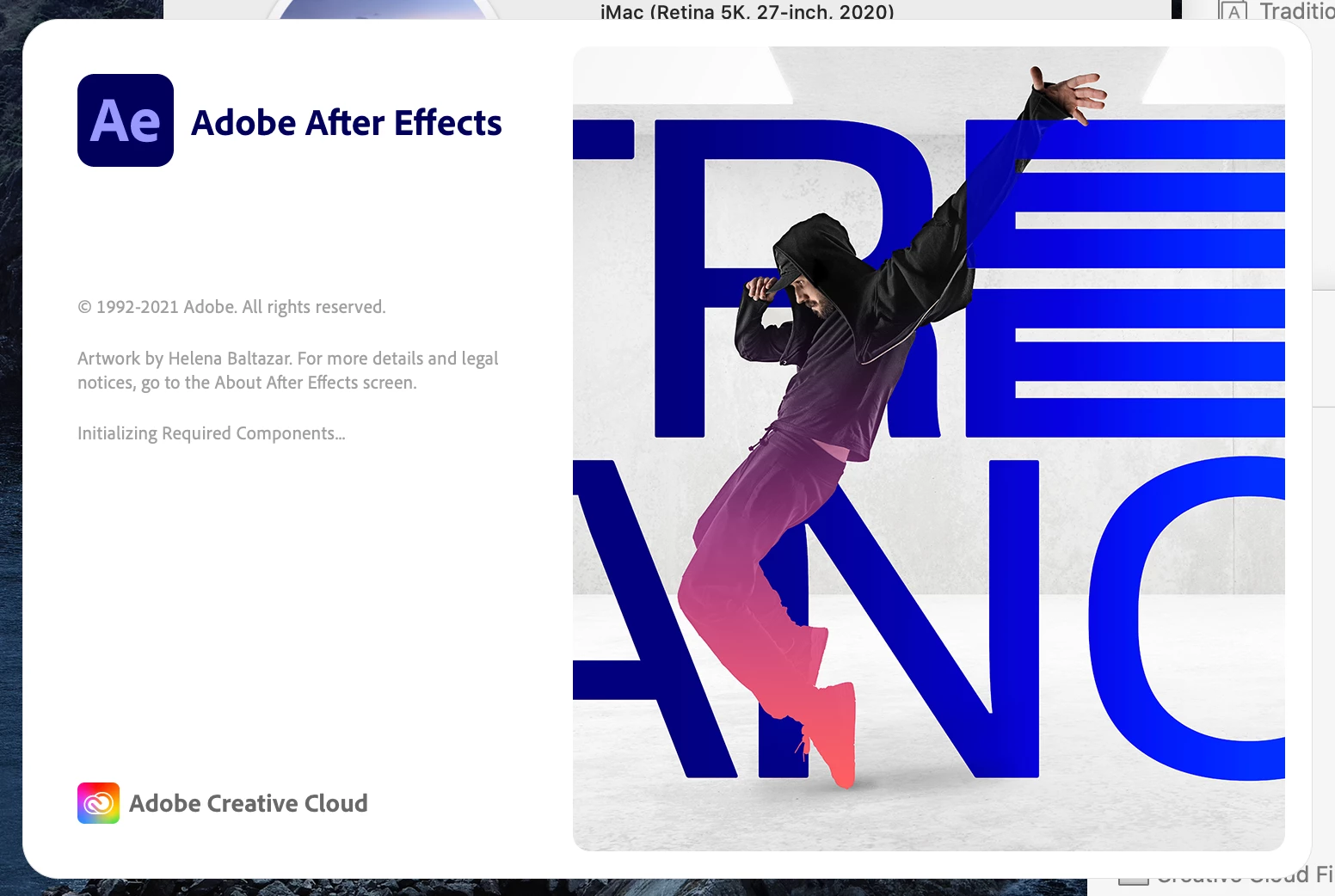
After Effects 2021 stuck on (initializing required components) Mac
After effects is stuck on splash screen and won't open, I've tried almost every thing at this point reinstalled like 8 times, restarted the computer multiple times, tried different versions of after effects, nothing is working. I've tried all of the following threads:
After Effect cc 2019 - Stuck at initializing required components
After effects stuck at "initializing required components"
https://helpx.adobe.com/in/x-productkb/multi/preferences-folder-read-only-error.html
There seems to be a fix on Windows using a program called "Font Frenzy" but it's not compatable with Mac, so I've tried deleting all my fonts aswell, still not working.... I've never had any issues before this and has been working fine before but today it's just started doing this all day I've been trying everything to fix it. The rest of the Adobe Suite is working but it doesn't really help that I'm a motion graphic designer and I need AE to do my job.
Mac OS 10.15.7
Processor: 3.8 GHz 8-Core Intel Core i7
RAM : 64 GB 2667 MHz DDR4
Graphics : AMD Radeon Pro 5700 XT 16 GB
 AdChoices