




After Effects 24.5 is now available for download!
After Effects 24.5 is now live
Great news! After Effects 24.5 is here, packed with exciting new features to bring your scenes to life. With Shadow Catcher and Animated Models support, creating more realistic and dynamic scenes has never been easier and the new presets are just amazing.
Dive in and let your creativity soar!
Here's what's New
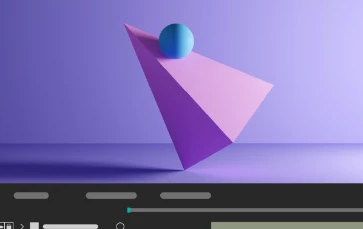
Shadow Catcher
Create realistic composites using a 3D shadow catcher layer to capture shadows cast by overlying 3D models.
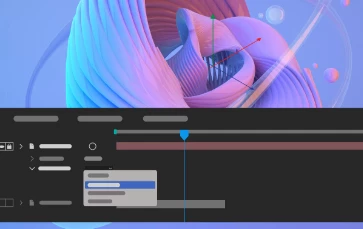
Embedded 3D Model Animations Support
Access embedded animations in the imported GLB or GLTF models and select one of them to play back in your composition.
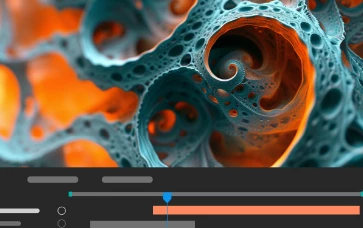
Get depth data from an Advanced 3D Scene
Extract depth data and use the map to create more realistic composites by simulating real-world camera settings for 3D renders.
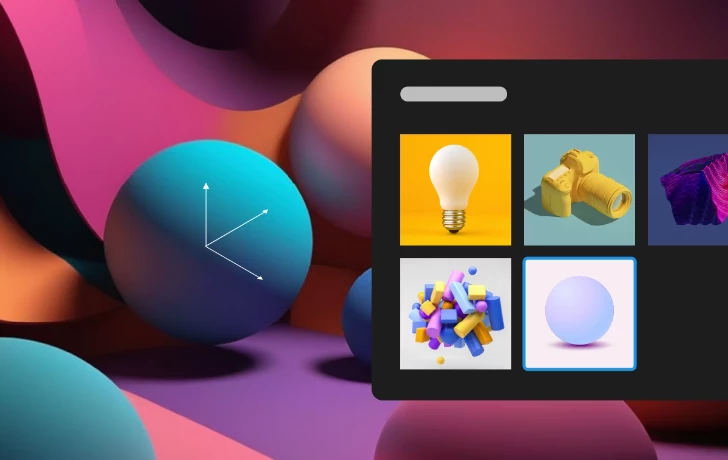
OBJ Import from Libraries
Drag and drop 3D models directly from Creative Cloud Libraries into your project to enhance workflow, collaboration, and efficiency.
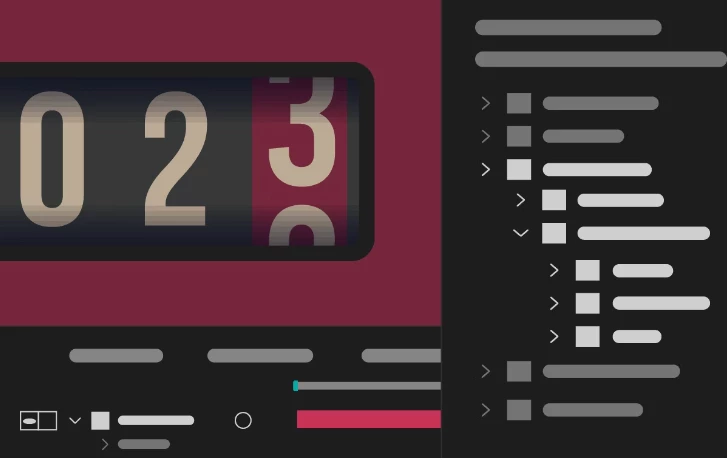
Use new animation presets that cover infographics, numbers, transitions, textures, and more to streamline your creative projects.
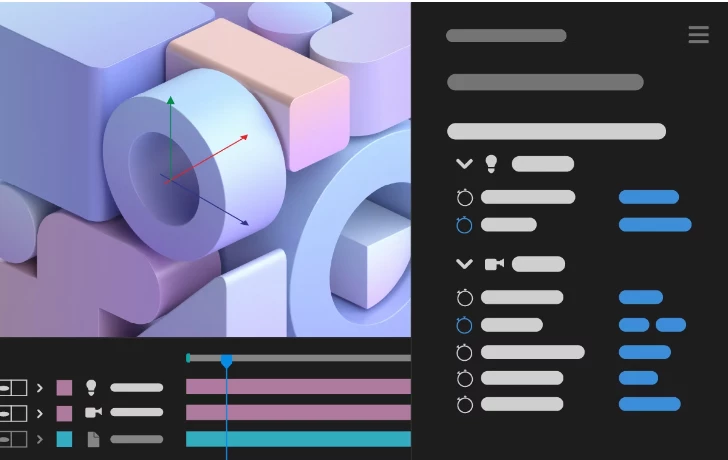
Camera and Light properties in the Properties panel
Use the Properties panel to quickly access and edit Camera and Light properties and work with layer transforms.
Features in Beta
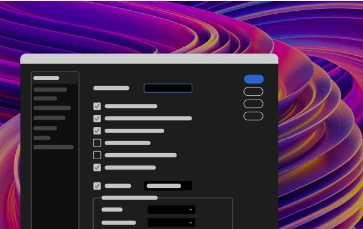
New After Effects Spectrum User Interface
Experience the new modern look across the entire app, themed and styled using Adobe Spectrum design.
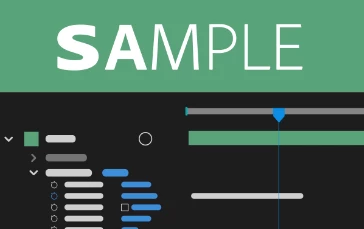
Per-character text and Paragraph styling in Expressions
Use extended text and paragraph styling capabilities in Expressions, including per-character control for efficient text-based animations.
What's Fixed
- Improved UI interaction performance in the composition panel with Faux Bold enabled.
- After Effects no longer crashes when adding an asset from the library to a folder in the Project panel.
- Animation presets are now applied correctly when Advanced 3D render is enabled.
- Fixed memory leaks that caused users to run into application memory exhausted error where the mask path was keyframed.
- Pasting a keyframe from a scale property no longer gives an error.
- The 3D model layer keyboard shortcut to toggle shadows now works correctly.
- Purging ALL_CACHES no longer shows a confirmation dialog when scripts are run from ScriptUI palette, ScriptUI window, or VSCode Extendscript debugger.
- Purging ALL_CACHES now purges cache successfully if app.purge() is called from a ScriptUI dialog.
How to update After Effects to 24.5
Open the Creative Cloud desktop application and click the Updates tab on the top left. Find After Effects in the list and click Update.

I don't see the update in my Creative Cloud desktop application. What should I do?
Click Help > Check for Updates from the Creative Cloud desktop application to refresh it.
 AdChoices