



Question
After Effects error when importing Premiere Pro project, keyframes are off
Hi,
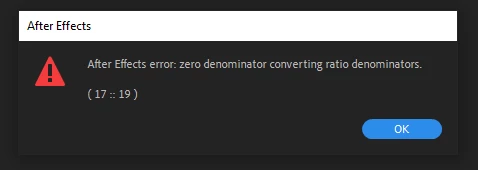
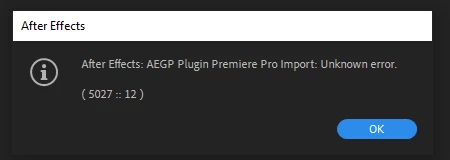
I am trying to import a Premiere Pro project into After Effects (using File > Import > Import Adobe Premiere Pro Project...) but After Effects is giving me a couple of errors and my scale and position keyframes are off. I am using After Effects and Premiere Pro 2020.
After Effects gives me these error messages when importing the Premiere Pro file.
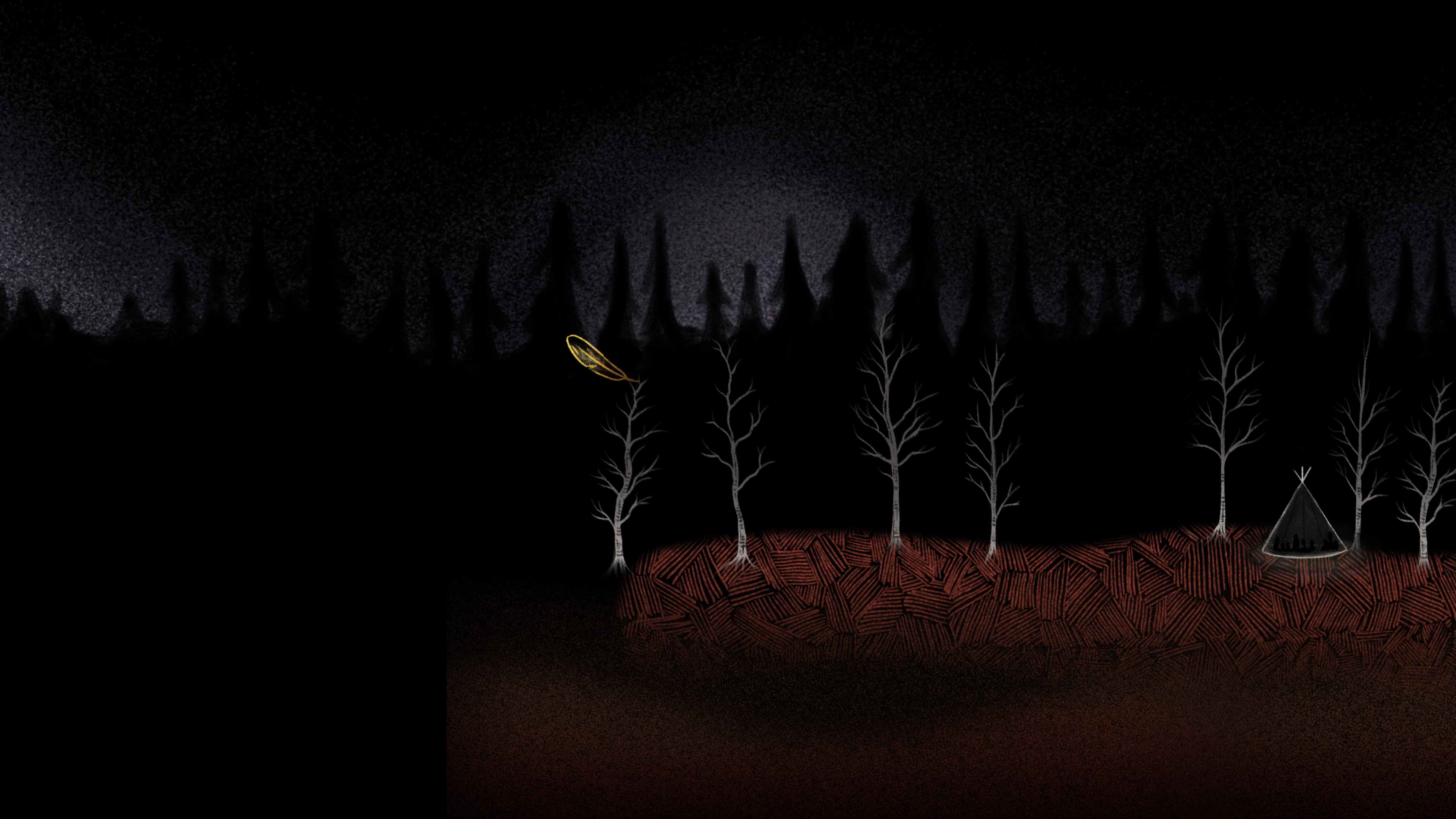
And here is what the sequence looks like in Premiere versus After Effects (the transformations are getting messed up in the process).

I am uploading a zip of the Premiere Pro project for debugging.
IK_FS_LinearOutput_02_2020_TipiCamp_NoFx.zip
Thank you!
David
 AdChoices