Participating Frequently
September 9, 2022
Question

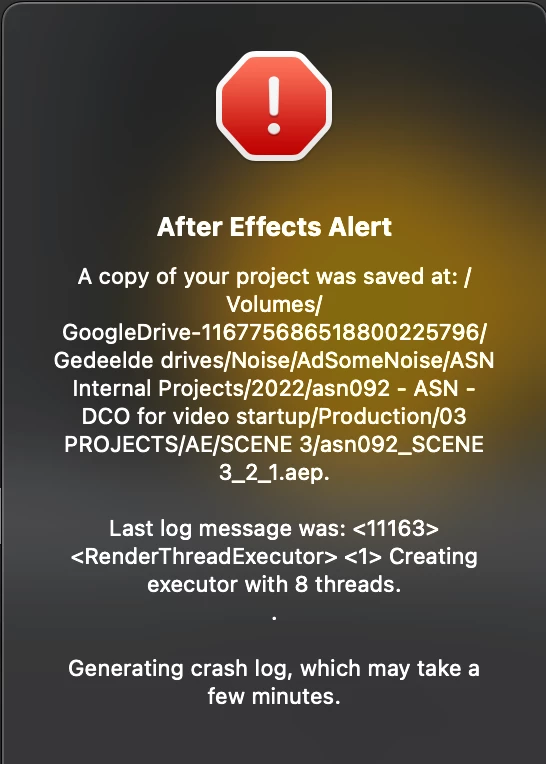
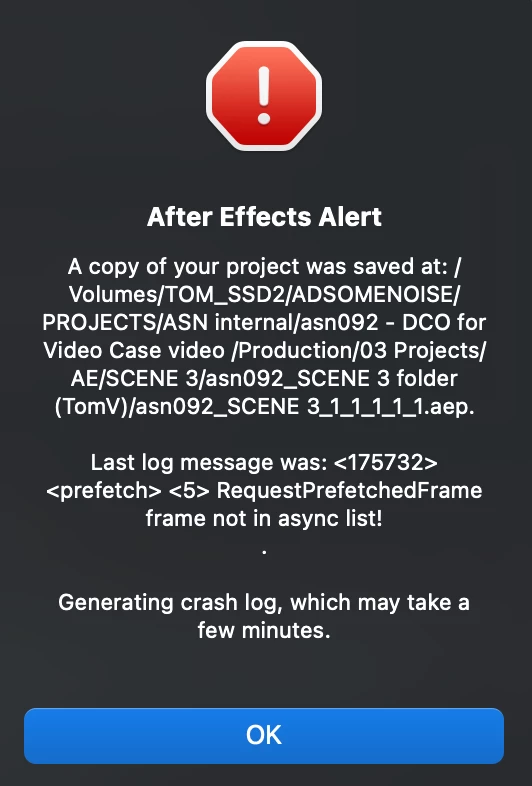
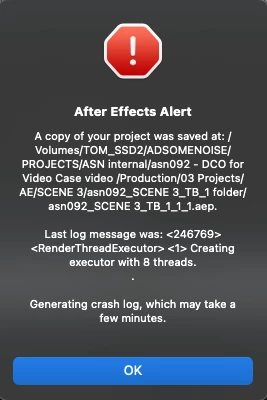
After Effects keeps crashing while working on a project.

  • September 9, 2022
  • 1 reply
  • 758 views

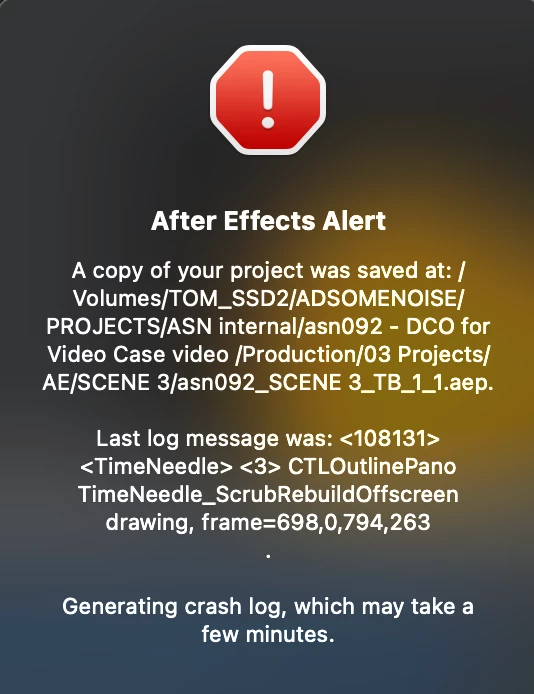
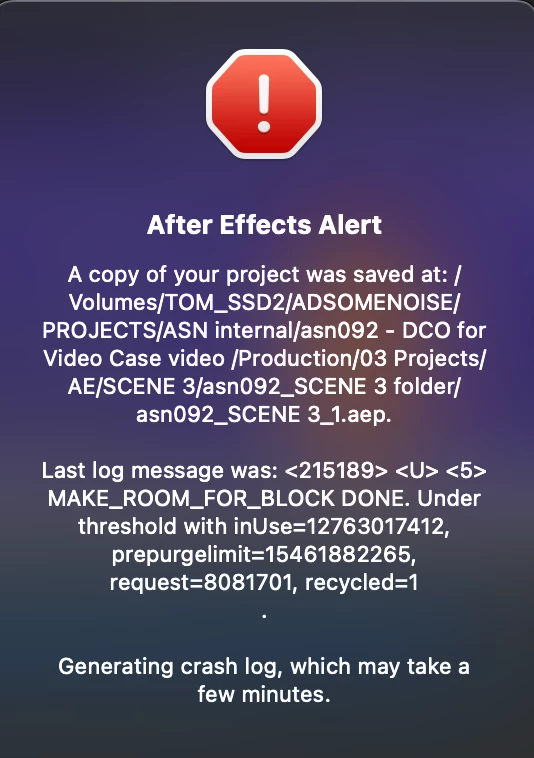
I've been having a bunch of different errors with a project in After Effects, and it keeps crashing.

I have tested the project on different machines and it only happens on my own machine somehow, 

14 inch M1 pro Macbook Pro with 16GB RAM. I have tried it in a bunch of AE versions, 22.4, 22.5 and 22.6 all of them keep having the same issue. No plugins or scripts used, all native AE effects, some mov files and AI files, but nothing special or particularly heavy.. I already uninstalled AE and re-installed it without migrating my previous settings but still no fix.

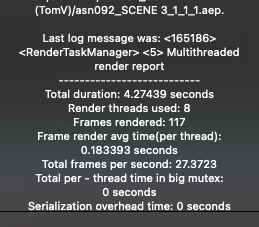
I can open the project but while caching preview frames it will just crash all of a sudden and saves a backup. I had a temporary fix when i re-saved the project under a different name, but after 30 mins or so it crashed again and the issue keeps coming up. Pretty annoying since i have deadlines..
This topic has been closed for replies.

1 reply

Ishan Y
Community Manager
Community Manager
September 10, 2022

Hey Tom Bauwens,


Welcome to the community, and sorry for the issue. Since you're only having this issue with this specific project, could you try importing your current project to a new one and let us know if that makes any difference? If it does not, could you move your project to a more simpler directory, perhaps with not as many subfolders, and see if that works?


Thanks,

Ishan

Participating Frequently
September 12, 2022

Hey Ishan, 

Thanks for your reply, unfortunately both options did not fix the issue. I have been working on the project on an older Intel Macbook for now and I haven't run into any issues on that machine.. I tried a colleague's M1 Macbook and same issues appear as on my M1 Pro so it seems to be an M1 problem as far as I can tell..