



Answered
All my objects and text have turned blue
After 8 years working with After Effect I had something very strange happen today.
I meant to take a screenshot of an AE comp on a mac (using shift + cmd + 3) and my stupid fat fingers messed it up and all the objects and text in my comp turned blue. I searched all over the interwebs and never saw anything like it.
I should note that the comp does export normally, so at least my project wasn't ruined.
If anyone has any idea what happened here, please do let me know.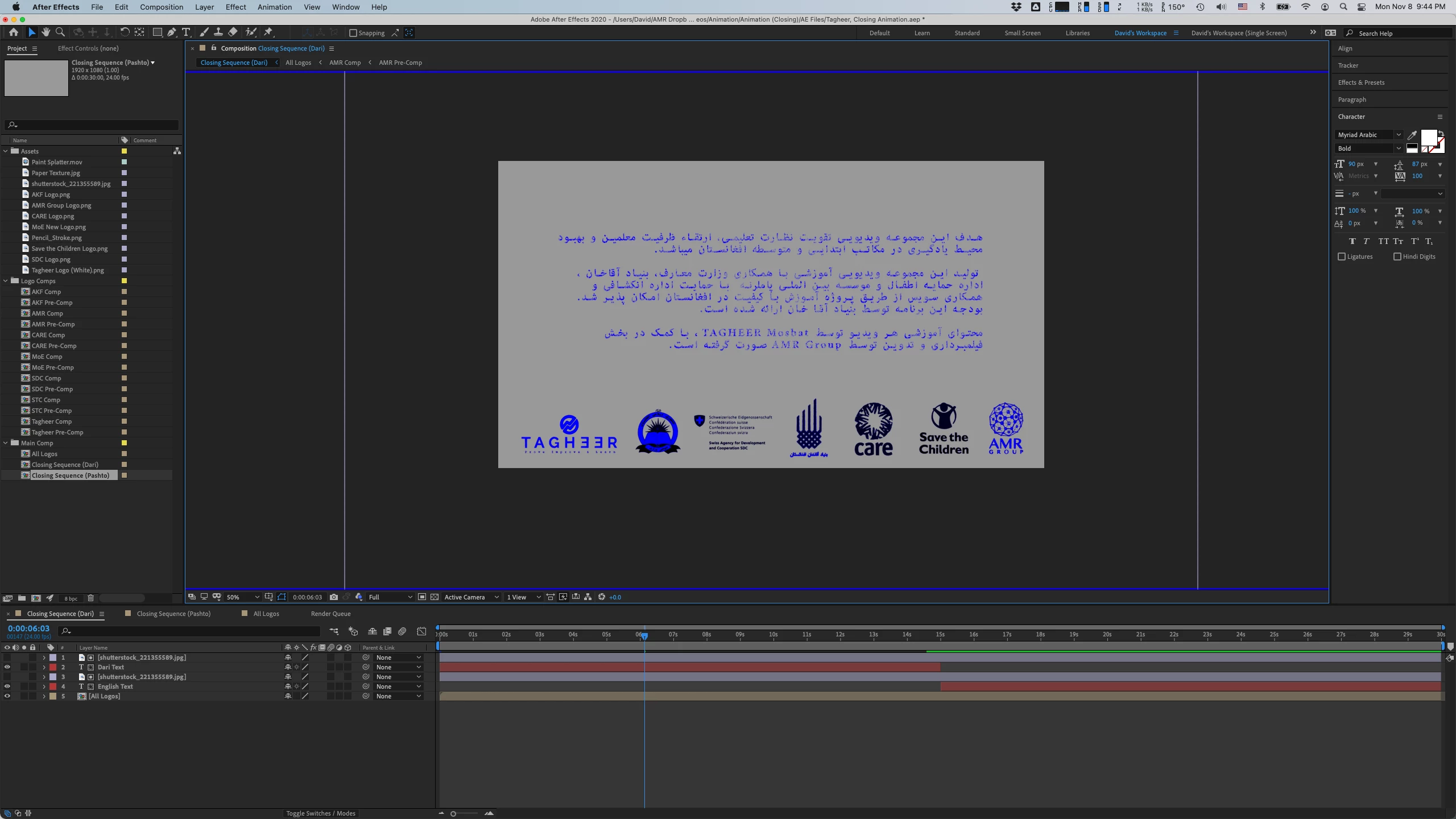
 AdChoices