


Copy link to clipboard
Copied
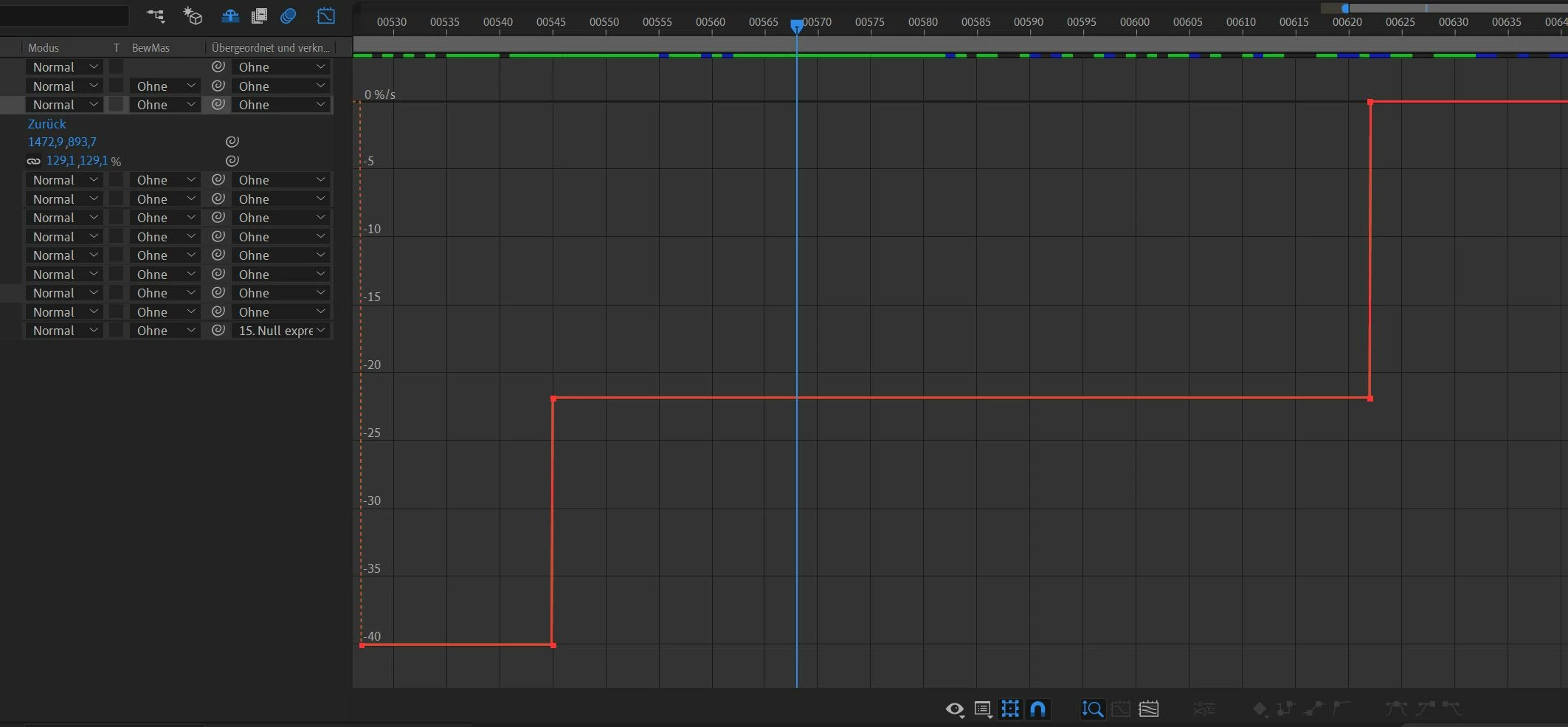
I'm wondering, why my bezier animation curves were displayed edgy with "flat stepped tangents" in the curve editor.
How can I see them properly? The values are slightly growing not in steps.
Thanks
Copy link to clipboard
Copied
You made your screenshot useless by cropping out the important parts. Without knowing what properties you animated using what keyframe methods nobody can tell you why it's stepped and whether that is correct or not.
Mylenium
Copy link to clipboard
Copied
Douchebag answer again
Copy link to clipboard
Copied
It looks like you are using the speed curve not the value curve. This curve indicates you that you have several constant speed segments. Click over the second icon in the bottom of the Timeline Panel (Grpah type and Options) and choose Edit Value Graph.
Get ready! An upgraded Adobe Community experience is coming in January.
Learn more