



Automation Blocks - Open a Comp
I'm running a .jsx script that creates a bunch of comps and footage automatically.
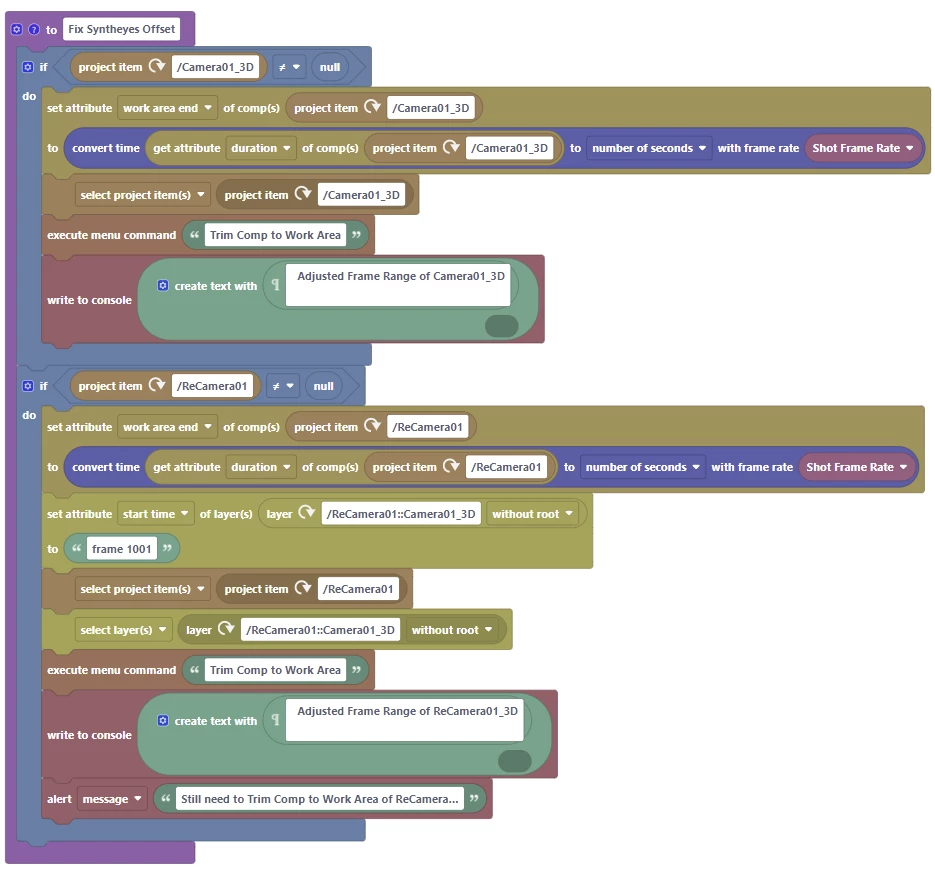
I'm able to run the .jsx and it does what it does just fine. The .jsx creates a couple of comps and brings to the front one of two comps. I'm able to do some after action steps on one of the created comps "Camera01_3d" upto and including a execute menu command block "Trim Comp to Work Area". This is all great!
`
Where I'm having an issue is opening the second comp in the forefront of After Effects to run the execute menu command block on the second comp.
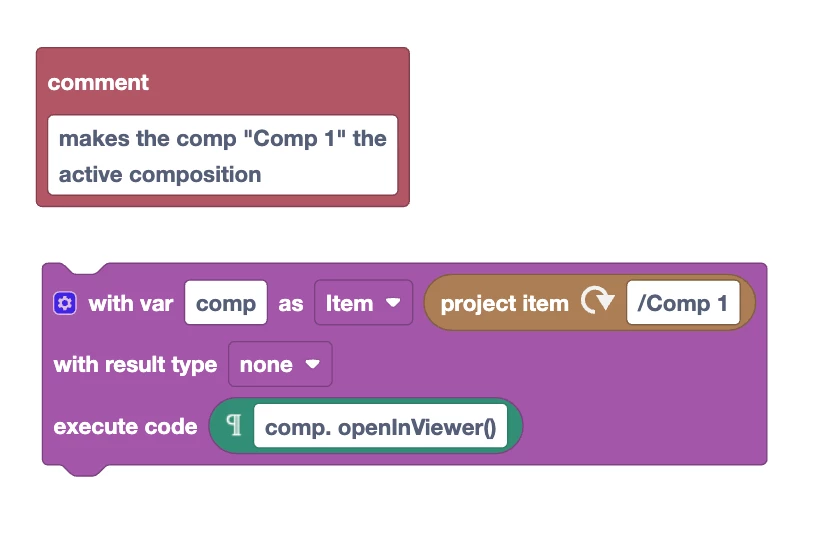
How can I "open" the (second) ReCamera01_3d comp to run the menu command? I tried the select project items block, and select layer(s) block and neither of these brings the comp to the front.
As always, any input is appreciated!
 AdChoices