



Question
C4D file doesnt show in AE project
Hi there,
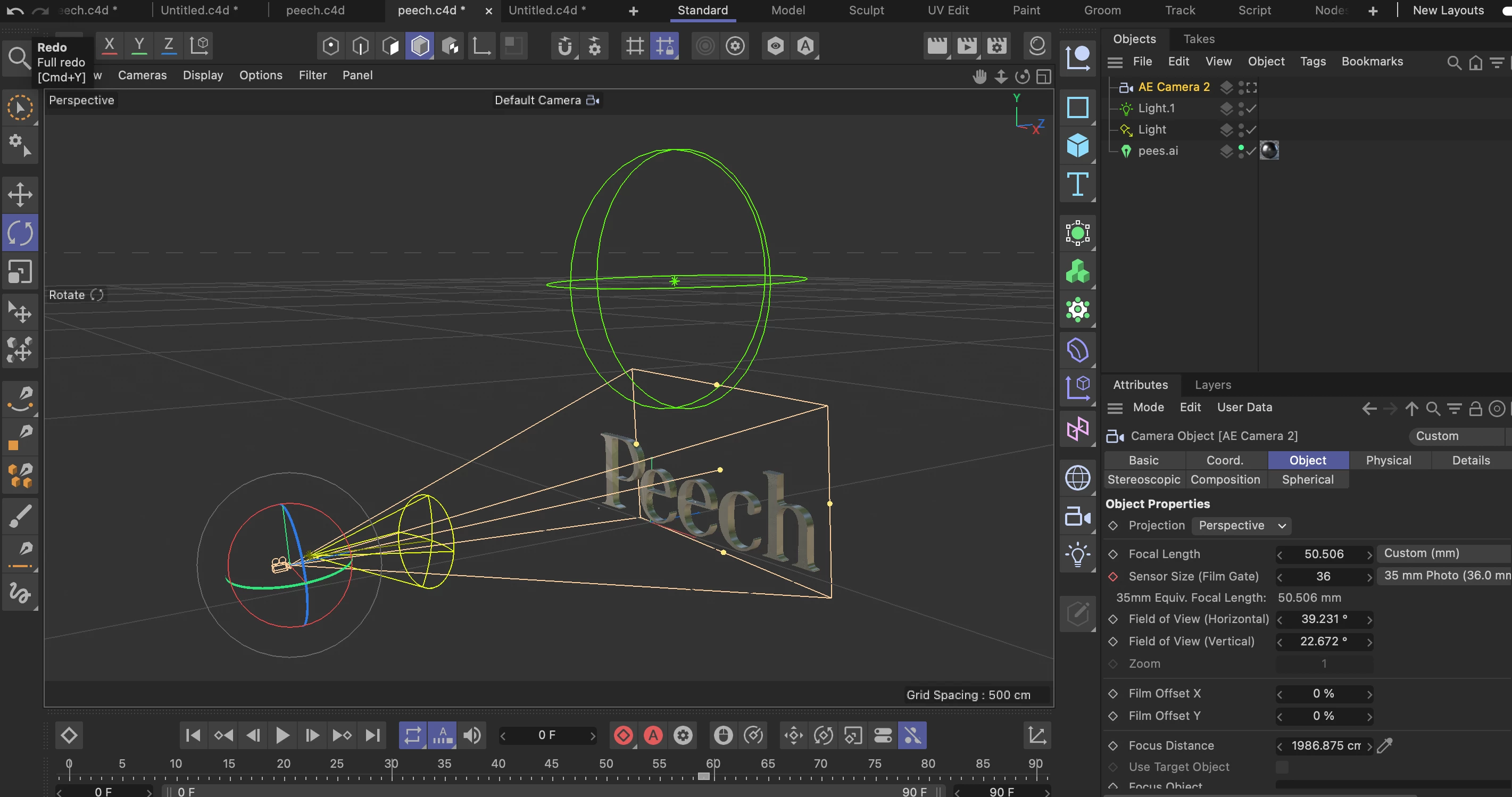
I've set up at very simple extruded svg in C4D r25 and tried to use it in the 3D mode in AE 22.0.1 build 1 on a macbook pro 2020 with 16 GB ram and a M1 8core graphics chip. I'm fairly new to C4D.
Even though my live link seems to be all fine and the even the cameras are syncing (see screenshots) I'm not able to see any of my simple 3D model render in after effects 😣
Could any of you tell me what I'm missing here? I don't get any error messages or anything - I do have to add that I've experienced the whole 3D mode in AE to be very buggy and defecient.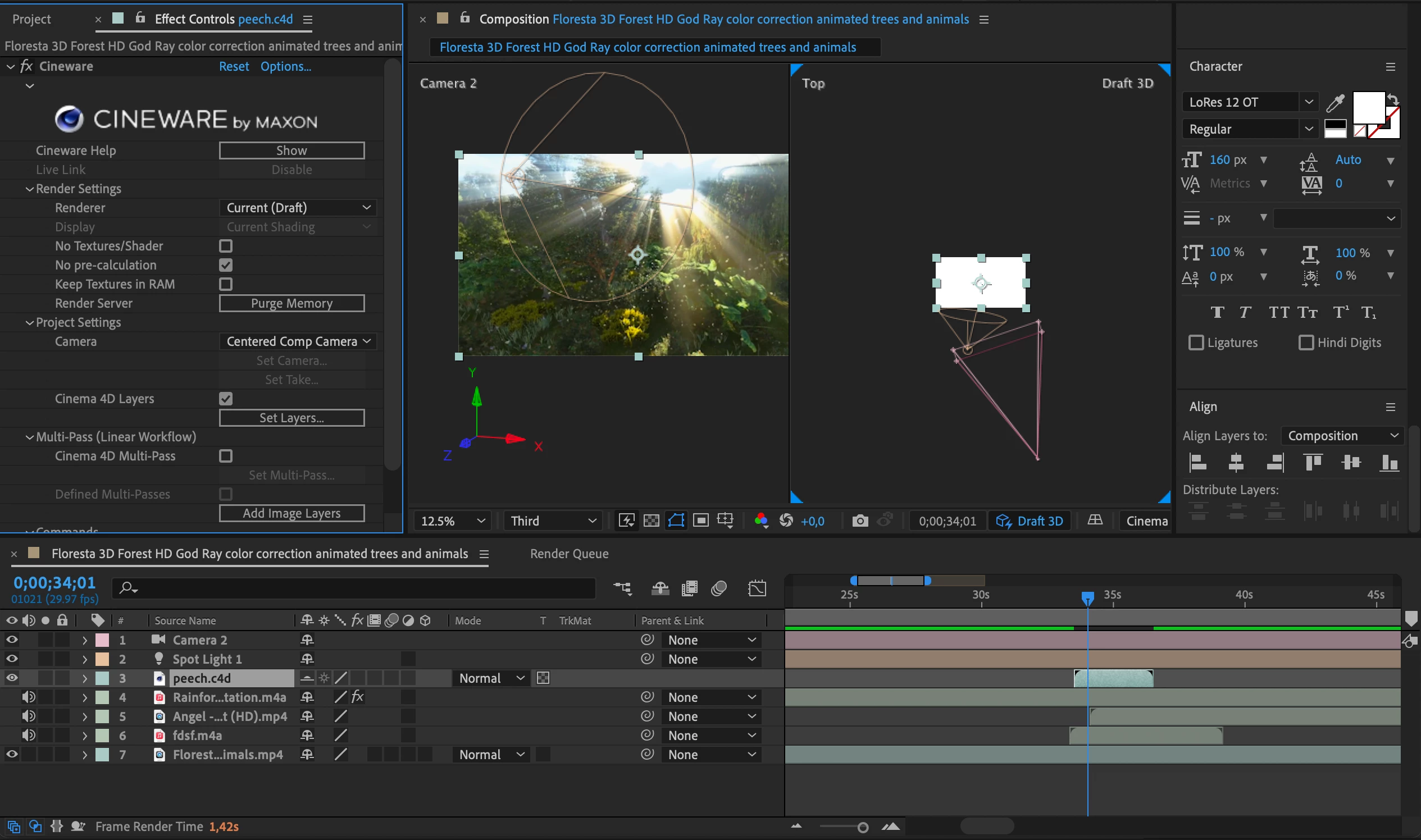
Thanks a lot for helping out,
 AdChoices