



stib
Inspiring
May 9, 2020
Answered

CEP Panel development, where to put CEP panel folders?

  • May 9, 2020
  • 1 reply
  • 4363 views

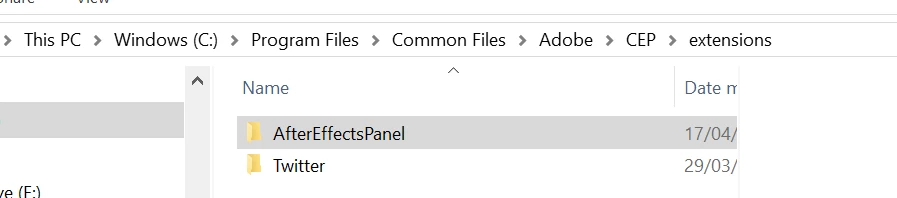
I've downloaded a CEP panel sample from Adobe's repo  and according to the docs here I've put the sample AfterEffectsPanel folder in

C:\Program Files\Common Files\Adobe\CEP\extensions

and I tried in:

%Appdata%\Roaming\Adobe\CEP\extensions

But it's not showing up in the list of extensions in AE. Is there something I'm doing wrong?
This topic has been closed for replies.
Correct answer stib

I found the problem. The sample files that Adobe has on their github are all really old, because Adobe. So the max version number in the manifest.xml files were set to 15.9 or something. I changed it to 99.9 and the sample extensions are now visible.

1 reply

Mathias Moehl
Community Expert
May 9, 2020

Did you enable debug mode? Without debug mode only signed extensions will show up.

https://github.com/Adobe-CEP/Getting-Started-guides/tree/master/Client-side%20Debugging#set-the-debug-mode

Mathias Möhl - Developer of tools like BeatEdit and Automation Blocks for Premiere Pro and After Effects
stib
stibAuthor
Inspiring
May 10, 2020

Dang, I was hoping that would do it, but by the looks of it debug mode is already on.

stib
stibAuthorCorrect answer
Inspiring
May 11, 2020

I found the problem. The sample files that Adobe has on their github are all really old, because Adobe. So the max version number in the manifest.xml files were set to 15.9 or something. I changed it to 99.9 and the sample extensions are now visible.