


Answered
Change starting position with drop down expression
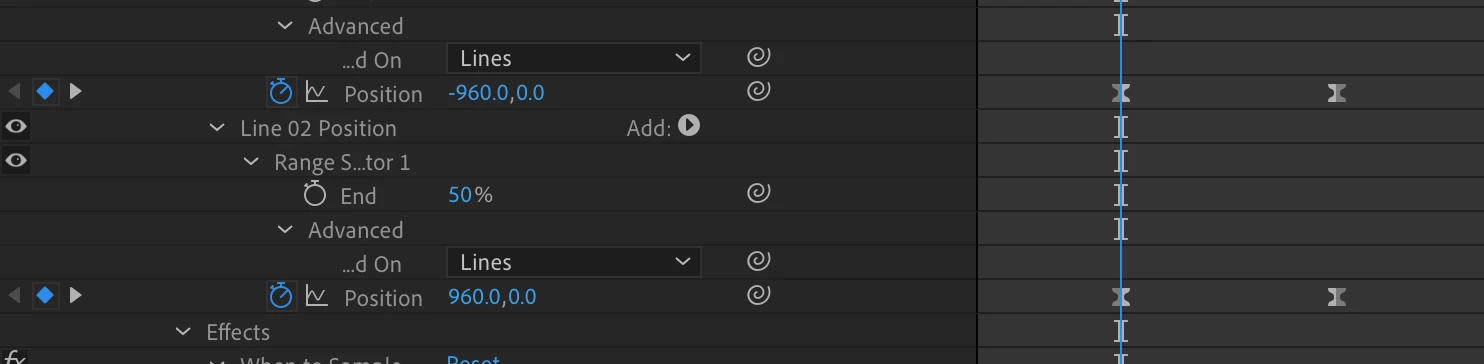
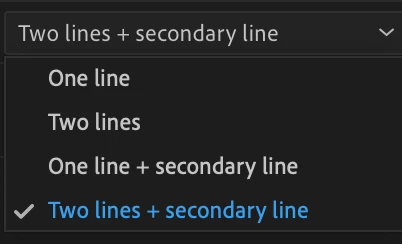
I have animated two lines of type for a template where they animate from opposite starting positions and then come together. The drop down in the template allows one line of type, two lines and a third option where both lines have the same starting position.
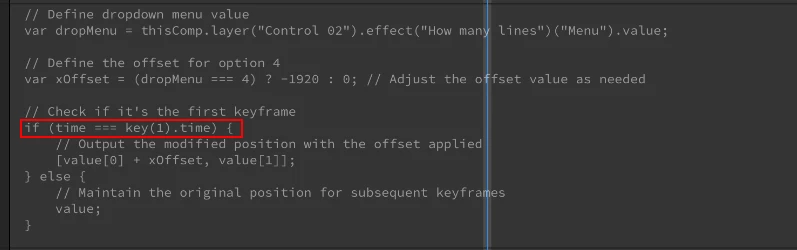
I've tried using this expression all with no luck.
dropMenu = effect("Dropdown Menu Control")("Menu");
myListe = [960, 960, -960];
myPlace = myListe[dropMenu - 1];
key1 = key(1).value[1];
key2 = key(2).value[1];
xVal = linear(value[1], key1, key2, key1, myPlace + key2);
[,xVal,value[0]];
Any help would be appreciated. 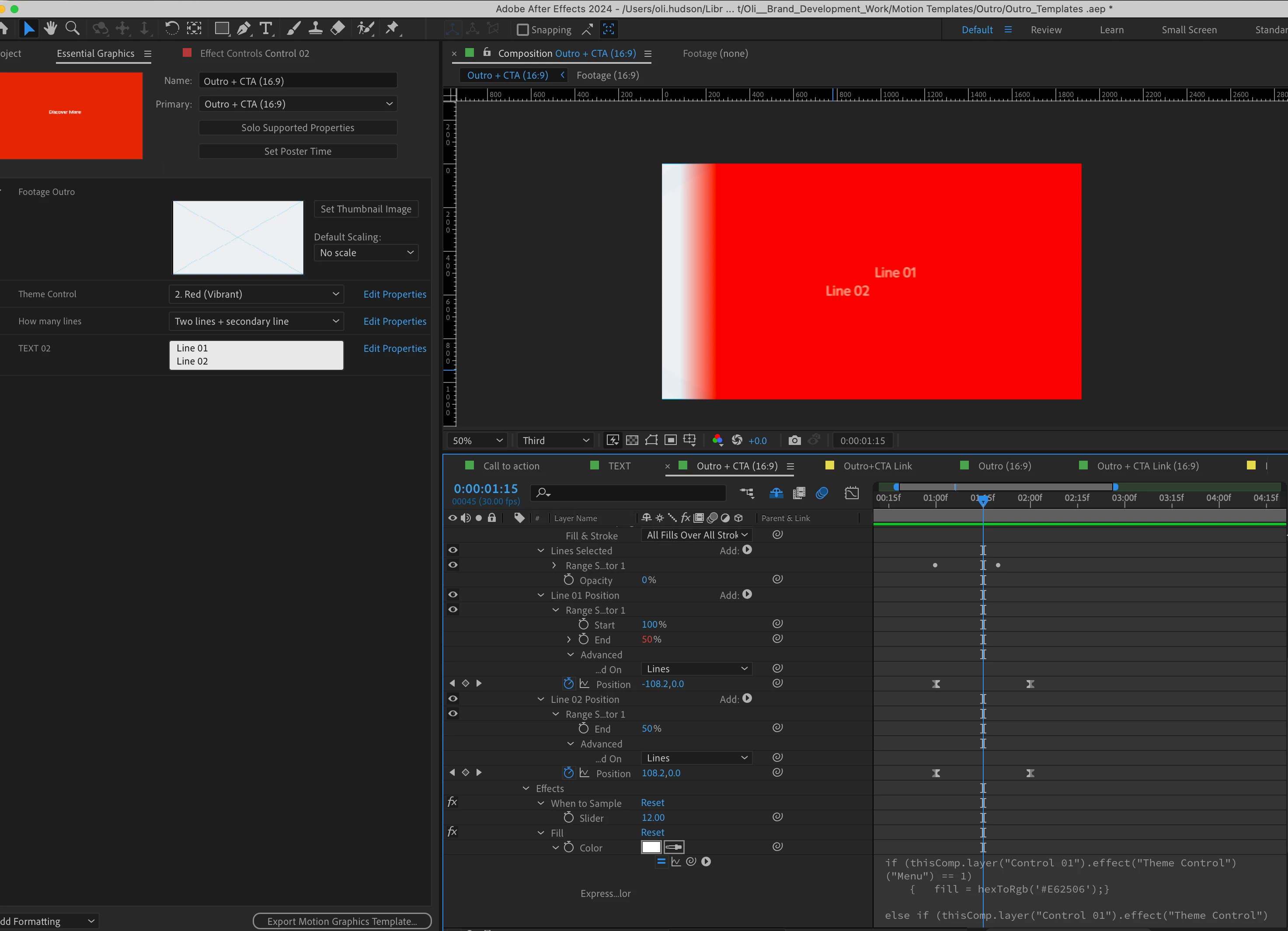
 AdChoices