picturerealmstudios-au
Participating Frequently
April 7, 2023
Answered

Choppy Animation for Text Title Reveal

  • April 7, 2023
  • 2 replies
  • 2142 views

Hello everyone,


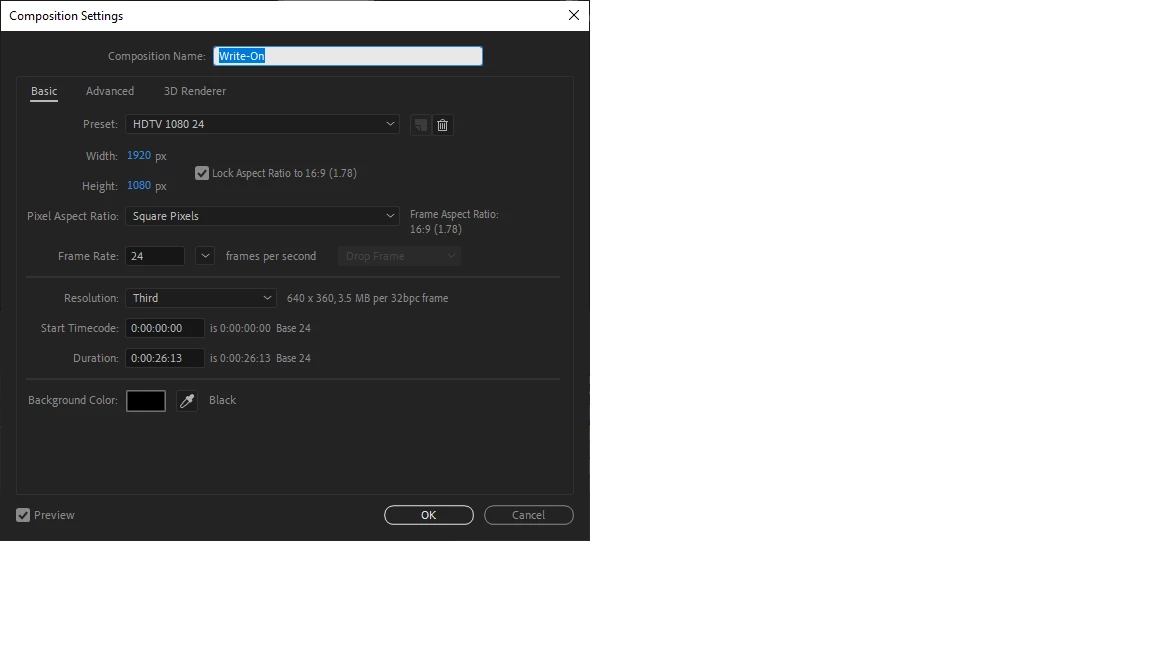
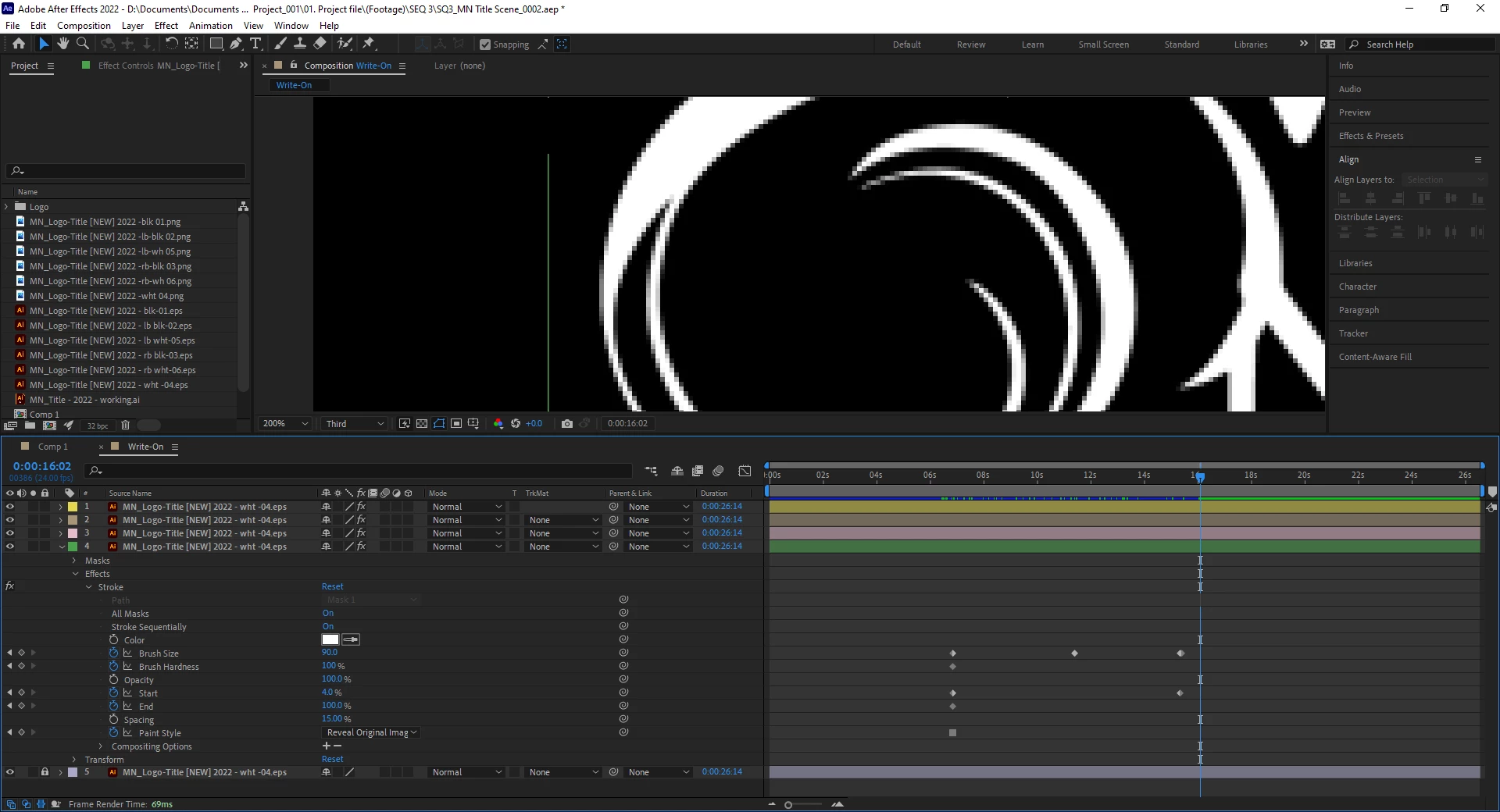
I've searched for hours on the community, youtube and google to try different strategies on how to smooth animation for text reveal. It is pretty smooth until it gets to the end of the swirl and starts chopping. I thought maybe it was just during the preview but when I export it, it's still the same. I cannot use Rove Across Time because it is grayed out, and there are no keyframes in between except for the first and last keys. I've tried Ease In / Out. I've uploaded some screenshots to see the content and used a Pen Tool to create the reveal.

I will try my luck with animation curve graph but I haven't really used that technique and wondering if there is a easier, better solution.

Any suggestions would be amazing.
This topic has been closed for replies.
Correct answer ShiveringCactus

Well, obviously I have to upvote you now.  Thank you for your kind words.

When I first watched your animation, I noticed the preview was set to third, which gave me hope that maybe this was a skip frames issue, but then you said it also occurs when exported.  Then I noticed that you're controlling the reveal by animating the start property.  And I was able to replicate the "jumping" or choppiness.  Animating the end property produces a smooth animation.  I've checked the online help and there's no indication why this should happen, but it does.  
It might be worth converting the masks to Shape paths and then you can animate using the trim path function.  (And use a track matte for the reveal).

Hope that all makes sense and welcome to Forumin'. (Doesn't really work)

2 replies

ShiveringCactus
Community Expert
Community Expert
April 7, 2023

Looks like you're using Stroke to reveal an image and you have mutiple masks.  When you say choppy, is the animation quickly filling in elements towards the end, as the stroke gets near 100%?  Or is it jumping the last points of the final mask?

picturerealmstudios-au
Participating Frequently
April 10, 2023

Omg, the Shivering Cactus? I'm following you on YouTube and bookmarked your webpage. Man, I love your work and content! This is amazing for me right now . . . but yes, I am using a stroke reveal. Probably should have used a different term instead of "choppy" but the animation of the curl isn't smooth when it gets near the 100%. It is smooth initially, then starts jumping at 30 - 40% to the end of the curl.

As this is confidential work - it is hard to post the whole image. It is typography animation with customised fonts and the first letters have tails that curve all at the same time. The two of them in the video and screen capture get jumpy, even when exported.

ShiveringCactus
Community Expert
ShiveringCactusCommunity ExpertCorrect answer
Community Expert
April 10, 2023

Well, obviously I have to upvote you now.  Thank you for your kind words.

When I first watched your animation, I noticed the preview was set to third, which gave me hope that maybe this was a skip frames issue, but then you said it also occurs when exported.  Then I noticed that you're controlling the reveal by animating the start property.  And I was able to replicate the "jumping" or choppiness.  Animating the end property produces a smooth animation.  I've checked the online help and there's no indication why this should happen, but it does.  
It might be worth converting the masks to Shape paths and then you can animate using the trim path function.  (And use a track matte for the reveal).

Hope that all makes sense and welcome to Forumin'. (Doesn't really work)

Mylenium
Legend
April 7, 2023

What does choppy even mean? Sorry, but this is kind of pointless without seeing it in motion and/ or having more reference frames to look at. Being zoomed in and viewing stuff at one third resolution certainly doesn't help, either. I find it impossible to make any sense of your info.


Mylenium