


color mangement issue with after effects and premiere
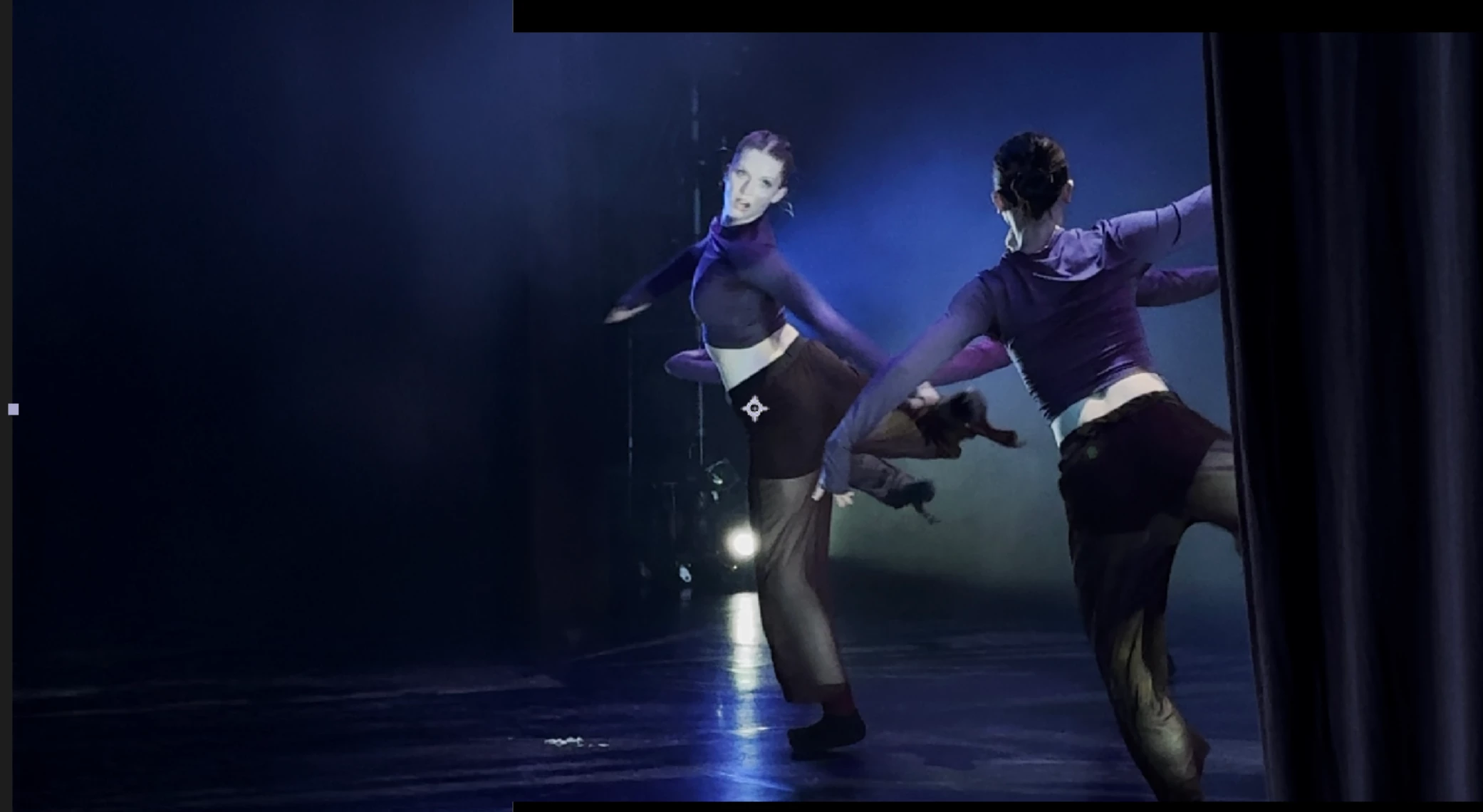
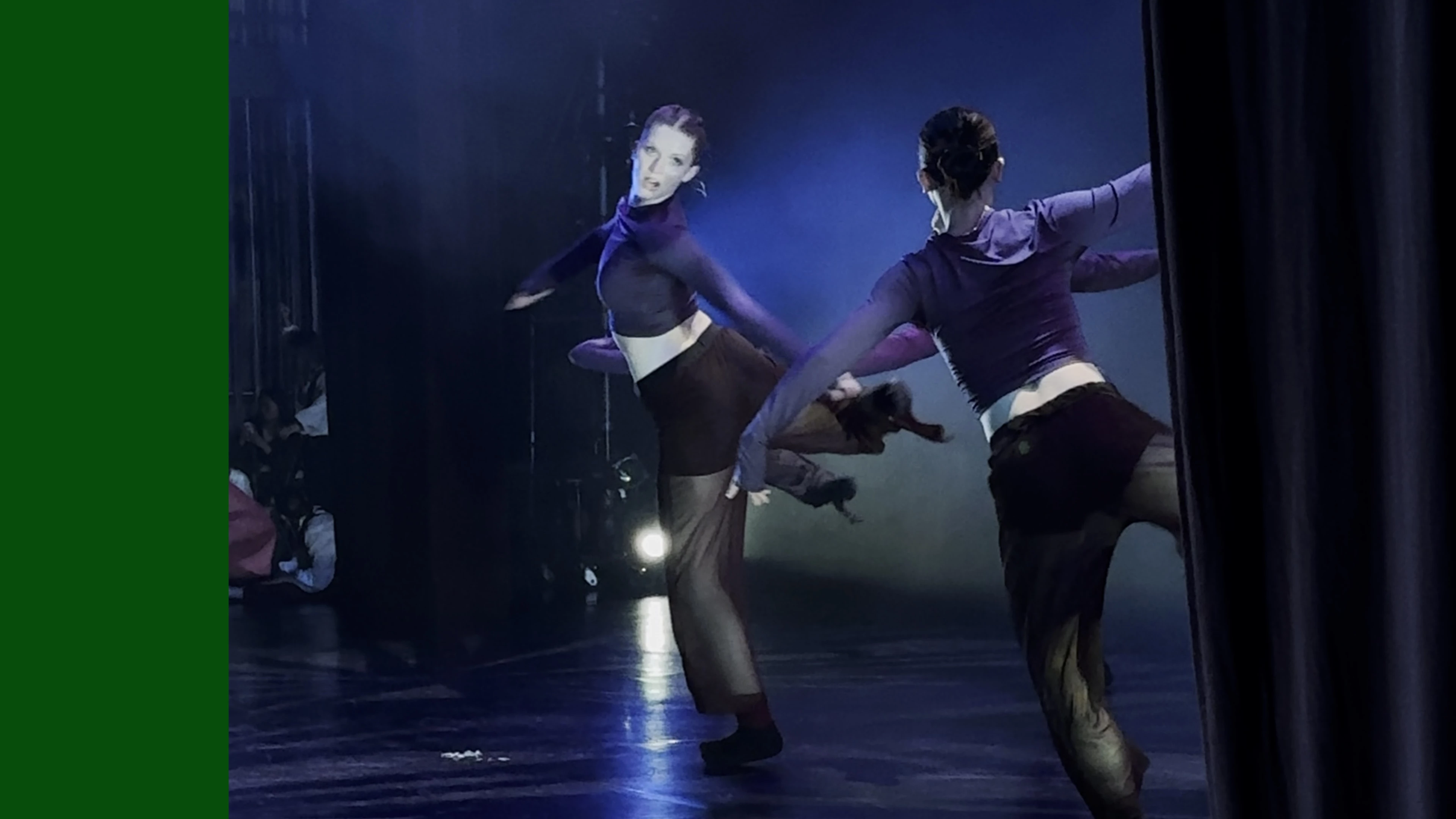
a client asked me to expand the background of their video so it could be cropped a certain way. i took a screen grab via premiere and expanded the image's background via photoshop. i then converted the footage in premiere pro into an after effects composition via dynamic link. then i imported the png of the expanded background into the AE comp.
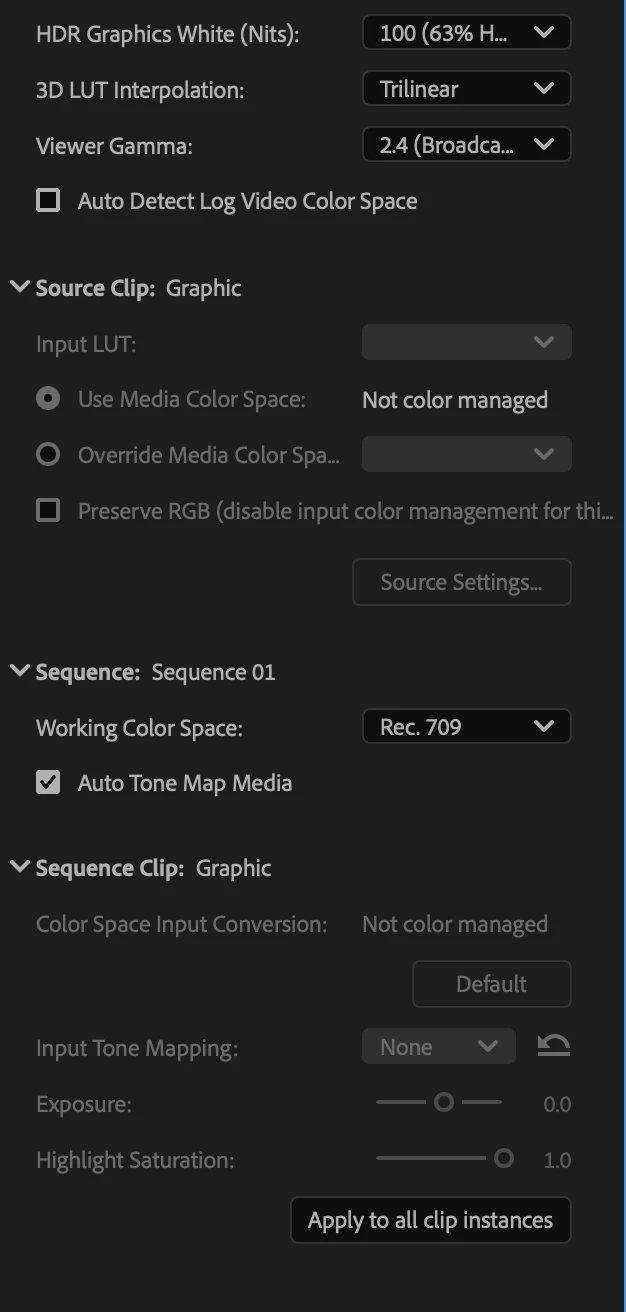
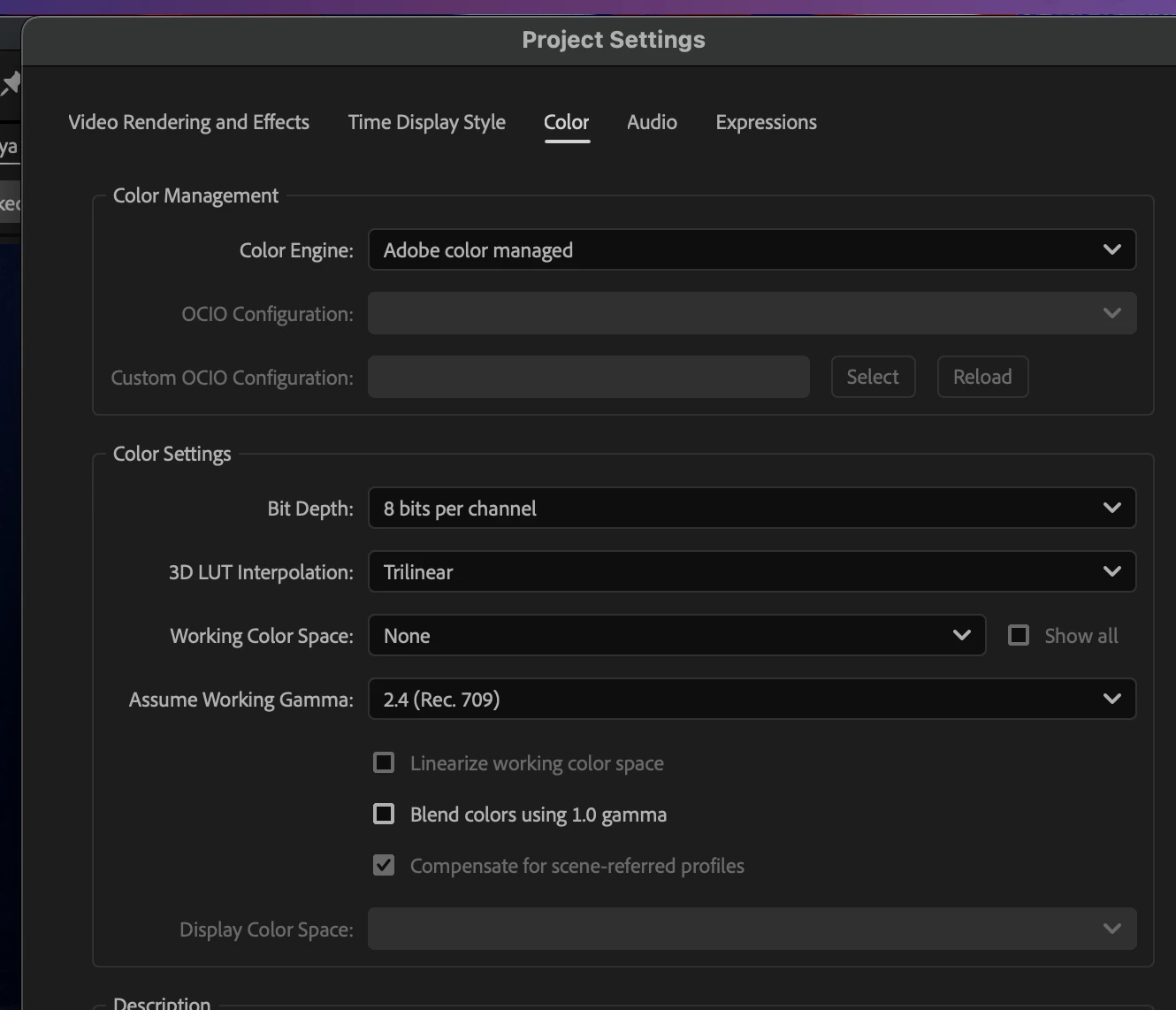
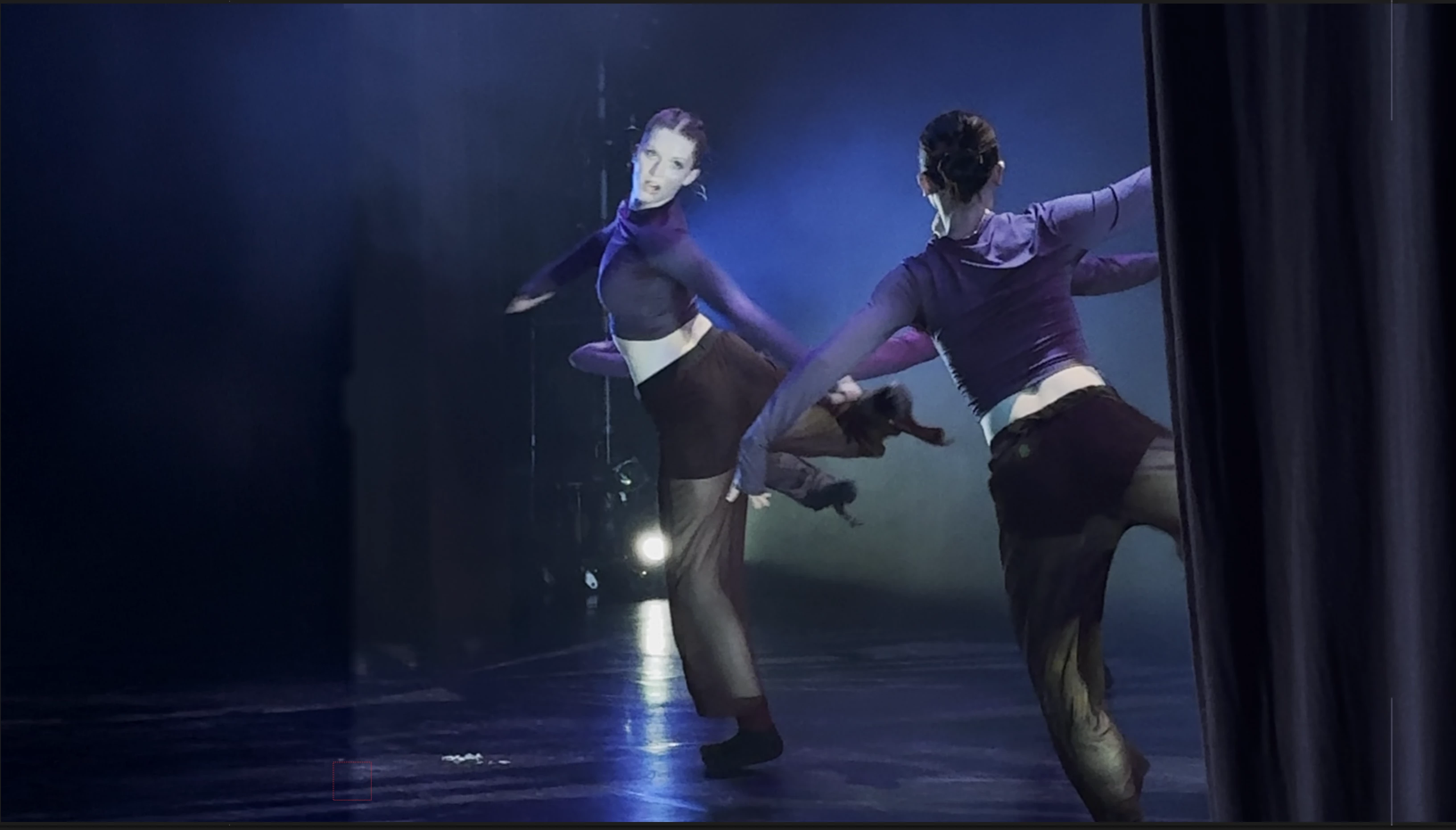
the issue is that the expanded background has higher contrast than the footage in after effects. it looks like after effects is interpreting the footage in a different color space (?), making the expanded background appear with darker darks. this discrepancy in color happens only in after effects. i tried to find a way to color manage the png and comp but im stuck. doing rough color correction on the png doesnt create the seemless effect i was looking for either. if theres something i should do in terms of color settings/management, please let me know! i've attached screenshots to illustrate the issue further. i tried messing with after effects's color settings but didn't get any good results.
 AdChoices