


Consolidate duplicate precomps when using "Duplicates from Spreadsheet" script by Automation Blocks
Hey all,
I’d like to create multiple variants of a video with the help of the “Comp Duplicates from Spreadsheet” script provided by Automation Blocks. But the way I need to use it, I end up with a lot of duplicated pre-comps, which makes further adaptations more difficult.
Let’s say I create a template for a product video containing one pre-comp for the product image and one pre-comp for the call-to-action. If I let the script create videos with all possible combinations for 5 different products and 5 different CTAs, I end up with 5 exact duplicates for each product pre-comp as well as for each of the CTA options.
Does anyone know how to adapt the script to re-use comps that were already created by the script? Is it possible to have the script first look in the project bin, if the pre-comp already exists with the exact name before it will create a new one multiple times?
OR
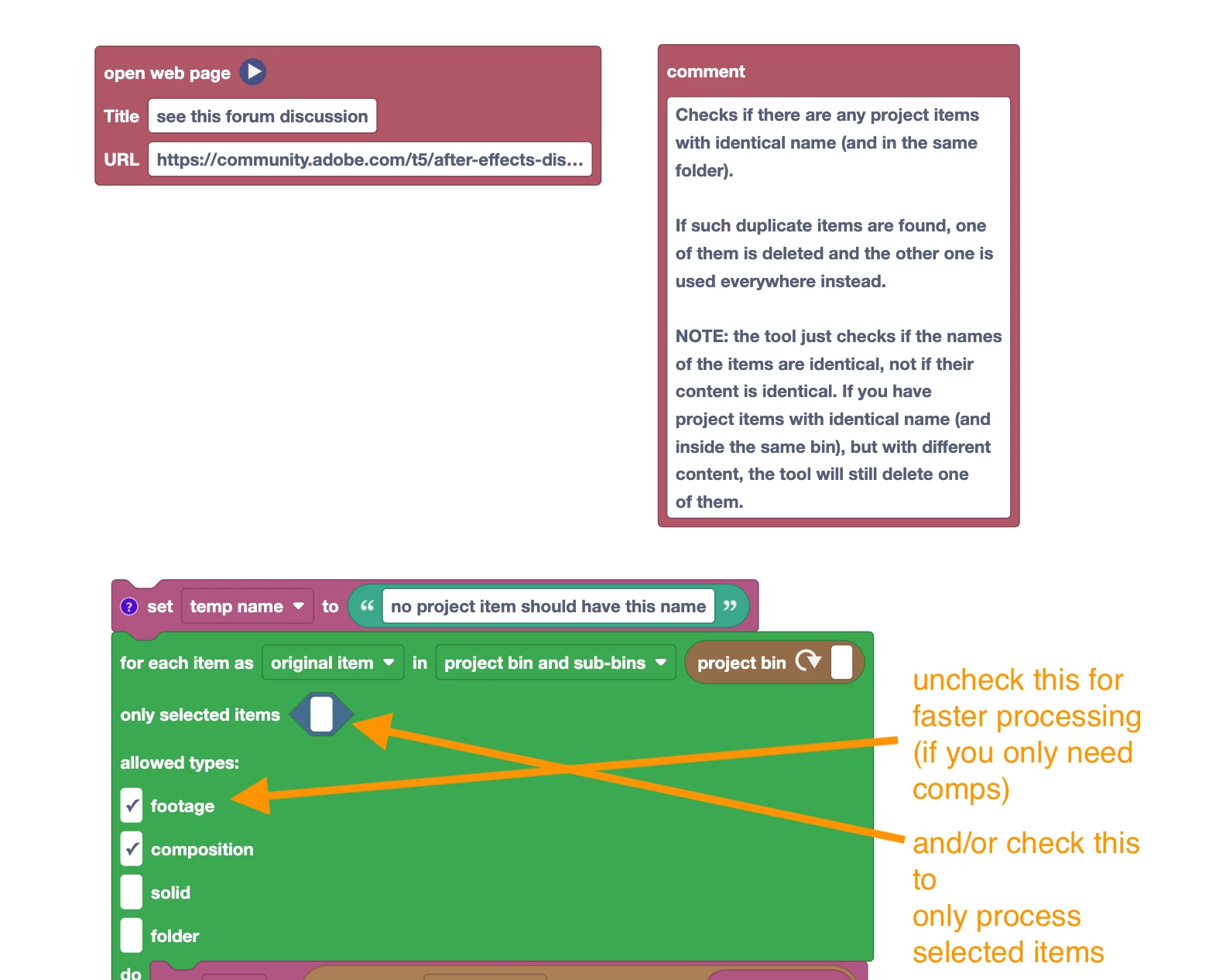
Alternatively would it be possible to create a separate script with Automation Blocks for consolidating duplicate comps (similar to how the AE function "Consolidate All Footage" works)?
(I am aware that AE allows to have multiple comps with the exact same name and different content, but for this case let's assume all comps have a unique name before creating variants from spreadsheets)
Thanks a lot,
Sabine
 AdChoices