


Create a flexible frame in after effects
Hi there,
I've been struggling for two days now trying to figure out how to create a flexible frame/container, with it's size deterimined by two seperate shapes. I've found loads of tutorials on flexible text frames using the sourceRectAtTime expression, though nothing on just shapes. After some thought and playing around I applied the trasnform.position to my container rectangle using one of the other shape's (the blue square) position, which seems to have got me a step closer, though still not quite right. See the gif below.
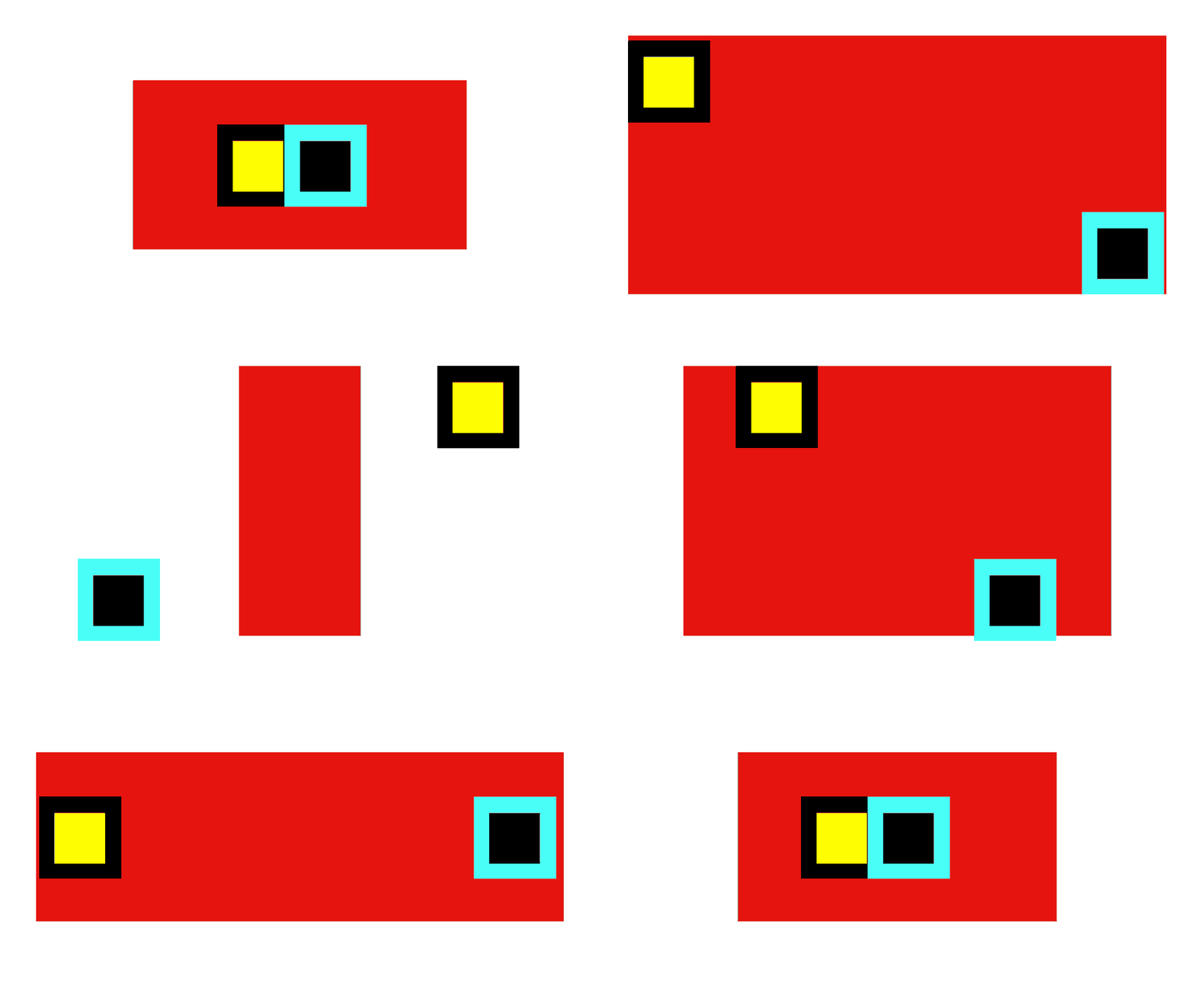 Ideally, I would like the red rectangle to act as the 'container' for my two squares. The strokes represent the padding I would like on each of the smaller squares. I'm still kinda new to expressions and have been trying to learn as I go, but this one has me stumped on how to write it.
I suspect I need to define:
- one square as my red rectangle's width and the other for the height
- include a max value and min value to prevent the red rectangle shrinking past the smaller squares
Below is a screen grab of my layers for reference.
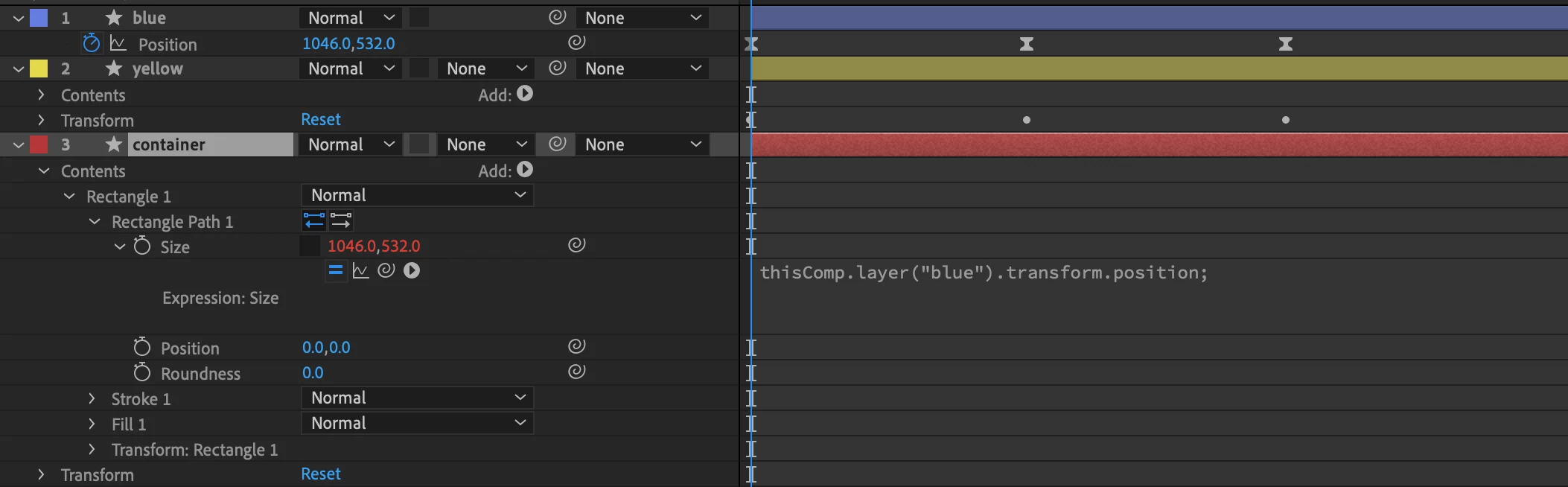
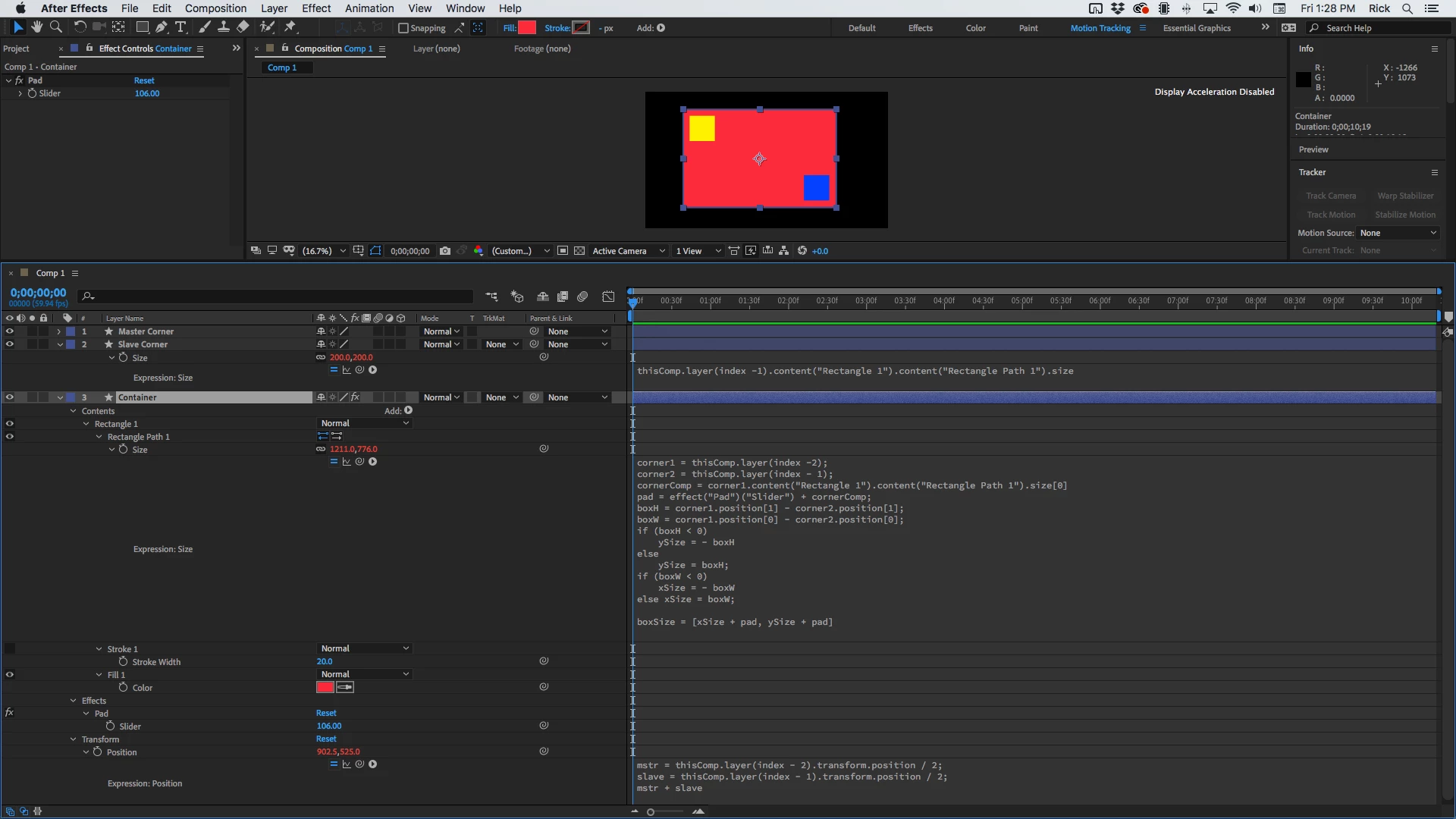
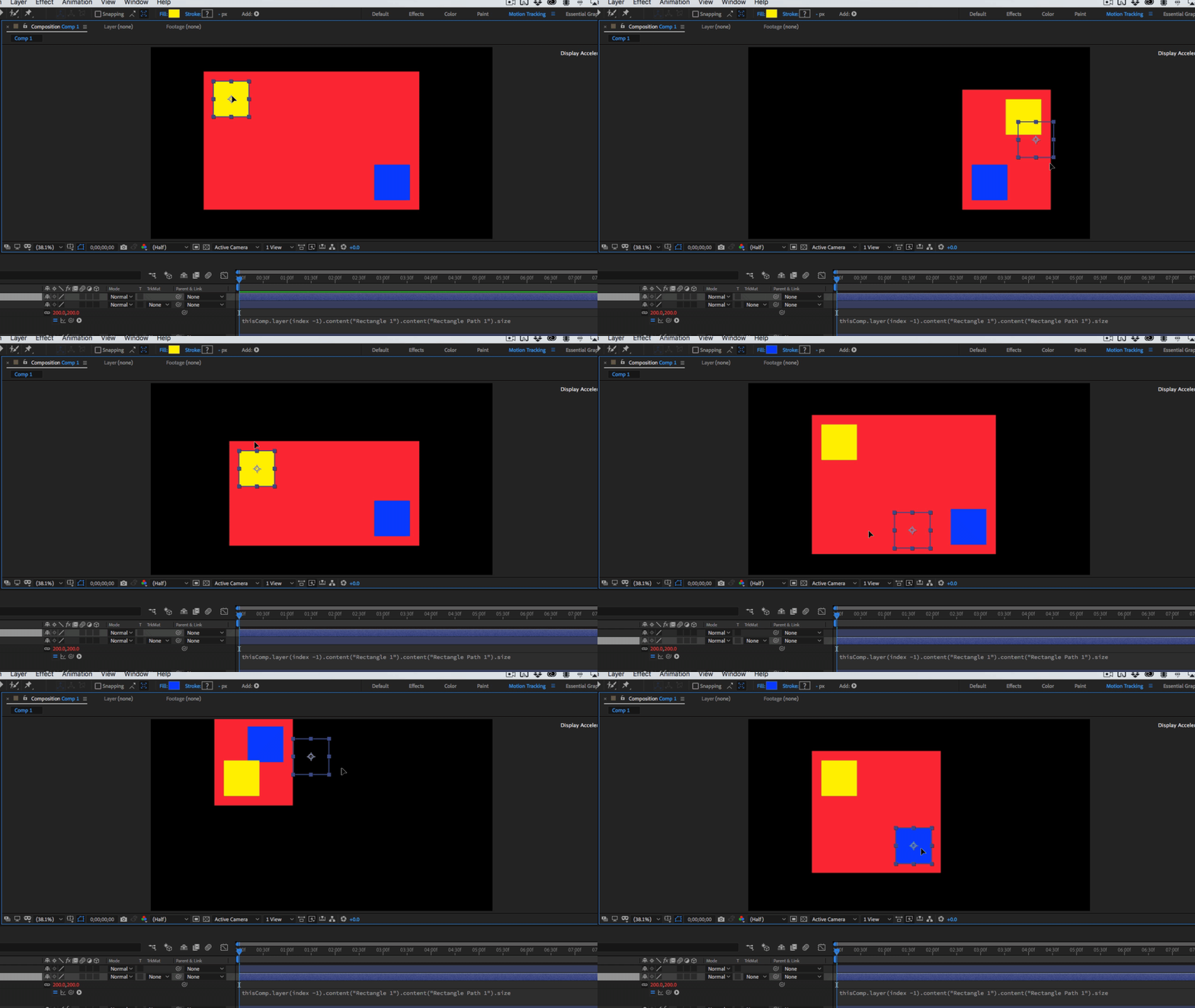
I did try a version where I've done everythihg manually, though this is not practical and not as accurate as I would like it to be. Any help would be greatly appreciated! Please! I beg of you After effects community of awesomeness!
 AdChoices