

Answered
Error showing file doesn't exist
Error showing file doesn't exist, even after opening from the source file.
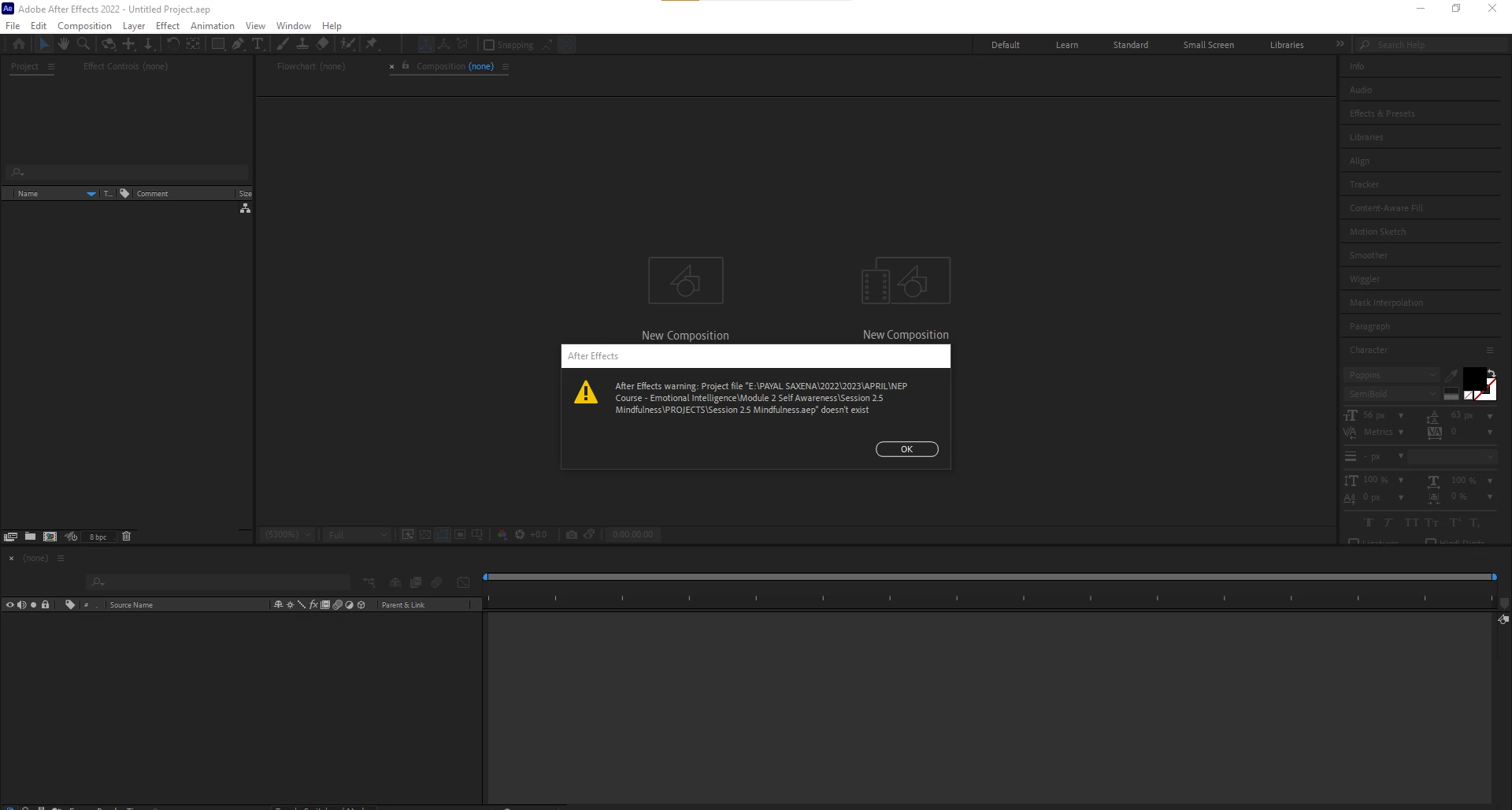

Error showing file doesn't exist, even after opening from the source file.
Yup the two spaces was the thing! Thank you @jenkmeister17177426 🙂
This was a new and frighting issue for me, as it applied to all my autosaves as well! I guess we did a CC updated since I last opened the project.
And I sypathize with the long path name issue- working at a facility with multiple media servers and nearly 2 decades with of assets... Generaly AE provides a warning dialog specific to the file path being too long, in my experience. 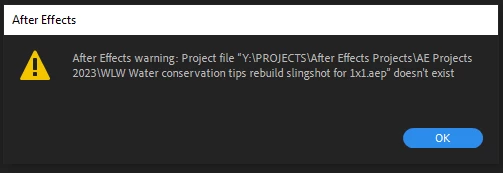
Already have an account? Login
Enter your E-mail address. We'll send you an e-mail with instructions to reset your password.
 AdChoices