If the shape layer is already in position but you need to center up the Anchor Point on the shape you first select the Anchor Point tool (y), turn Snapping on in the toolbar, then select the layer in the timeline, then grab the Anchor Point with the Anchor Point (pan behind) tool and drag it to the center of the Ellipse.
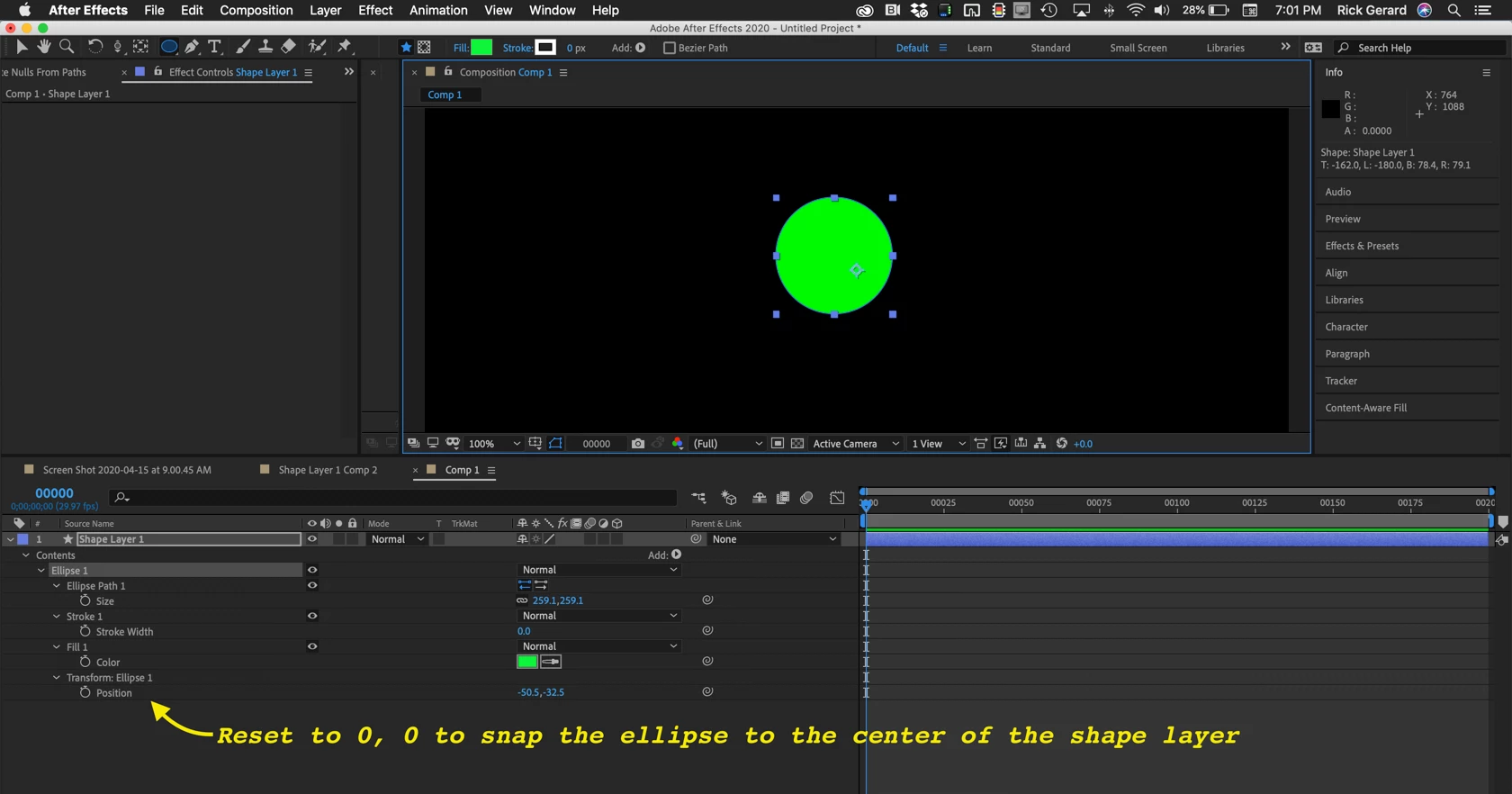
If you have created some shape layers but have not yet positioned them, Select one of the shape layers, press the U key twice to reveal all modified properties, then reset the Ellipse >Transform Position and Anchor Point settings. The Anchor point of the layer will now match the anchor point of the ellipse and they should not move when scaled. You should do this when you are creating the shape layers if you intend to adjust the position later or have already created the shape layer and have not positioned it.
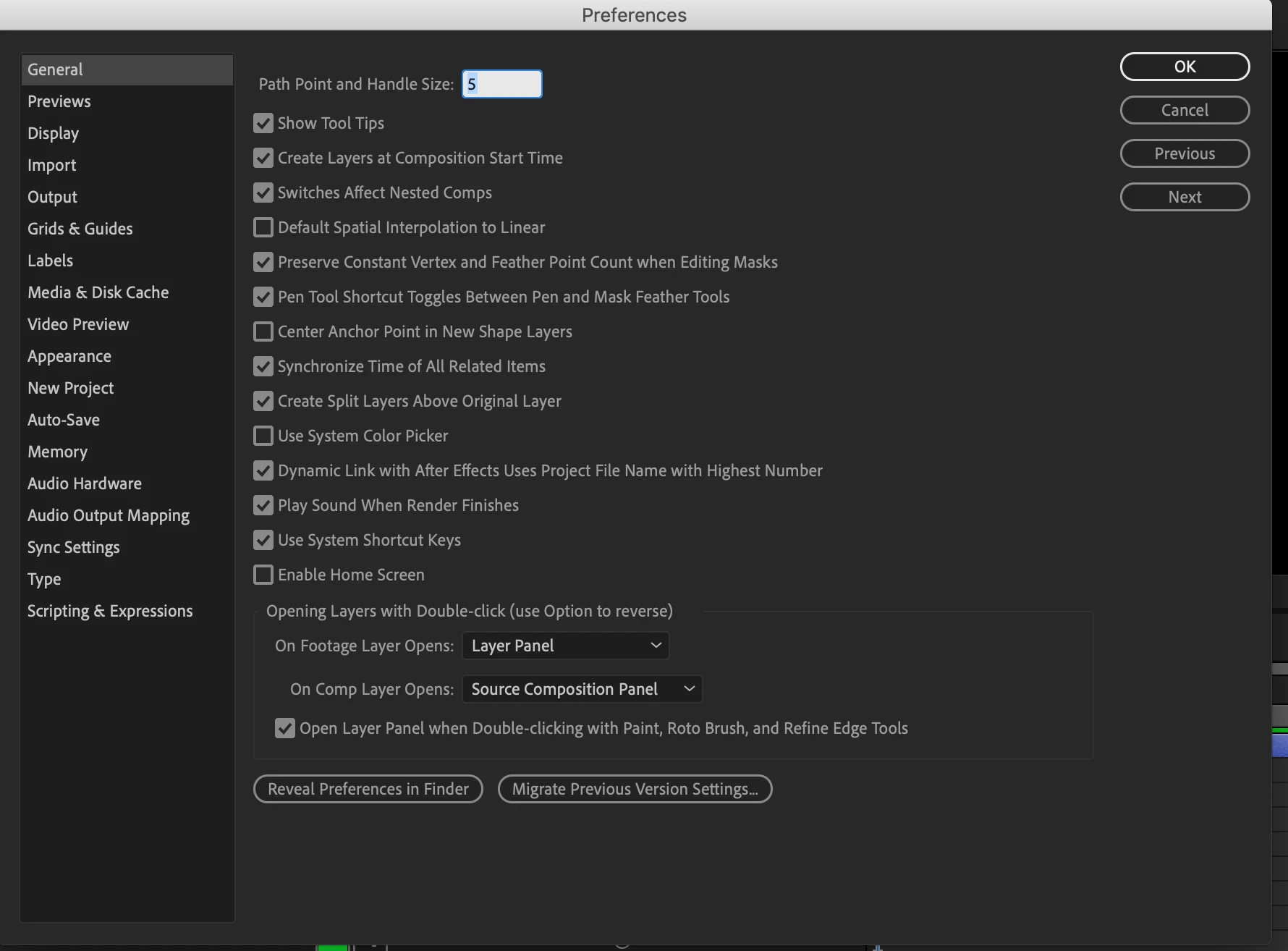
If you have not yet created the shape layer you can open the After Effects Preferences>General panel and turn on Center Anchor Point in New Shape Layer to automatically center the anchor point in the first shape you draw on a new shape layer.
All of these techniques are explained in the User Guide and some or most of them are demonstrated in the User Guide Tutorials.
Hi Rick_Gerard,
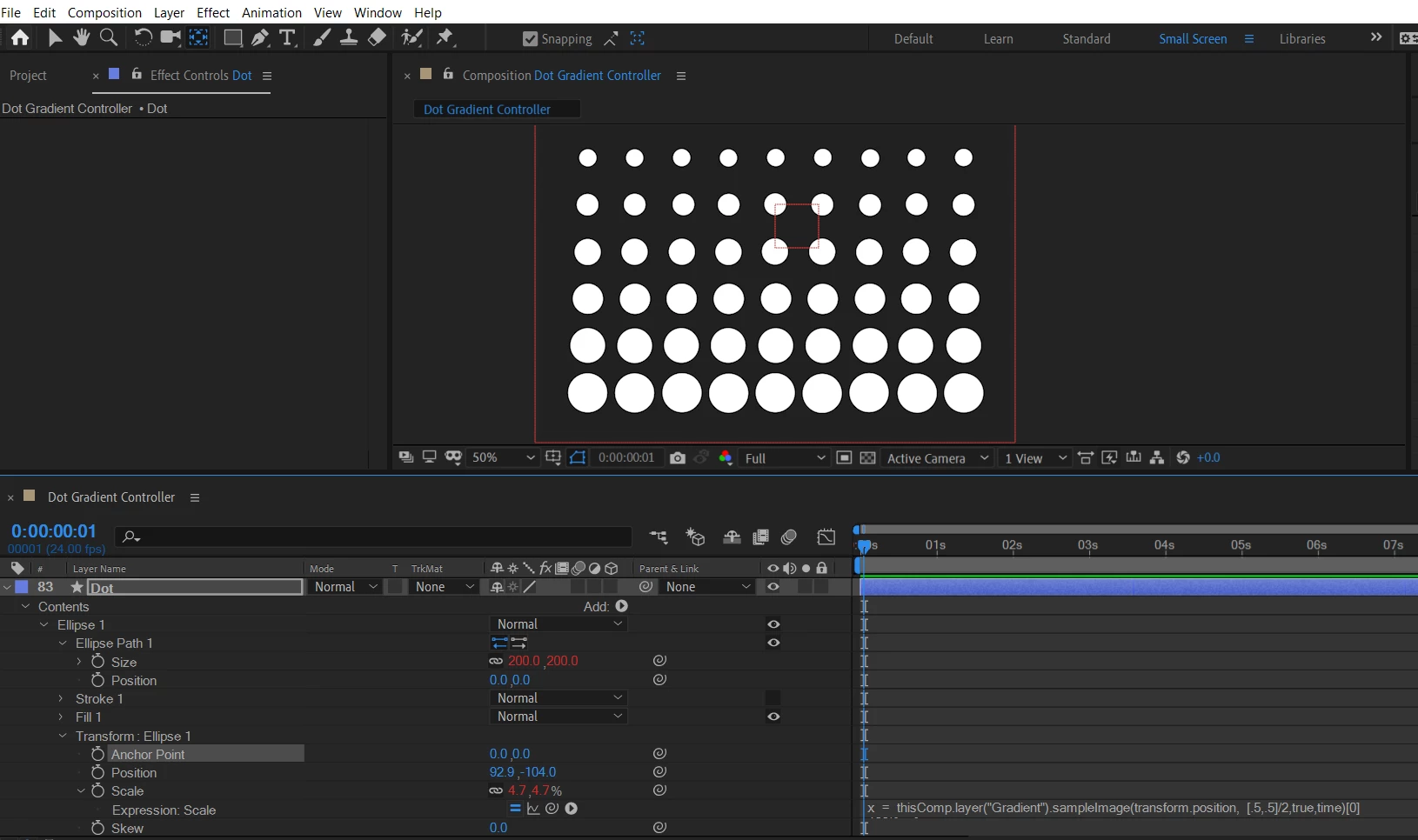
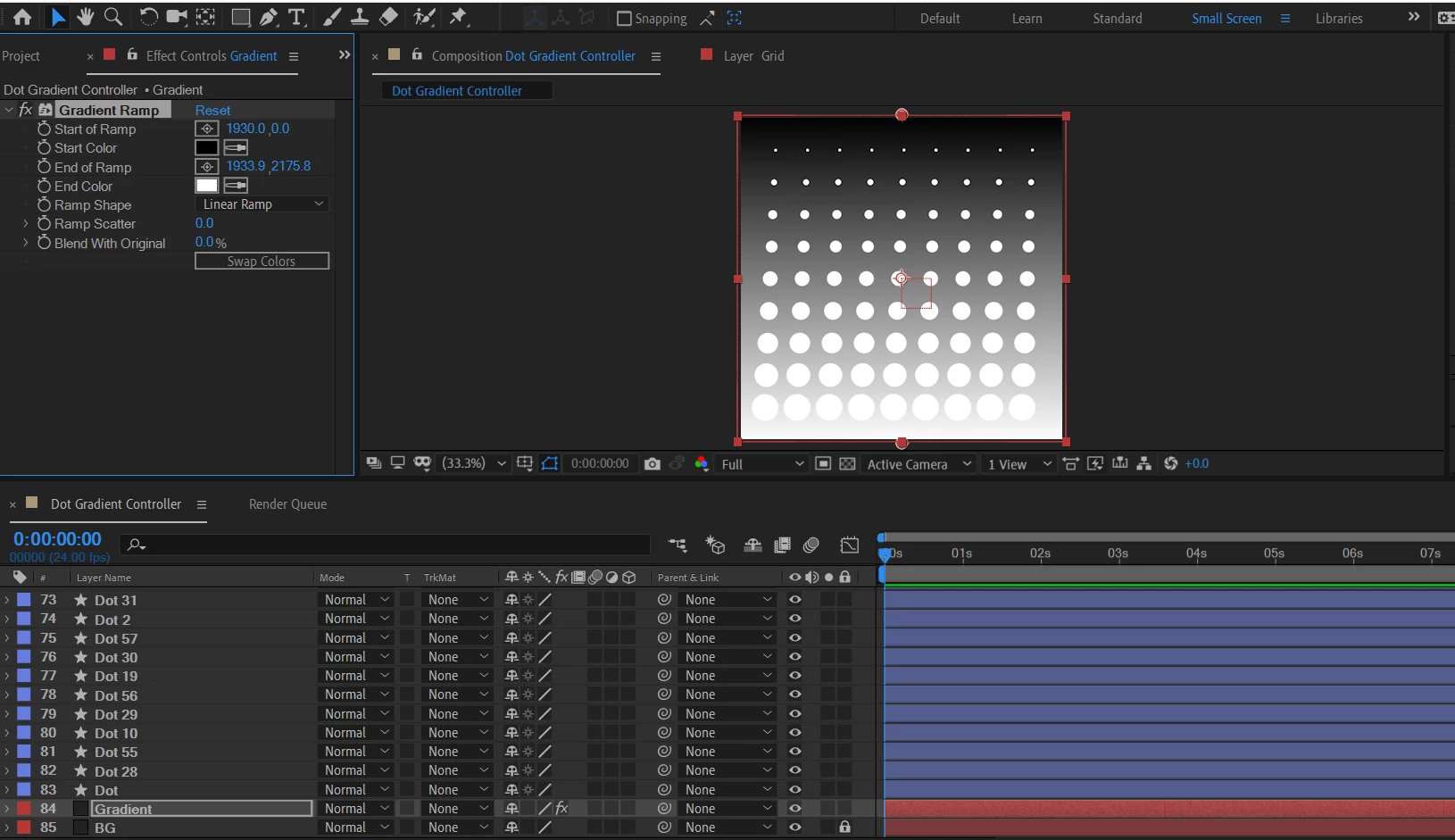
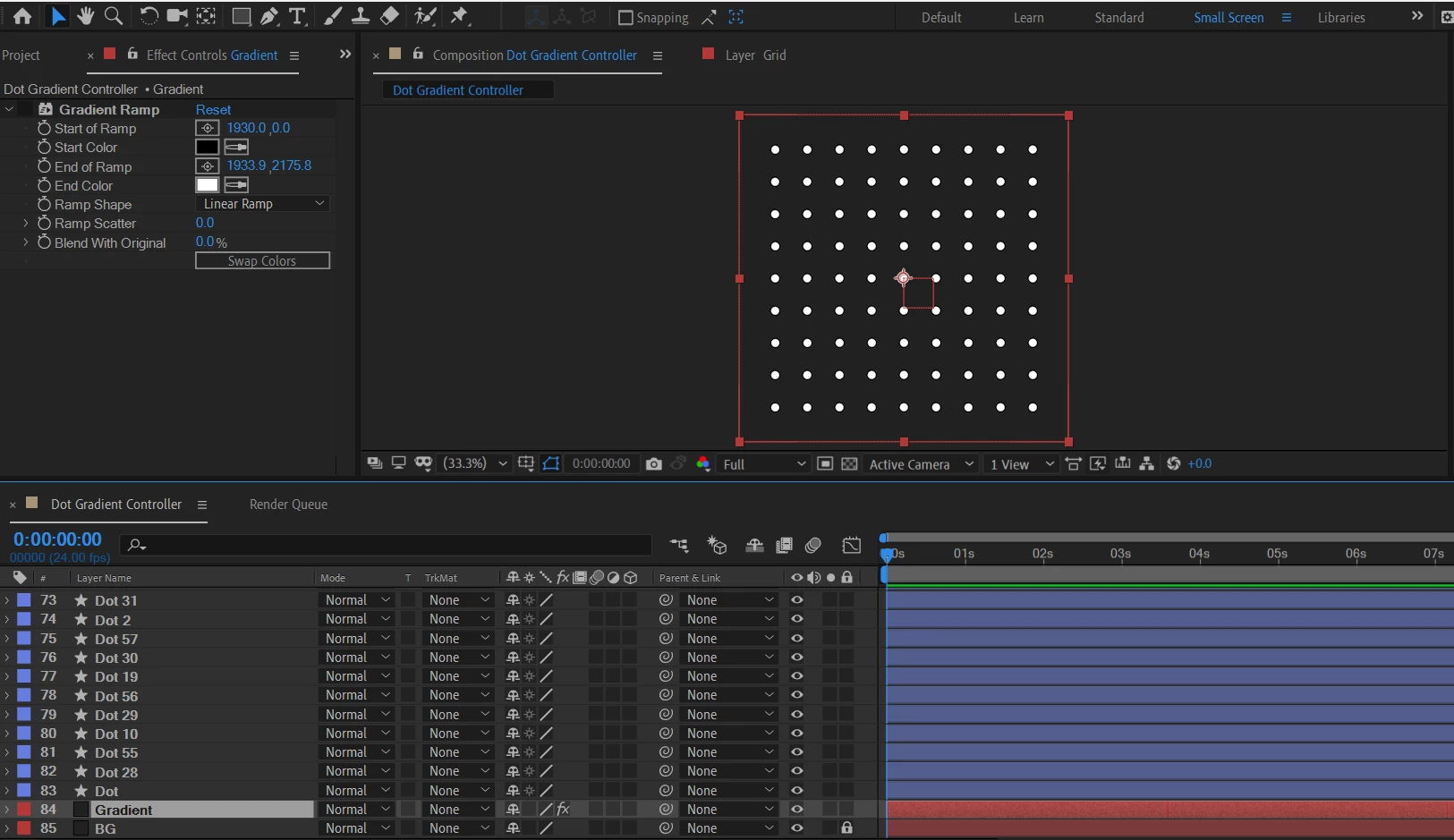
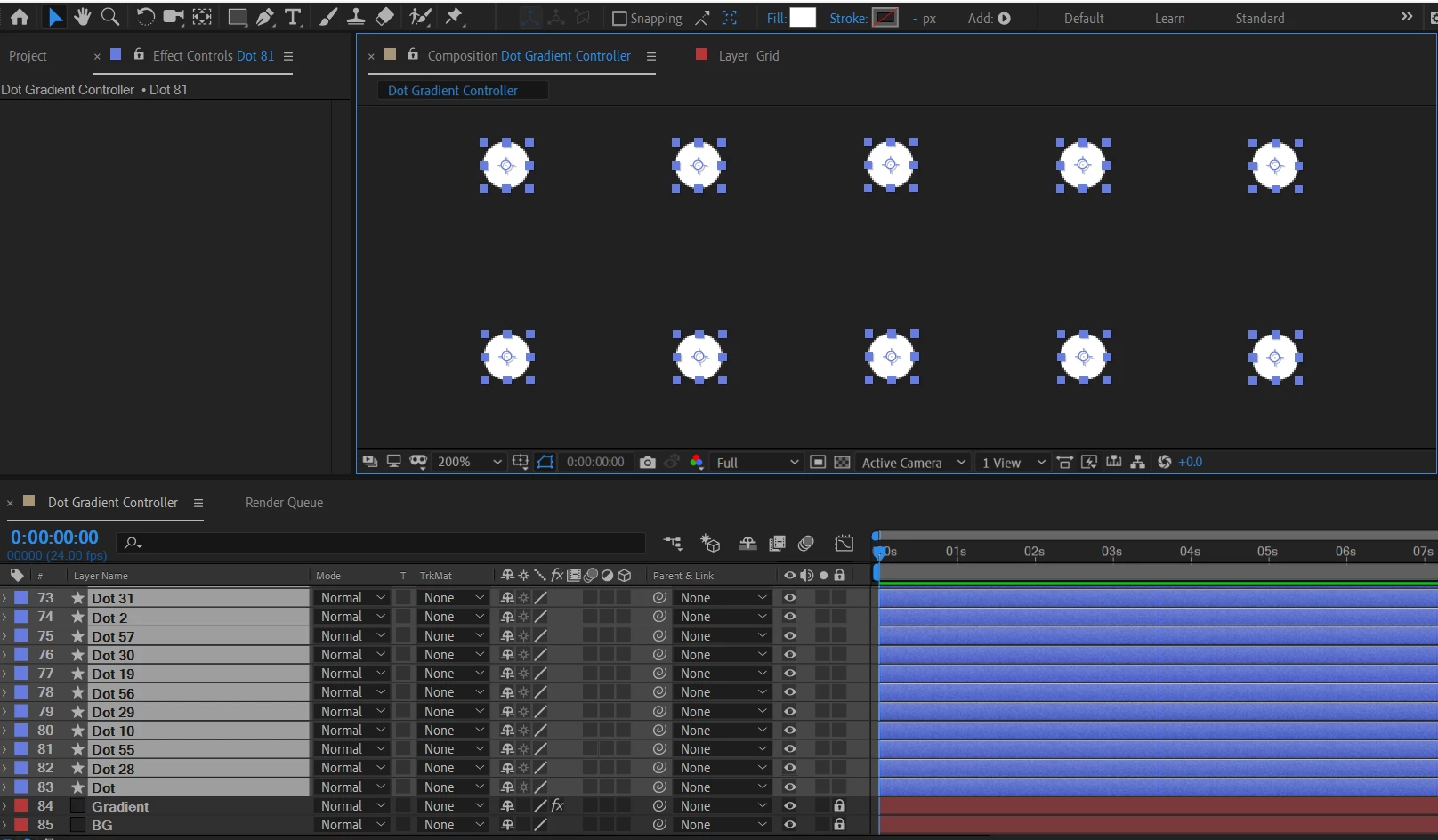
I appreciate the help! After digging deep enough into the properties of the circle shape layer, I finally realized it was the anchor point under the ellipse's transform property that somehow got unaligned (quite obvious, I should've looked there first now that I think about it). I manually moved the anchor points and zeroed them all out in each layer to fix the problem. When I turned on the gradient ramp again, it worked like a charm. No more skewed circles as they scale up.




 AdChoices