


Participant
May 22, 2020
Question

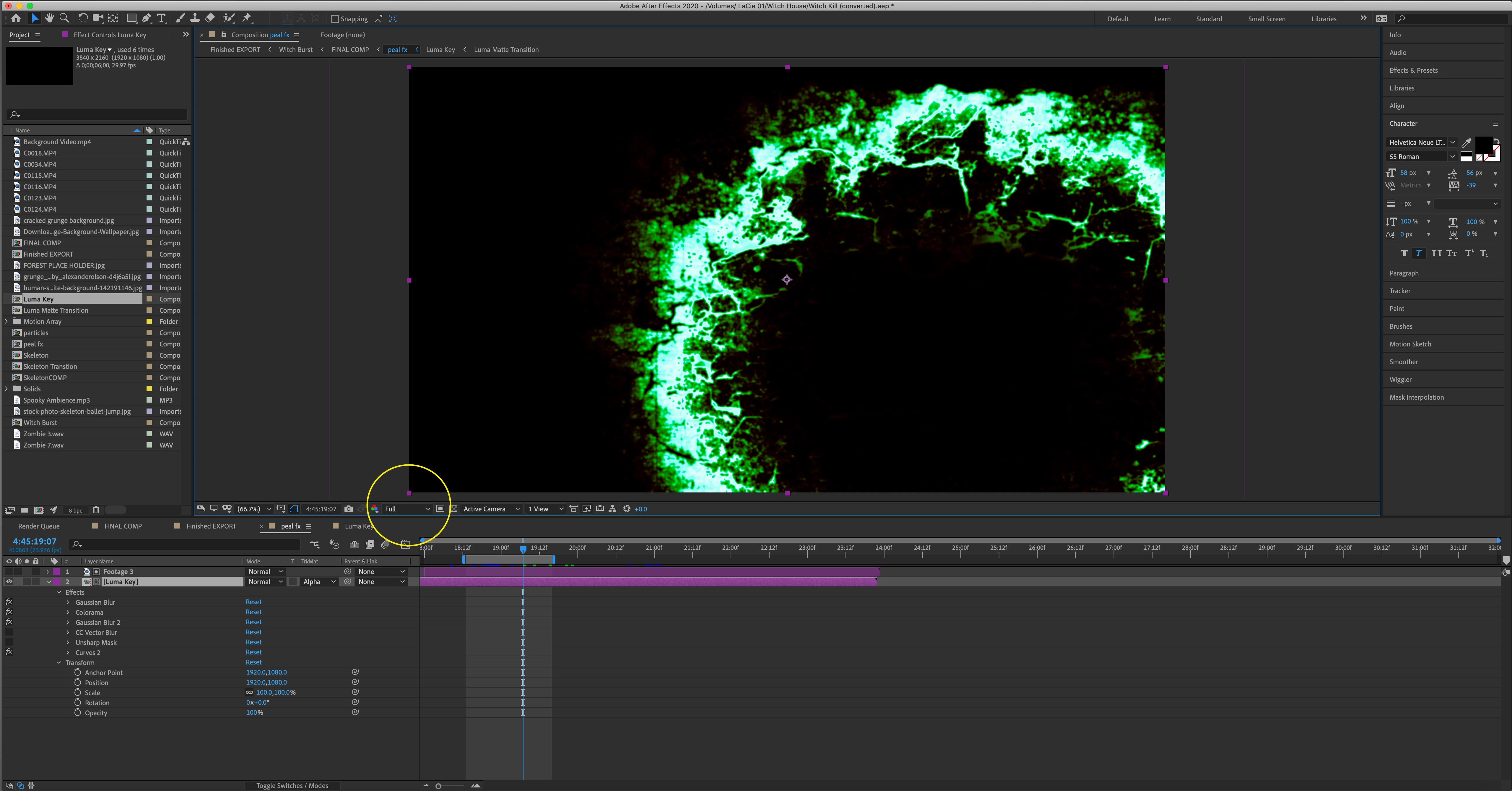
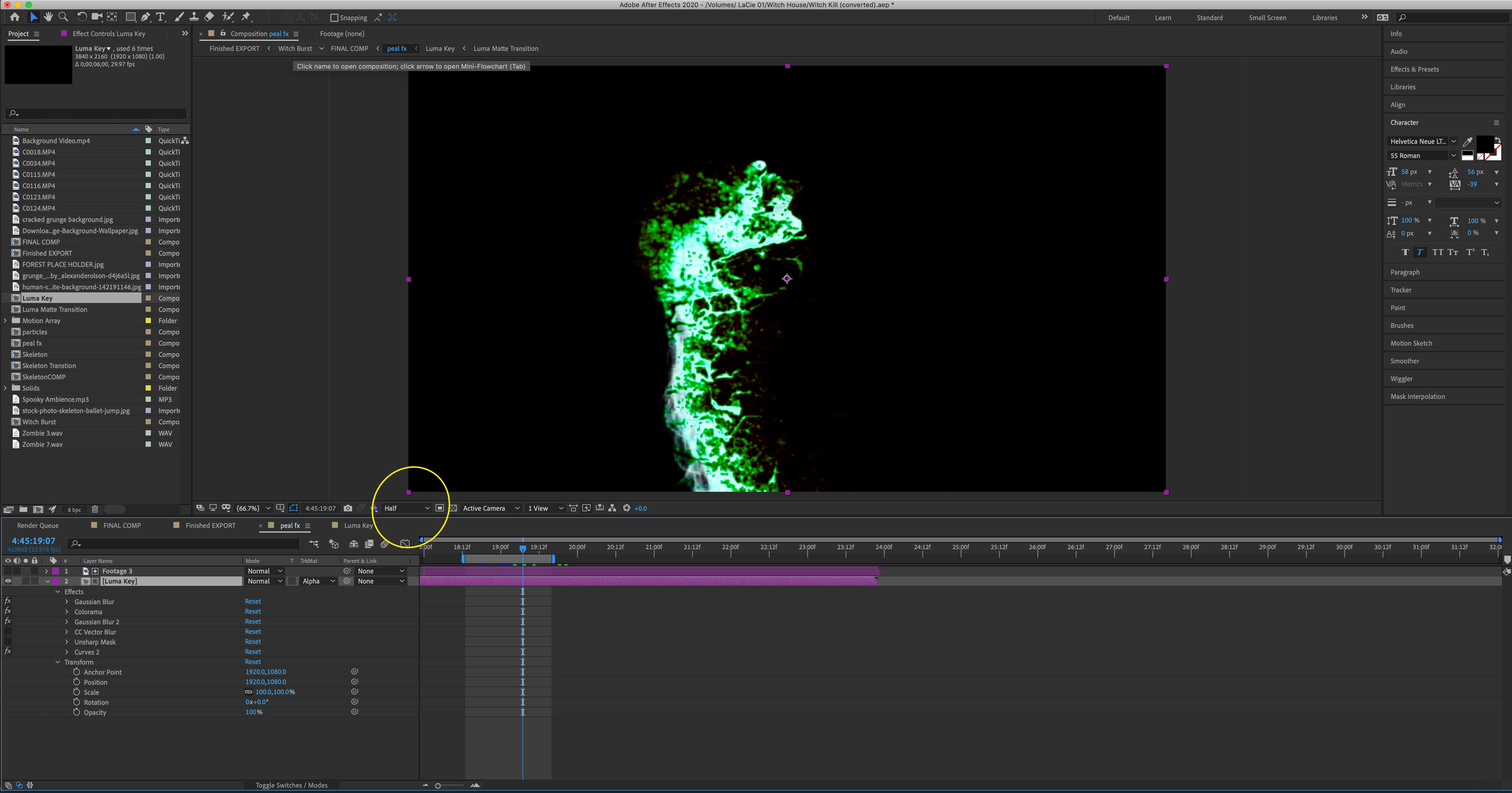
Half Resolution effects are correct Full Resolution are not.

  • May 22, 2020
  • 1 reply
  • 762 views

Greetings, I am going through a tutorial and I have run into a couple differnt issues with exporting or playback in Full Resolution.

I am working in AE 17.0.5

OS Catalina on a late 2014 imac

4GHz Quad-Core with 24GB of memory and AMD Radeon R9 graphics card.


Here are 2 images that show the issue I am running into in this template. The green is suppose to only show up as a mask and not as the full circle. I'm guessing there is something that I am missing. Let me know any suggestions to help me render this out correctly. Thanks for any help!
This topic has been closed for replies.

1 reply

Community Expert
May 23, 2020

The screenshots don't help illustrate the problem because none of the modified properties on any layer are showing, no transparency or masks are showing, and I have no idea what Layer 1 looks like or why it would be useful as an Alpha Matte.  The thumbnail in the Project Panel for Layer 2 - the Luma Key comp, shows black so I don't know what is happening in that layer before the Alpha track matte is applied.

There is no combination of settings in the listed effects that would generate a circular colored pattern like the one showing without some kind of transparency or some kind of shape in Layer 2. 


My guess is that when the Magnification Ratio is 66% and an odd number of pixels are being displayed on the screen it may be causing some kind of GPU accelerated preview anomaly that would go away if the Magnification ratio was set to 50% or 100% because at half every other comp pixel is rendered and at full every pixel is rendered. 


If that does not solve your problem, turn on the transparency grid so you can see the alpha channel, select both layers, press 'uu' to reveal all modified properties, and start turning effects on and off or resetting modified properties until you find the problem. My best guess is the Unsharp Mask because that effect works on active pixels. Turn the Unsharp Mask effect on and off and switching preview resolution will probably no longer make a difference.