New Participant
March 17, 2017
Answered

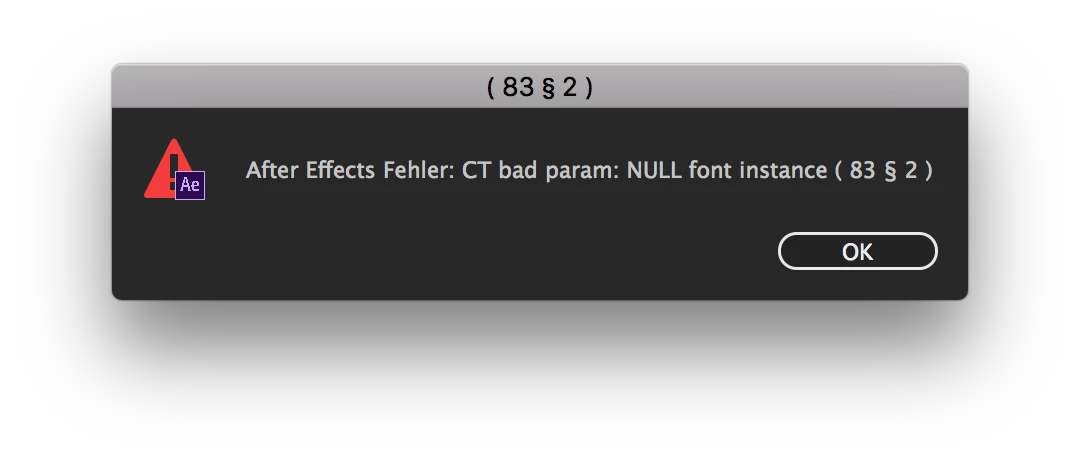
Help! AE Error: CT bad param: NULL font instance (83 § 2)

  • March 17, 2017
  • 1 reply
  • 4991 views

Hello everyone,

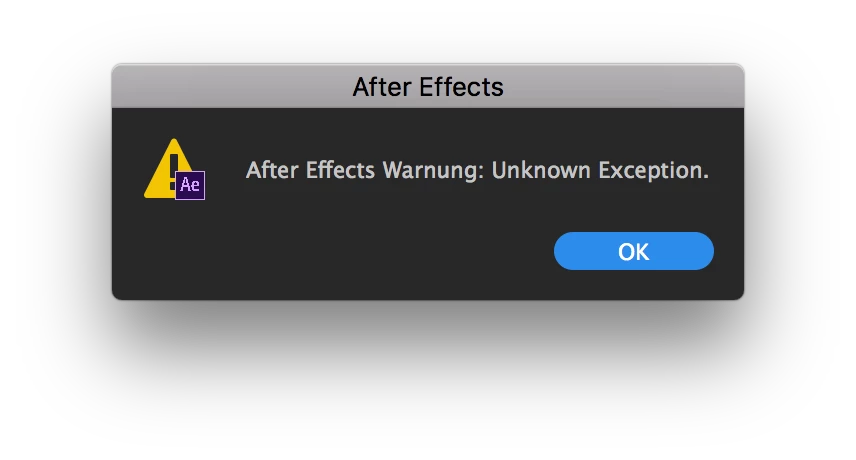
I have a problem with an error message. It came out of nowhere and keeps popping up right after starting AE saying "After Effects Error: CT bad param: NULL font instance (83 § 2)". When clicking on "ok" a second alert popps up saying "After Effects Alert: Unknown Exception."

I have no clue, where it comes from. I thought maybe there's an corrupted font, but the validator said, all installed fonts are good to go. I still think, it has something to do with a font I used in the project (used two fonts, one is working, but the parts where the other font is used are missing in the project), but why did it work the first time and started crashing now?! Any ideas to solve this problem? As I said, it did work last week.

Would be really really glad of any help! Actually needed to get this project done today, damn…

Thanks in advance,
Christian
This topic has been closed for replies.
Correct answer chrstndtz

Well then here they are!

System: macOS Sierra 10.12.2, After Effects CC 2017
Font, which is assumably making the trouble: "TT-Firs" installed in fact in OpenType-Format .otf

Language: German, but I didn't use any "Umlaute" (ä / ü / ö) or otherwise special characters

While working with the somehow crashed/somehow working AE-project I came across this curiosity:

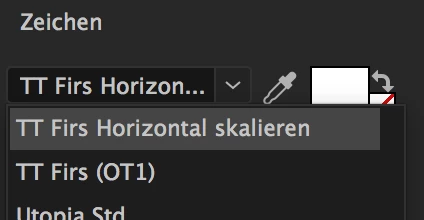
In the Text-Panel there are two "TT-Firs" fonts to choose: "TT Firs Horizontal skalieren (scaled horizontally)" and "TT-Firs (OT1)". Opening up a new textfield with "TT Firs Horizontal skalieren" selected will make the error pop up again like crazy. OT1 is working properly, but will set the letters underneath each other. So I guess the problem is somehow caused by those two options—but how and why?

1 reply

chrstndtzAuthor
New Participant
March 17, 2017

Ok sorry, after simply ignoring all the error messages and giving AE some time to cool down it's now—for whatever reason—somehow working again. But I'd be still thankful for any advice to avoid this problem in future and fix the problem in a correct way (not just clicking the "ok"-button till it stops poppig up…).

Mylenium
Brainiac
March 17, 2017

We can't know. You have not offered up any useful info like actual system info, what fonts, language or even what specific text you use in your project. And for what it's worth: OSX' font validation is useless. Even if a font renders elsewhere, this means nothing for AE. Sometimes even using a specifc character can trigger odd behaviors when the glyph contains bad contours or some Unicode/ OpenType stuff attempts to kick in, a lot of which AE doesn't support.

Mylenium

chrstndtzAuthorCorrect answer
New Participant
March 17, 2017

Well then here they are!

System: macOS Sierra 10.12.2, After Effects CC 2017
Font, which is assumably making the trouble: "TT-Firs" installed in fact in OpenType-Format .otf

Language: German, but I didn't use any "Umlaute" (ä / ü / ö) or otherwise special characters

While working with the somehow crashed/somehow working AE-project I came across this curiosity:

In the Text-Panel there are two "TT-Firs" fonts to choose: "TT Firs Horizontal skalieren (scaled horizontally)" and "TT-Firs (OT1)". Opening up a new textfield with "TT Firs Horizontal skalieren" selected will make the error pop up again like crazy. OT1 is working properly, but will set the letters underneath each other. So I guess the problem is somehow caused by those two options—but how and why?