Resuelto
Hey. How do i add the 3 little boxes in my render queue source name
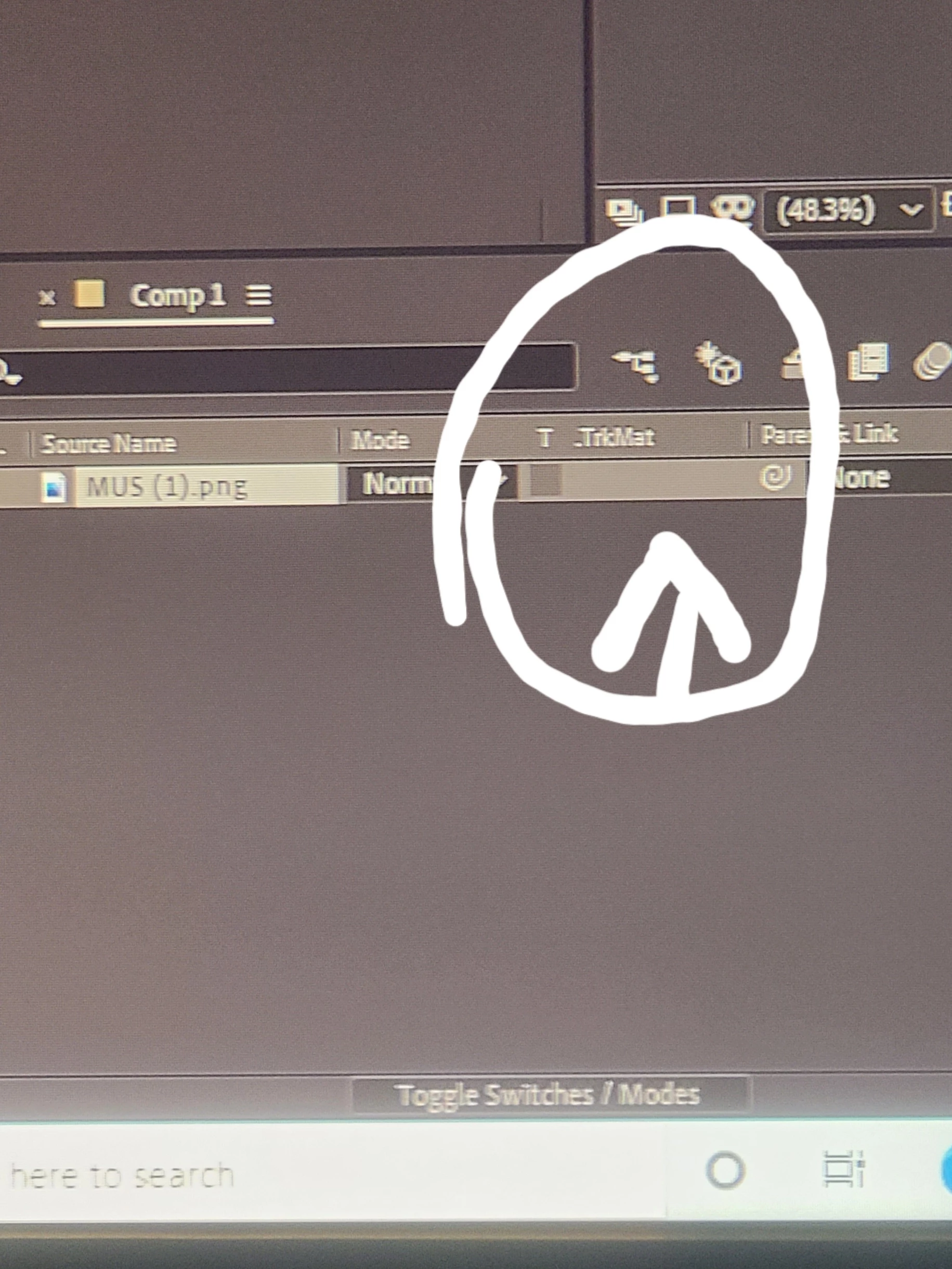

There are 3 icons at the bottom left corner of the Timeline. If you spend a couple of minutes clicking on them, or better yet, spend 6 minutes in the Learn workspace or consult the User Guide, you will figure out how to use the UI. I almost always have the first two icons turned on so I can see both the switches and modes column. I also almost always have the Parent/Link column visible because I use a lot of expressions. You can open or close that column using Shift + F4.
Enter your E-mail address. We'll send you an e-mail with instructions to reset your password.
 AdChoices