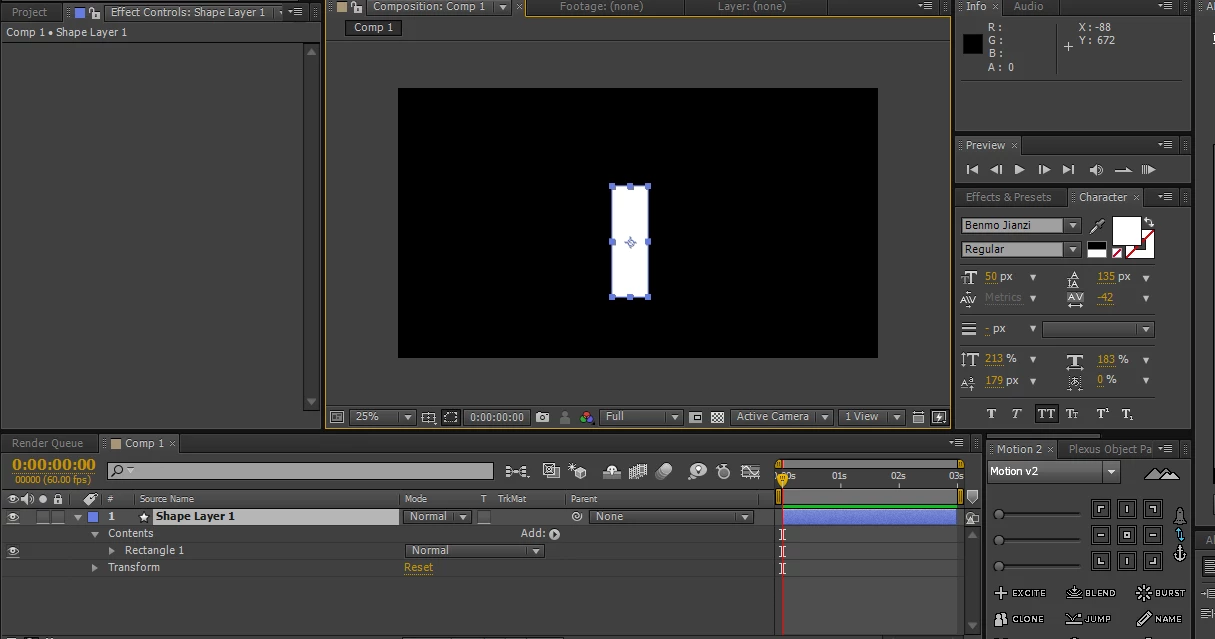
This topic has been closed for replies.

1 reply

Martin_Ritter
Legend
September 21, 2018

Go into Rectangle 1 -> Size and there you have all the values, you need.

Cheers,

Martin

Participating Frequently
September 23, 2018

thanks! but i still can‘t  get the exact size of the rectangle (i want the value is exact and is expressed with exact units(px)).

thanks!

Martin_Ritter
Legend
September 24, 2018

Is your question how to deal with expressions or how to access the width of a shape layer?

Do you want to SET or want to GET the width via expressions?

To set the width, it's as easy as this - applied to Rectangle Path -> Size

[500, value[1]];

To get the width, you apply this on an different layer:

thisComp.layer("Shape Layer 1").content("Rectangle 1").content("Rectangle Path 1").size[0]

I hope, this helps!

*Martin