This topic has been closed for replies.

1 reply

Martin_Ritter
Legend
September 21, 2018

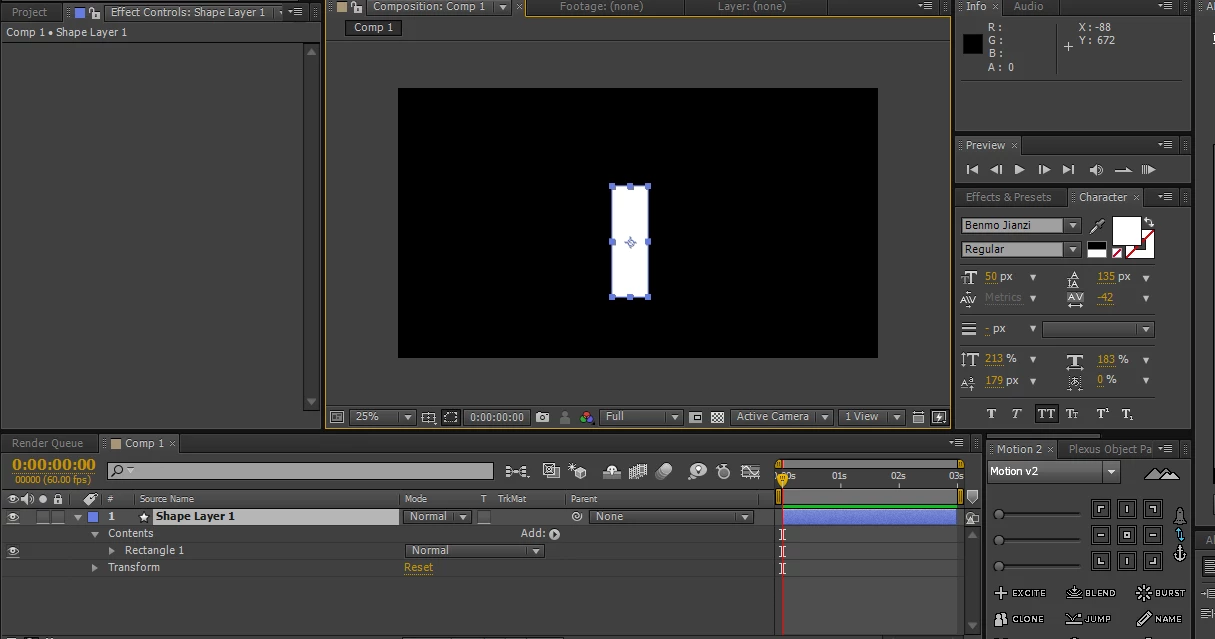
Go into Rectangle 1 -> Size and there you have all the values, you need.

Cheers,

Martin

Participating Frequently
September 23, 2018

thanks! but i still can‘t  get the exact size of the rectangle (i want the value is exact and is expressed with exact units(px)).

thanks!

Participating Frequently
March 1, 2019

Is your question how to deal with expressions or how to access the width of a shape layer?

Do you want to SET or want to GET the width via expressions?

To set the width, it's as easy as this - applied to Rectangle Path -> Size

[500, value[1]];

To get the width, you apply this on an different layer:

thisComp.layer("Shape Layer 1").content("Rectangle 1").content("Rectangle Path 1").size[0]

I hope, this helps!

*Martin


Thanks!This is useful!(i‘m so sorry  for not replying you as soon as possible).