Banana Bug
Participant
June 10, 2020
Answered

How do I remove thin black outline arount transparent video?

  • June 10, 2020
  • 2 replies
  • 11793 views

So I made an animation in Animate and exported it with a transparent background as Quicktime GoPro CineForm RGP 12-bit with alpha


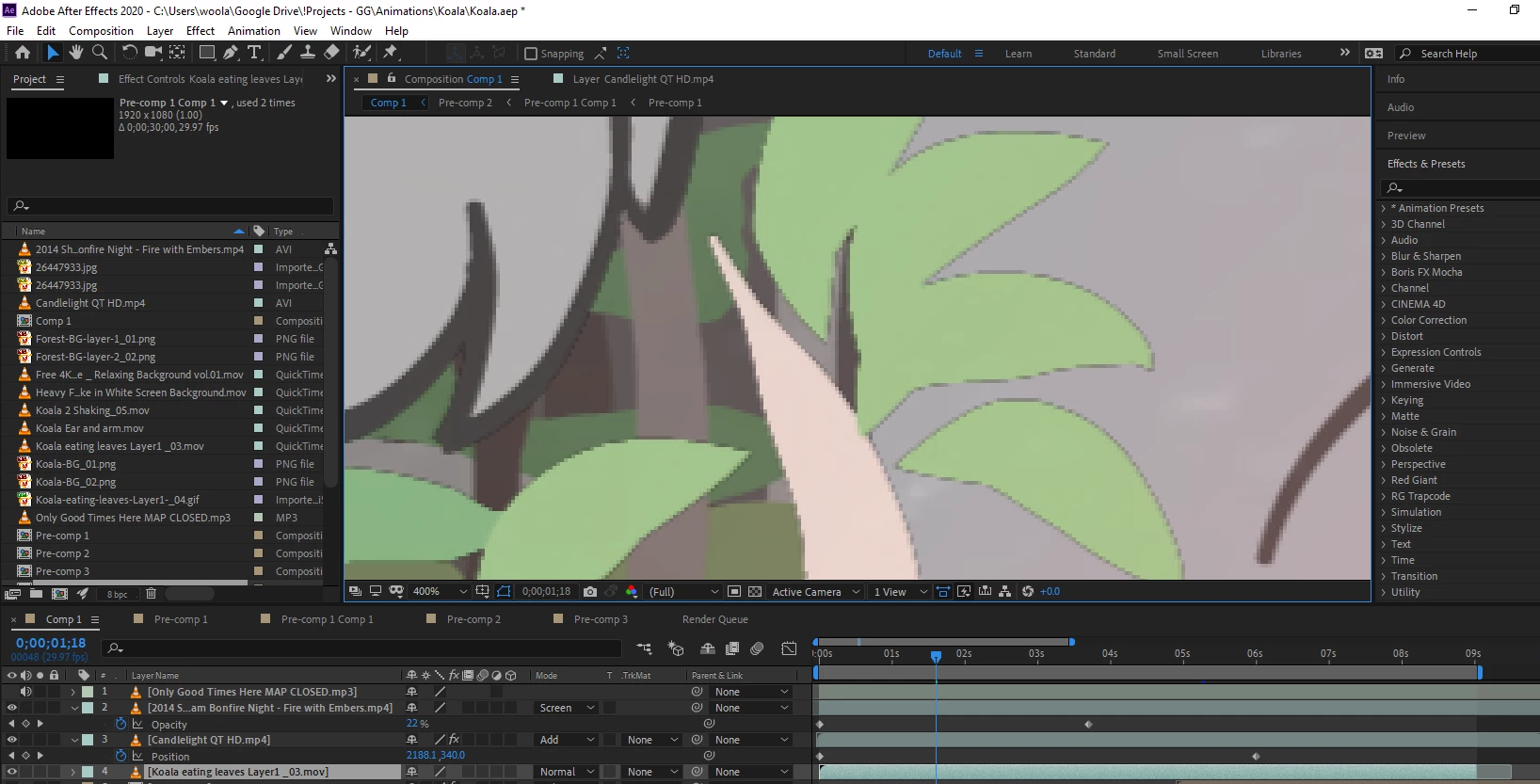
and its come out with this thin black border

dose anyone know why or at least what I shouold do to remove it?


Correct answer angie_taylor

One thing that jumps out is that your movie files seem to have the VLC icon, which makes me thing that VLC is being used for the file type association for video files? Did you transcode the files using VLC?


Regarding the black outlines, did you render the footage out with an alpha channel? Did you choose premultiplied or straight? It looks like the wrong file interpretation has been used for the Alpha channel. You can change this by selecting the movie in the Project panel, right click on it and choose File > Interpret Footage > Main. In here try changning the Alpha channel interpretation to Premultiplied, choosing black as the color. Let me know if that helps?


2 replies

angie_taylor
angie_taylorCorrect answer
Legend
June 10, 2020

One thing that jumps out is that your movie files seem to have the VLC icon, which makes me thing that VLC is being used for the file type association for video files? Did you transcode the files using VLC?


Regarding the black outlines, did you render the footage out with an alpha channel? Did you choose premultiplied or straight? It looks like the wrong file interpretation has been used for the Alpha channel. You can change this by selecting the movie in the Project panel, right click on it and choose File > Interpret Footage > Main. In here try changning the Alpha channel interpretation to Premultiplied, choosing black as the color. Let me know if that helps?

Banana Bug
Participant
June 10, 2020

OH MY GOD THAT FIXED IT!!

I could NEVER have found that out by myself wow thanks sumuch your a great help ^^

angie_taylor
Legend
June 10, 2020

Its hard to know without seeing the project. Please can you upload your project so I can take a look at it? If you go to File menu > Dependencies > Collect Files. Make sure to select "All Files". Save the folder, Zip it up and then upload it here.


Thanks,


Angie

Banana Bug
Participant
June 10, 2020

Oh okay sure!

here it is


I incluted the project and the origonal file


thanks so much by the way