



How to add a double color on a 3d column in after effects via element 3d
Hi everybody.
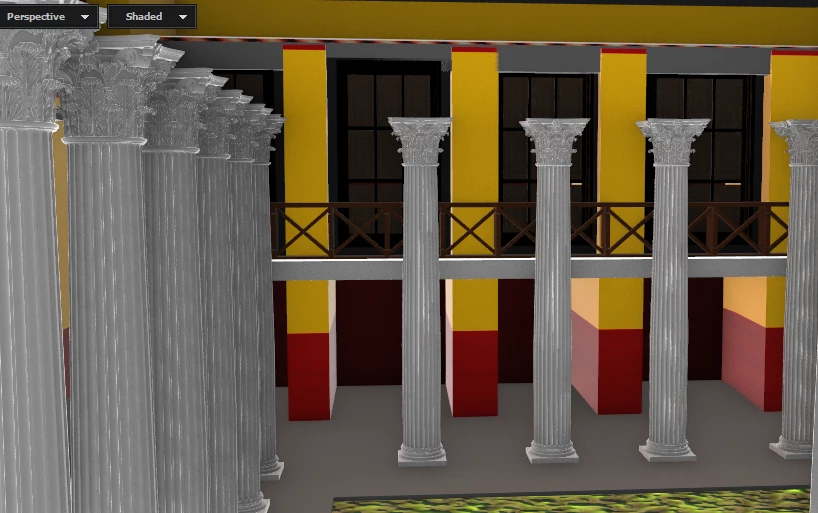
I have a problem creating this column type: The base of the column should be read while the remaining will use a marble texture. I should do this element 3D as to get finally the same pattern as the exterior walls of the building which are red and yellow. (see the second picture). I've tried different methods but I always get the whole column in red. The only method which could apparently solve my problem is to duplicate the column, eliminate the capital of the second one and keep the cylinder and reduce its height to match the base heigt in red.
I'm sure there is a way to solve this much more simply but cant find the solution. Moreover I cant ask Videocopilot's users as the forum has been closed for an indefinite period of time. I checked tutorials on YouTube without success either. Can anyone here suggest a way to do my effect. Thanks in advance
Claude

 AdChoices