


New Participant
November 24, 2022
Answered

How to attach a shape to a path?

  • November 24, 2022
  • 1 reply
  • 499 views

Hello dear AE users,


I'd like to attach shapes to paths or path points. 


So if I have this path for example with shapes on it:
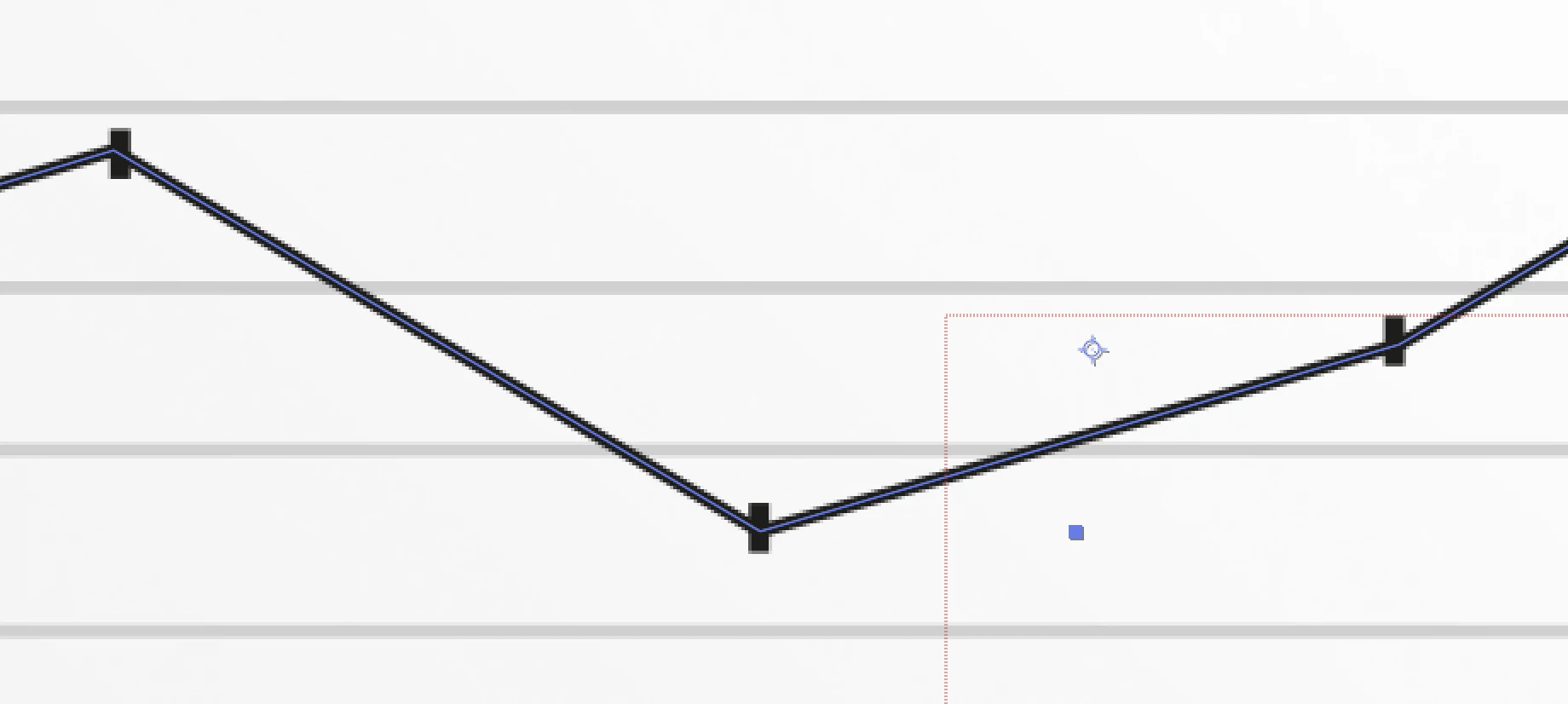
I want to be able to keyframe one point of the path and the shape on top to change position with it, like so:
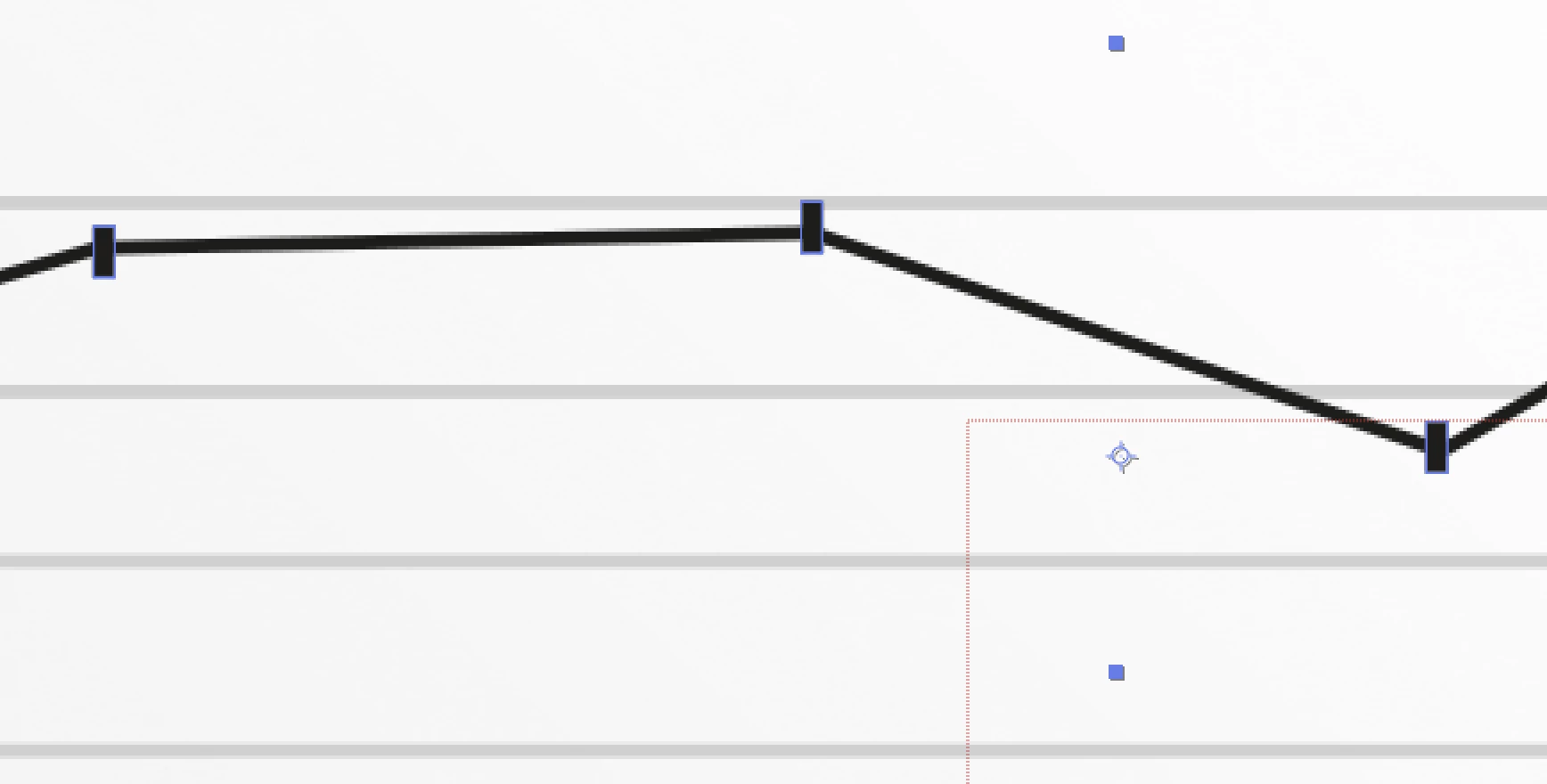
 

I would be happy to learn the correct approach to that task. Thanks a lot in advance.


This topic has been closed for replies.
Correct answer Mylenium

Convert the path points to Nulls with expressions using the respective function in the menu, parent your graphics to the Nulls.


Mylenium 

1 reply

Mylenium
MyleniumCorrect answer
Braniac
November 24, 2022

Convert the path points to Nulls with expressions using the respective function in the menu, parent your graphics to the Nulls.


Mylenium