


izcozmic
Participating Frequently
October 3, 2019
Question

How to create a bigger rotating sphere around a smaller sphere?

  • October 3, 2019
  • 2 replies
  • 2897 views

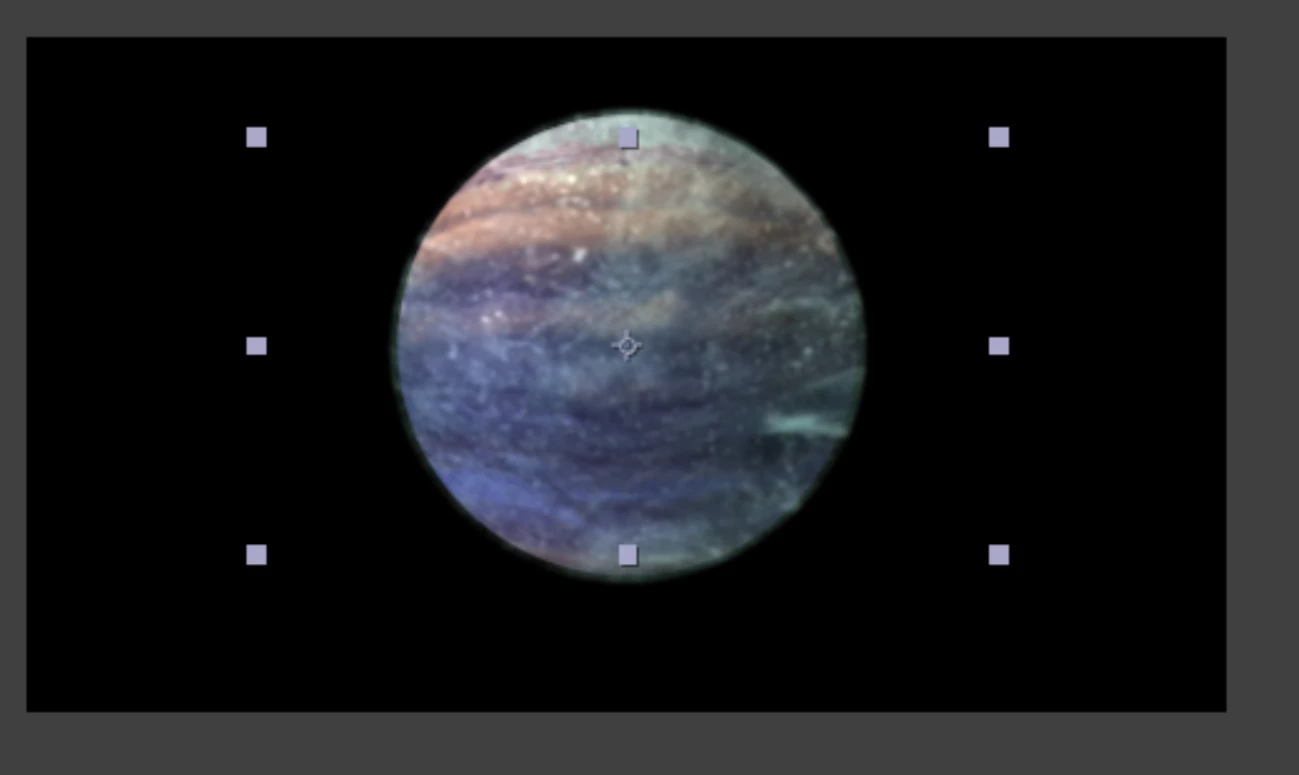
Hey, I have made a 3d rotating sphere, and I am wondering if it is possible to make another sphere around this one that is a little bigger? 


I want the bigger sphere to look like clouds circling around the planet. 

(Also does anyone know if it's possible to have a video clip become a sphere?)


Thanks for any assistance! 
 

    This topic has been closed for replies.

    2 replies

    Community Expert
    October 3, 2019
    1. One planet texture map with no clouds for planet twice as wide as it is high
    2. One cloud map with transparency twice as wide as it is high
    3. CC Sphere applied to the planet texture map
    4. CC Sphere applied to the Cloud map with render set to outside
    5. Duplicate the cloud map layer and set the copy to render inside
    6. Put the Planet layer in between the two cloud layers 
    7. Use the pickwhip to tie the rotation of the top cloud layer to the bottom cloud layer with expressions
    8. Adjust the size of both layers and you're done

    kirkeric
    Inspiring
    October 3, 2019

    This is definitely the easiest choice. The VC ORB plugin mentioned above is also free, provided by VideoCopilot and takes it to another level.  It does look like your image above is a flat image (I'm guessing - or it just has no shadow) so you will want to get an image map and apply CC Sphere.  Other than that, it's as simple as Rick describes, one just larger.  Andrew Kramer has a tutorial for both, using CC Sphere as well as his new ORB plugin.

    OussK
    Community Expert
    October 3, 2019

    may i not answer your question, since it need a long explanation to explain how to do this, but i want to give you a better way to create Glob and if this can help you we can later tell you how to create a cloud layer over your sphere,,

    so try to use the Orb plugin from videocopilot, it's really very helpful also a tutorial step by step included explain how to use and a free texture included with the plugin

    check it here https://www.videocopilot.net/orb/ 


    izcozmic
    izcozmicAuthor
    Participating Frequently
    October 3, 2019
    Thanks a lot for this resource, I will check it out!