


Question
How to depixelate the shape's layers below an Ai layer with 3D layers
Hello everyone,
I stumbled upon a problem and I don't seem to find a solution on my own so perhaps soemone could help me here.
I am working in After effect with 3D layers. I have an Ai file that has antialiasing checked and is not stretched as shown on the screenshot below :

When I hide this Ai layer, the shape's layers below it are not pixelated (well it is a little because I zoomed to show the issue). But when I show the Ai layer, the shape's layers below it are pixelated :
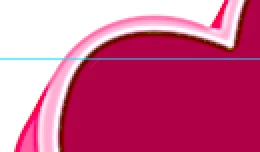
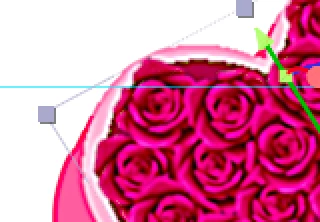
You can really see the difference with the layer delimitation.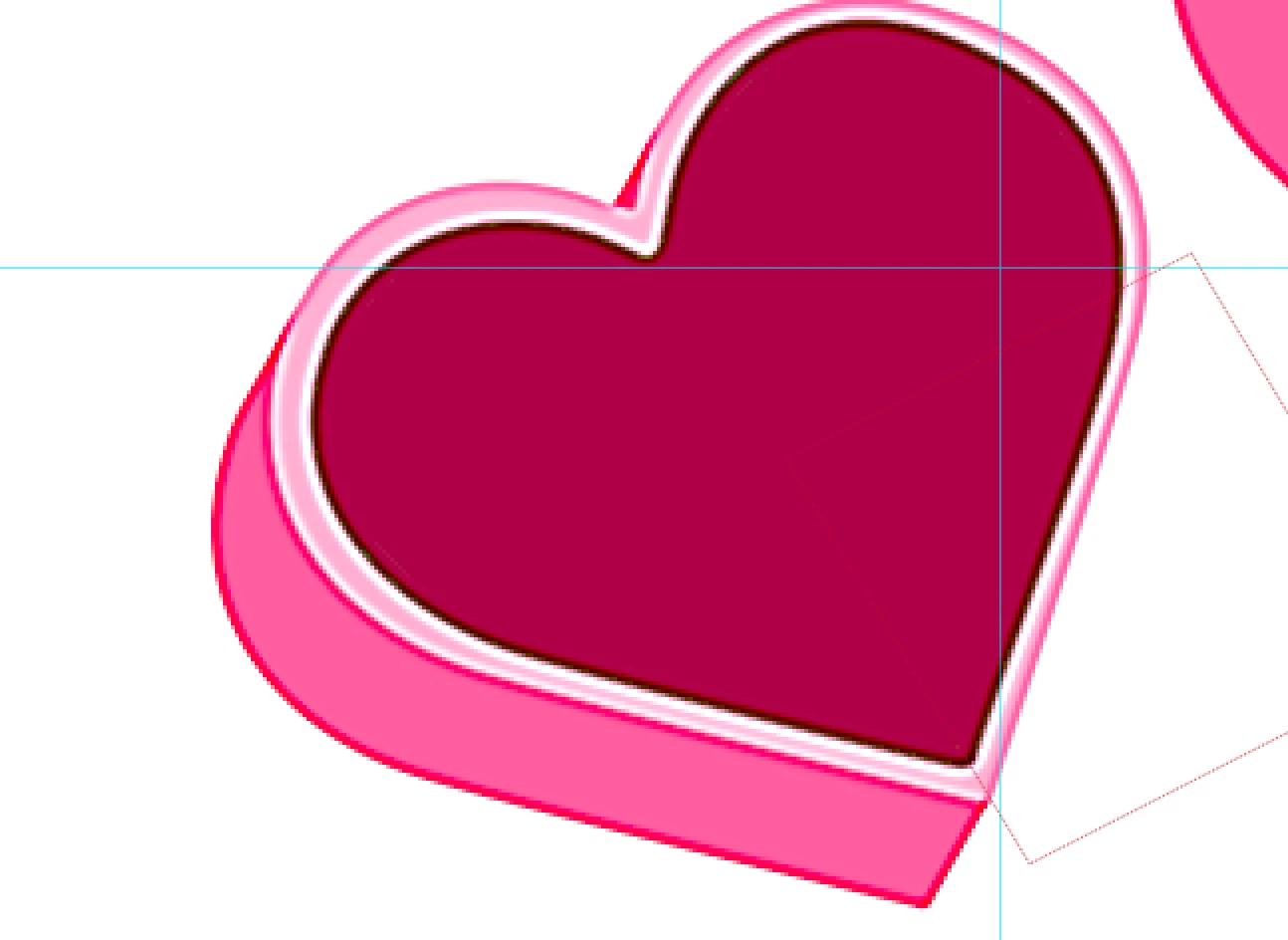
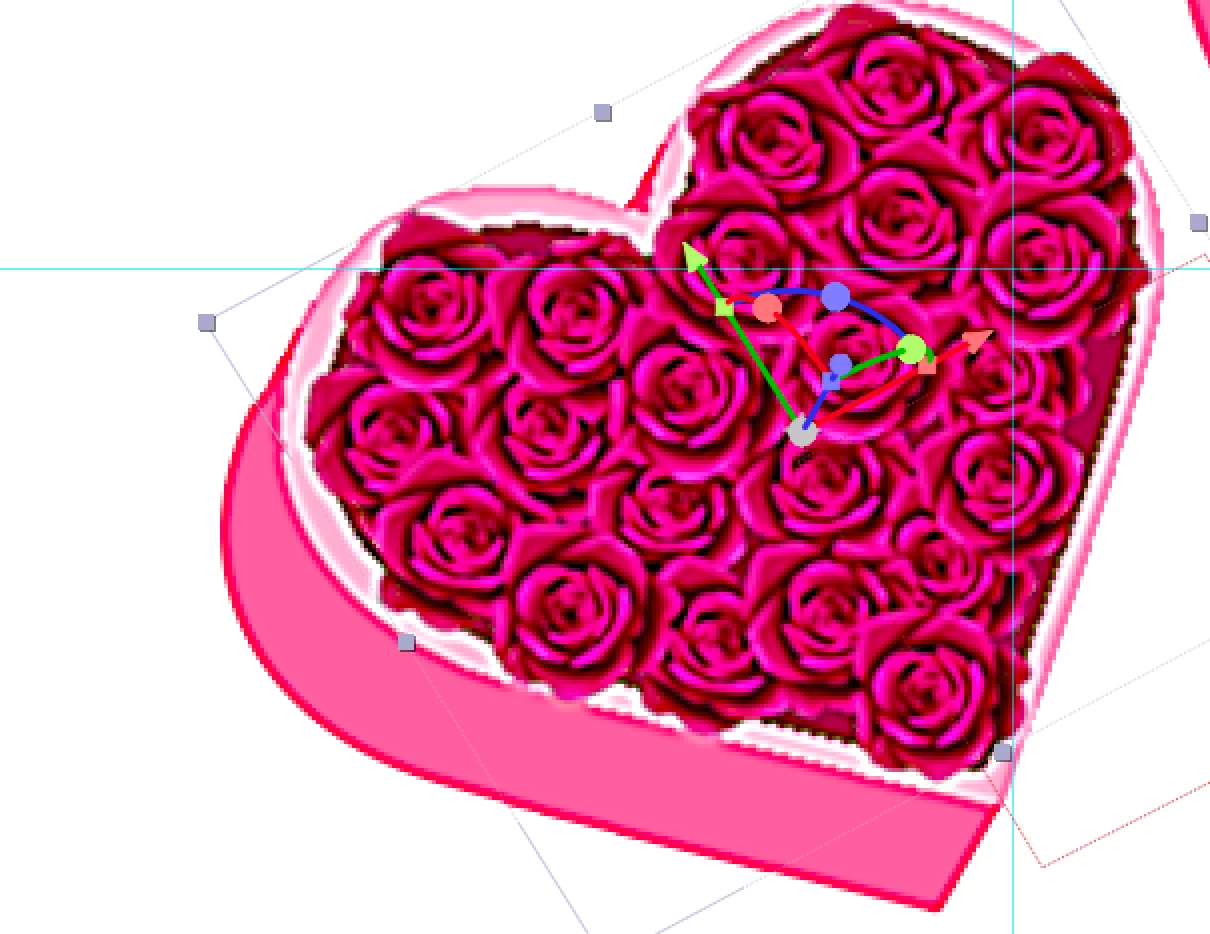
Same story without the filter :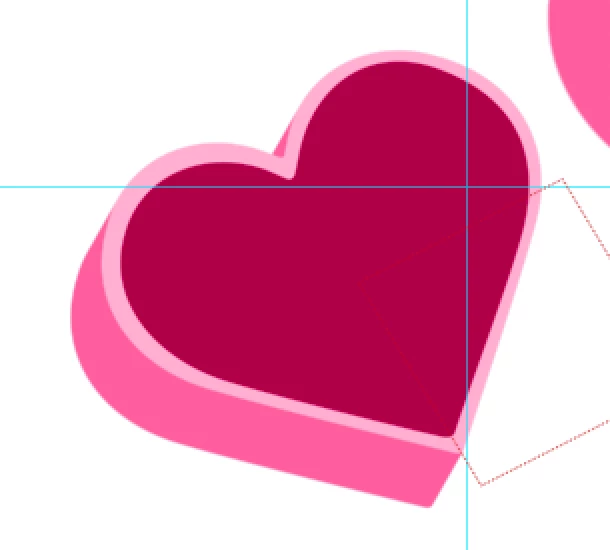
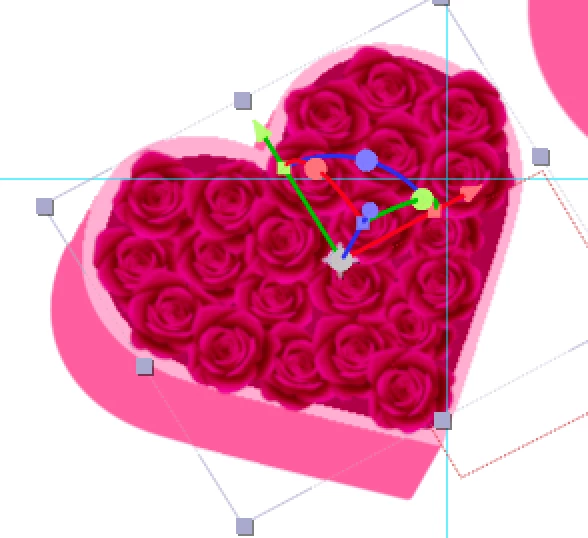
Thank you in adavance for any help and for reading me
 AdChoices