Participant
October 31, 2024
Question

How to get effects/layers to apply only to one layer specifically

  • October 31, 2024
  • 2 replies
  • 444 views

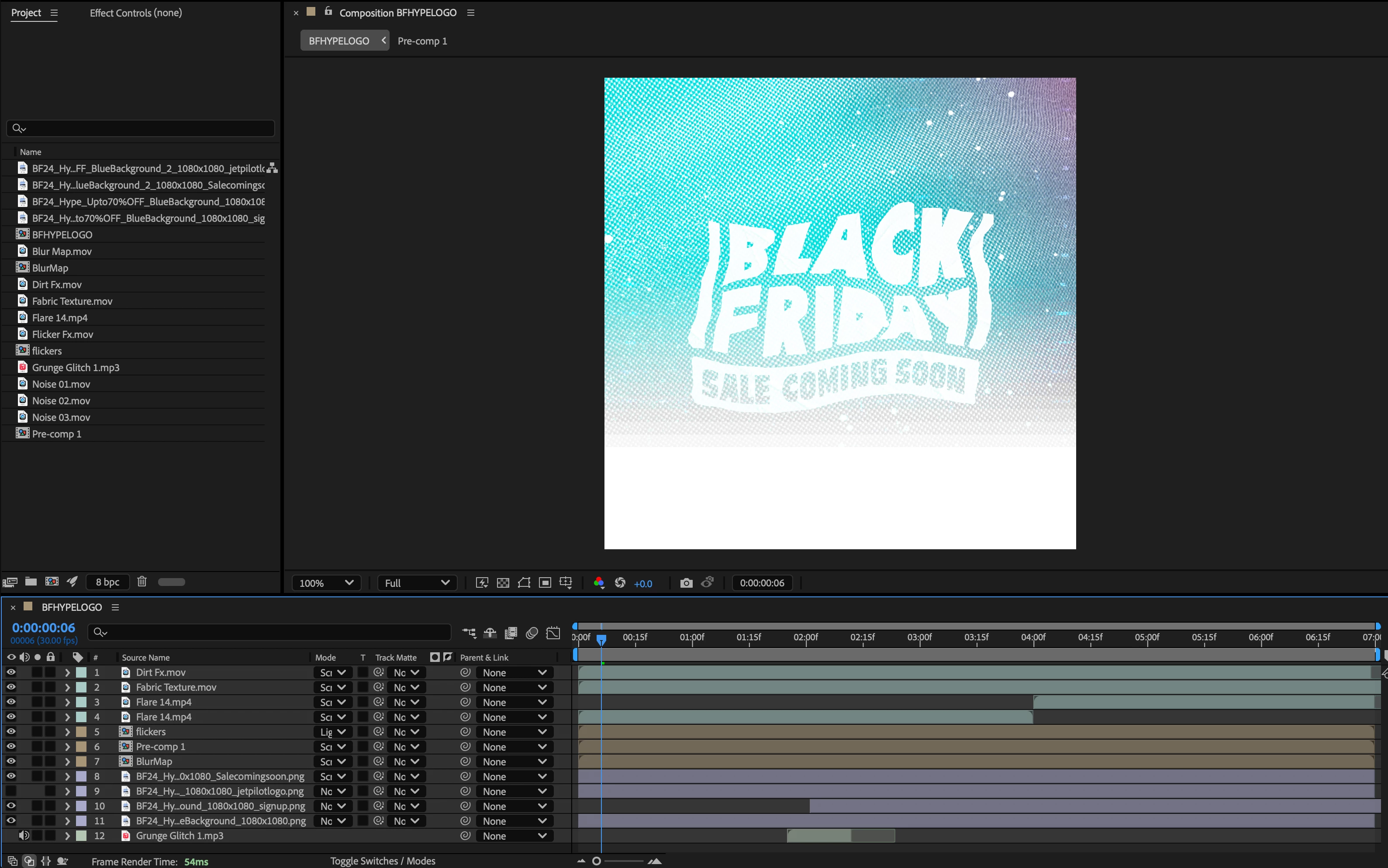
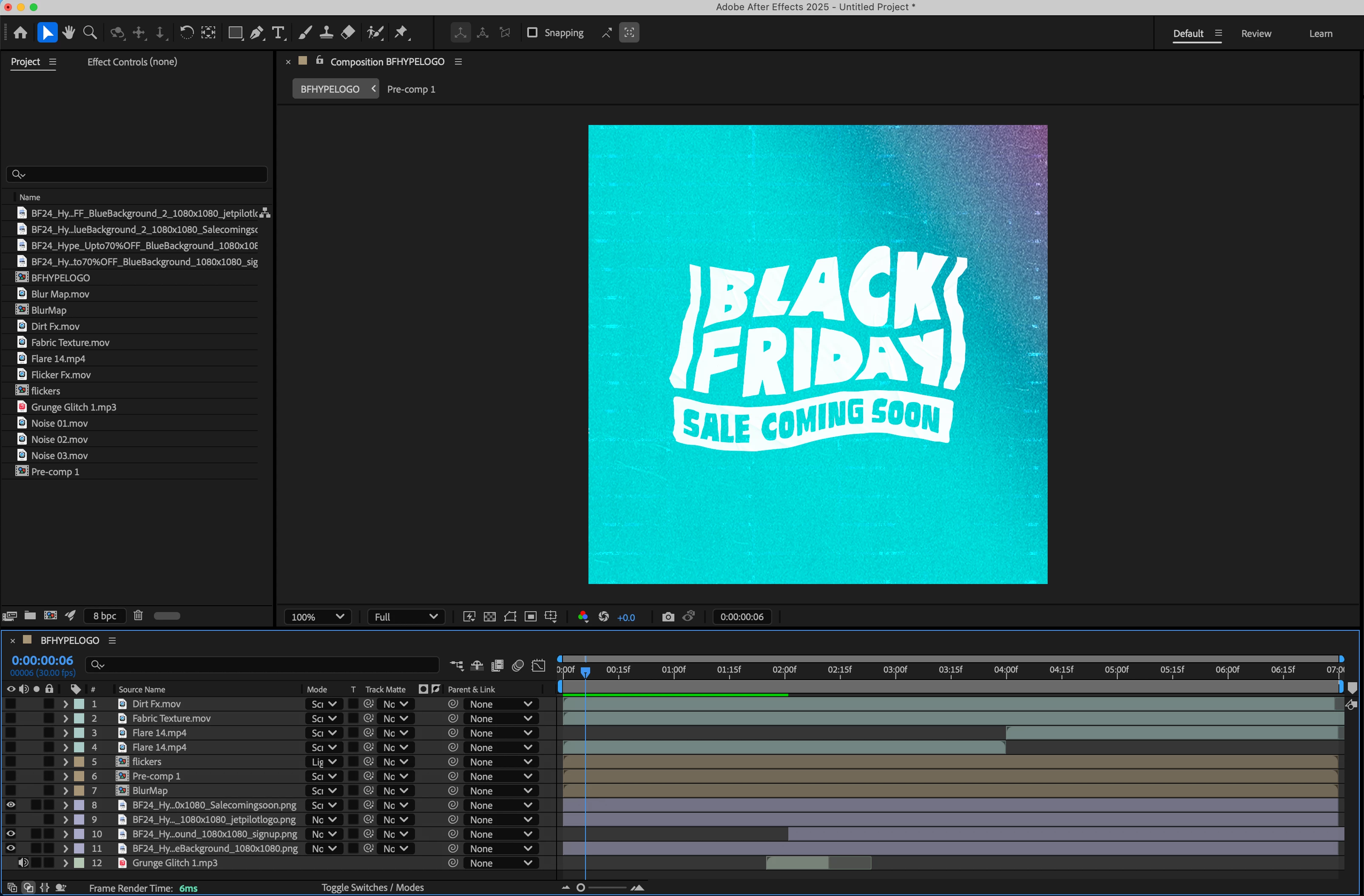
As you'll see, top image is of the logo clean, bottom has the effect applied to the whole thing. I just want it on the logo layer. 
This topic has been closed for replies.

2 replies

Mylenium
Legend
November 1, 2024

I don't follow. What actually is the problem? Simply sounds like you need to educate yourself about AE's render order and things like pre-composing to control at which stepp effects are applied.


Mylenium

Mylenium
Legend
October 31, 2024

A white halftone effect is not going to show up on a white text, so I'm not sure what you are even trying to do. the rest can be achieved with track mattes and duplicate layers. Read the help on the subject.


Mylenium

Participant
October 31, 2024

There's actually multiple layers (video effects) Im trying to apply to it, not just halftone, I'm trying to create a glitched out logo like this. All those effects are like flares, moving fabric, flickers etc that I am told should combine to do the above.