


Exit
  • Global community
    • Language:
      • Deutsch
      • English
      • Español
      • Français
      • Português
  • 日本語コミュニティ
  • 한국 커뮤니티
0

How to keep image/layer flipped along path after applying horizontal flip?

New Here ,
Feb 06, 2023 Feb 06, 2023

Hi, I'm extremely new to After Effects, so I apologize if I'm using incorrect terminology here, but I'm creating a very simple animation of a bee flying from flower to flower. At a certain point along its path, I want to flip the bee image so it will be facing in the opposite direction and continue along the path in that direction. I added horizontal flip to the bee layer, which got me what I wanted, but almost immediately after the bee flipped back to the original direction it was facing in. How can I keep it facing in the opposite direction for the rest of the animation?

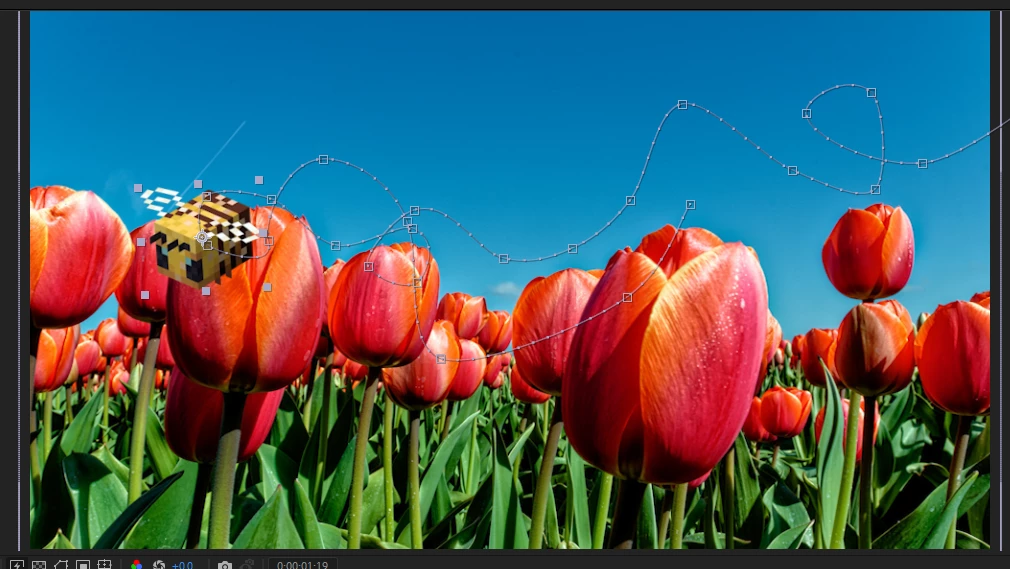
The original direction the bee is facing in:
olivierkat_0-1675716037559.png

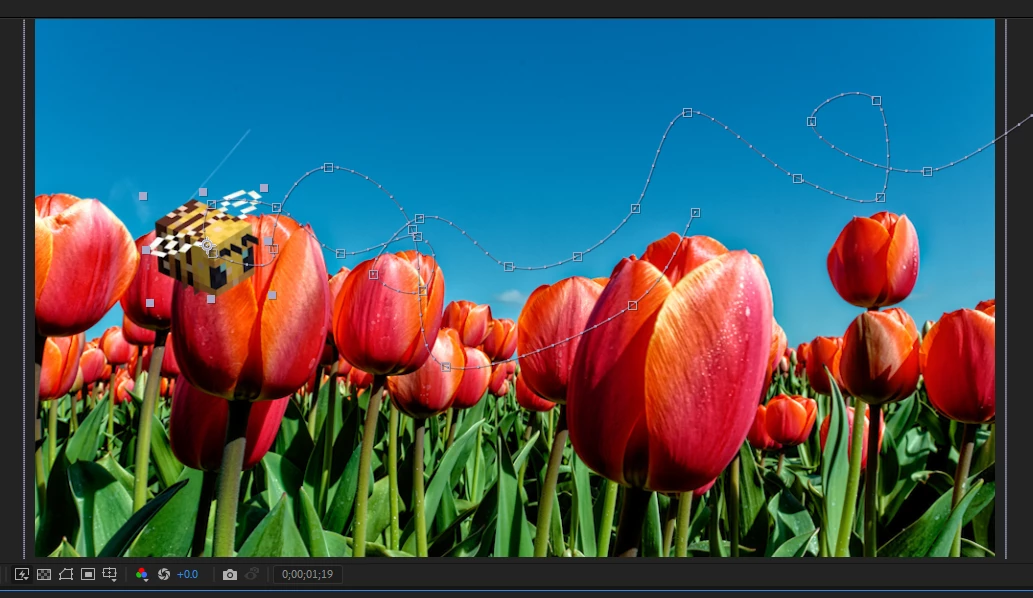
The new direction I'd like the bee to be facing for the rest of the animation:
olivierkat_1-1675716124436.png


TOPICS
How to
170
Translate
Report
Community guidelines
Be kind and respectful, give credit to the original source of content, and search for duplicates before posting. Learn more
community guidelines
Community Expert ,
Feb 06, 2023 Feb 06, 2023
LATEST

If I'm understanding your question correctly you can draw/keyframe the path that you'd like the bee to follow and then go to the top of the interface with the bee selected and try layer/transform/auto orient/orient along path. You may have to rotate the bee at this point to face the path properly. If you've made a path that goes forward and circles around the bee should continue facing the path after this process. No need to keyframe the rotation on the bee. The bee will just follow the path once you point it the right way with rotation.

Translate
Report
Community guidelines
Be kind and respectful, give credit to the original source of content, and search for duplicates before posting. Learn more
community guidelines