


How to paint over scratches by using image data from a previous frame?
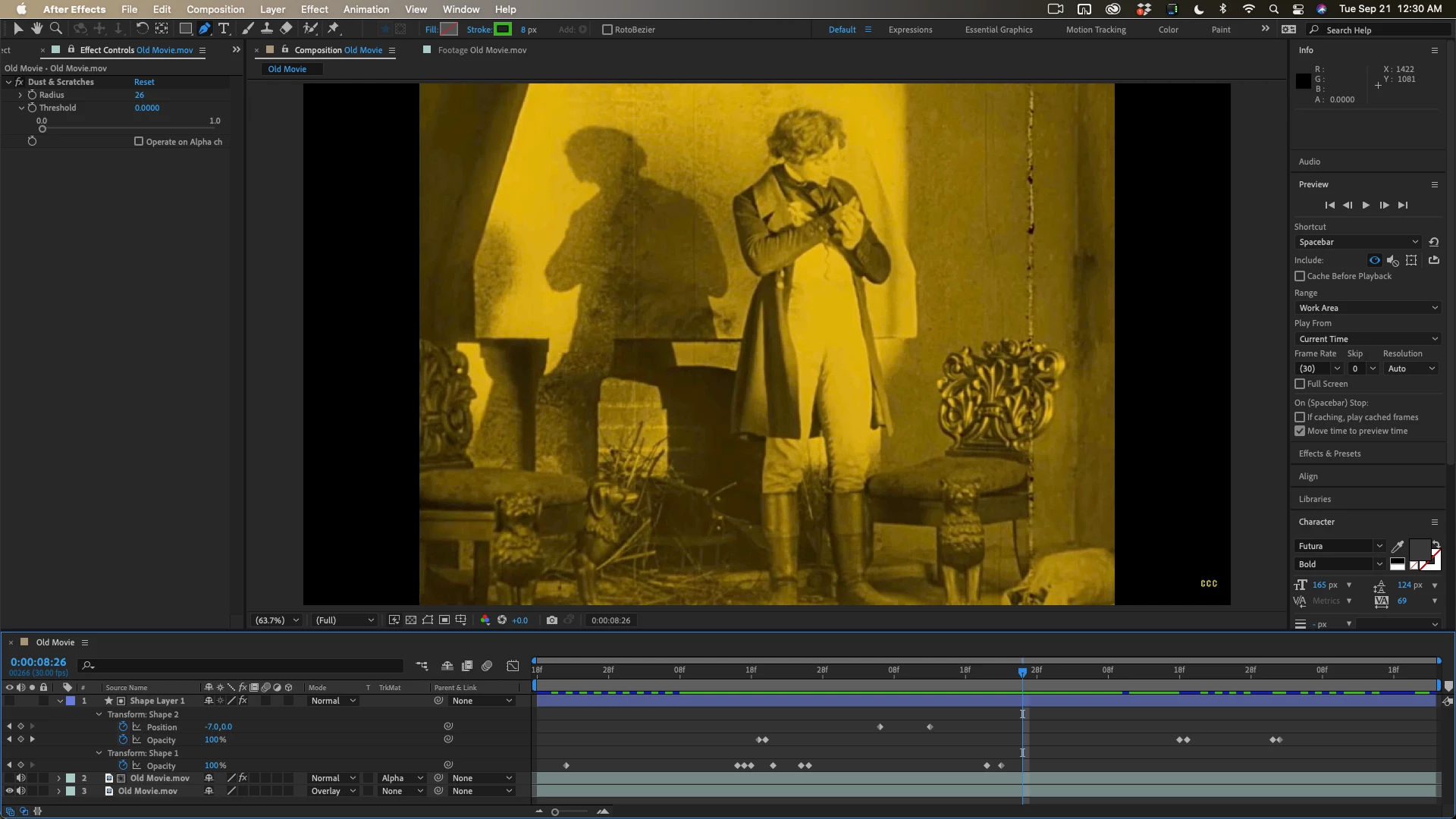
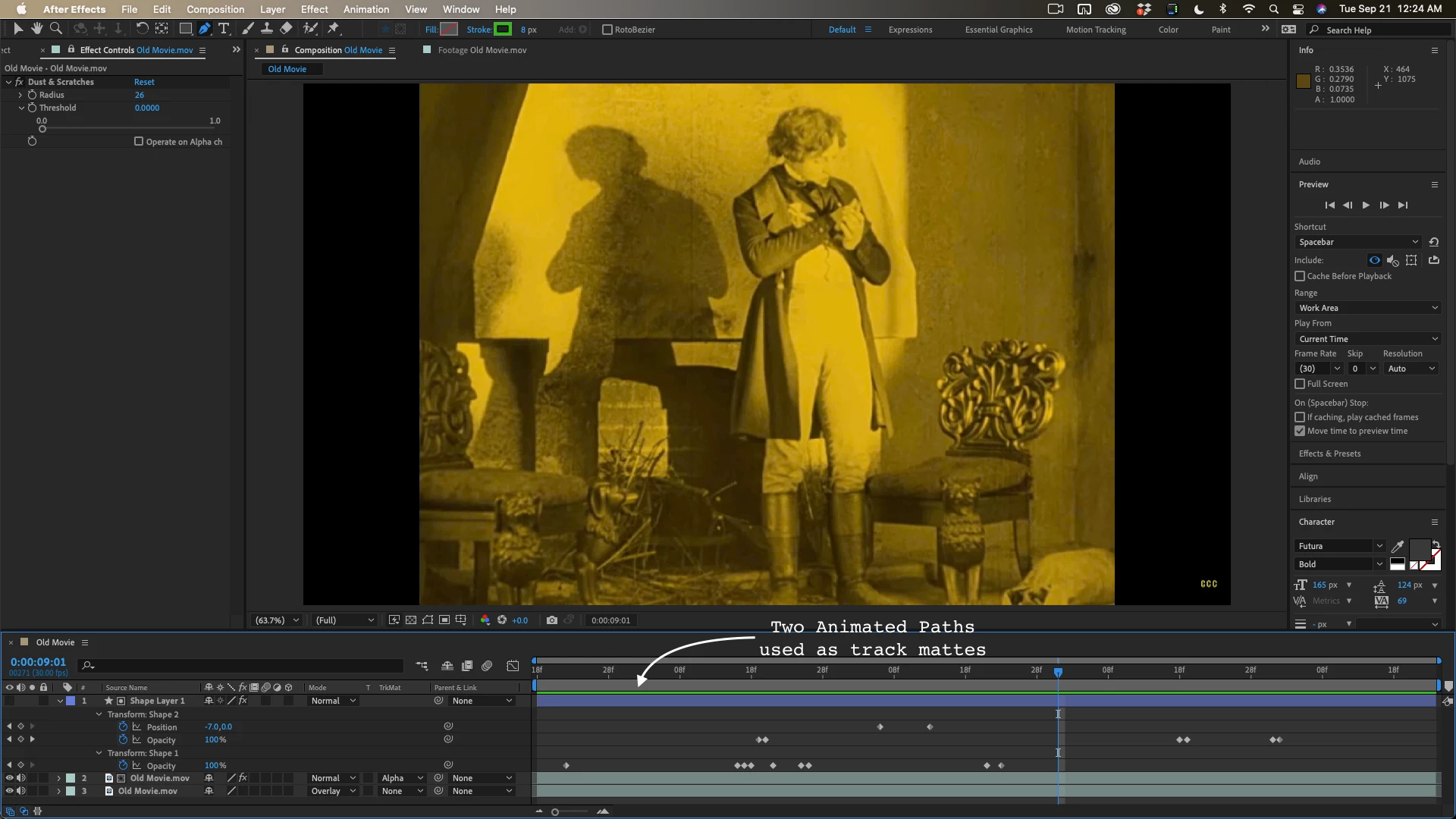
In After Effects, I'm working on removing scratches and dust from an old 16mm film scan. Since these scratches and dust particles only show up on one frame then disappear – is there a way to paint them out with using the image data of the previous frame that has no dust or scratches? For example – Let's say I want to fix a scratch that goes through a person's face. The fix needs to be seamless. The previous frame is clear of the scratch. So I want to be able to click on an frame area that has the scratch on it -and have After Effects to copy the image data from the previous frame and automatically place it onto the area of the current frame that has the scratch on it. This way I can have the best chance to restore the frame. Is there a way to do this in After Effects? Hopefully what I'm trying to accomplish make sense. I don't want to use the clone tool and clone from the same frame. Some of these scratches and dust particles are extensive and I need to use the data from previous frames that are clean to make my repairs. Thank you!
 AdChoices