


Mukul_Ideation
Known Participant
March 29, 2018
Answered

How to remove green screen from footage perfectly ?

  • March 29, 2018
  • 2 replies
  • 2345 views

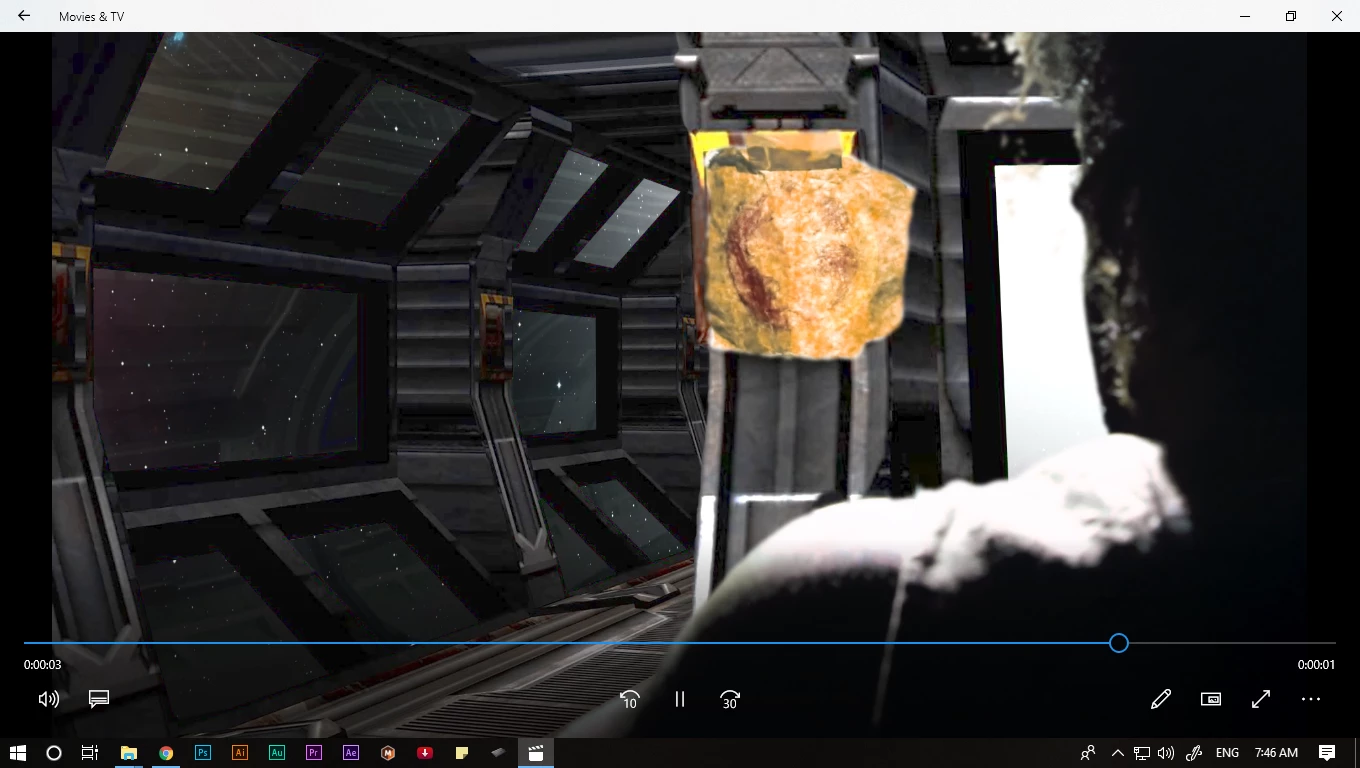
i am working on a footage of a man with rough hair and i am unable to key it perfectly.

details is not remaining.
This topic has been closed for replies.
Correct answer Rick Gerard

Perfect keying requires that you start with a production quality original, not compressed video from a consumer camera. 444 color 10 bit it best. The lighting also has to be nearly perfect.

You can do a pretty decent job with Keylight if you know how to use it. Unfortunately, you have given us absolutely no details. To give you some real help we need to see what kind of footage you are working with and what you have done to the layer you are trying to key. Select the footage in the project panel so we can see what kind of footage it is. Make sure the current timeline is visible and the comp panel. Select the layer you are trying to key, press the U key twice to reveal all modified properties and the PrintScreen and Paste to the forum so we have some idea what you are doing.

My best guess is that you have consumer or prosumer footage that is compressed and that you have not spent enough time fiddling with the knobs to pull a decent key.

2 replies

Mukul_Ideation
Known Participant
June 13, 2018

I have got an answer, thank you.

Rick GerardCommunity ExpertCorrect answer
Community Expert
March 29, 2018

Perfect keying requires that you start with a production quality original, not compressed video from a consumer camera. 444 color 10 bit it best. The lighting also has to be nearly perfect.

You can do a pretty decent job with Keylight if you know how to use it. Unfortunately, you have given us absolutely no details. To give you some real help we need to see what kind of footage you are working with and what you have done to the layer you are trying to key. Select the footage in the project panel so we can see what kind of footage it is. Make sure the current timeline is visible and the comp panel. Select the layer you are trying to key, press the U key twice to reveal all modified properties and the PrintScreen and Paste to the forum so we have some idea what you are doing.

My best guess is that you have consumer or prosumer footage that is compressed and that you have not spent enough time fiddling with the knobs to pull a decent key.

Mukul_Ideation
Known Participant
March 29, 2018

this is when i get details but green screen is'nt removed perfectly.

when i clean green screen remaining details loss.

Andrew Yoole
Inspiring
March 29, 2018

It will really help if you can post a full resolution image of the untreated footage so we can assess what you're working with - even if only a partial frame which shows some of the problem hair.

You also haven't told us the format and compression used in your source footage.

Keying is an art form unto itself, and requires skills at every stage of the production.  If the footage has not been well lit and shot, as detailed above in Rick's post, you may well have trouble.  Sometimes it's necessary to divide components of the image into seperate layers and key them separately:  for example, key the main body in one layer, then mask off the head and hair and key it separately.
