First and foremost, I would recommend to collect all the files from the project, if you intend to send it over to your friends. If you don't collect the files, AE will not find the project files once you move the location of the project. Go to File-Collect Files or File-Dependencies-Collect Files in the newer versions o AE
Also, once you have your project set up the way you want it you can duplicate the file and change the extension from .aep to .aet
doing that will make it so that every time someone opens it it opens as an unsaved project. it'll force the user to save a new version and protect the template (.aet) file from being saved over accidentally.
Also when saved to my pc, the Adobe After Effects Project (.aep) is 636 KB (651,926 bytes), how do I shrink it down? I Im not looking to export anything, I just want to save the project as a smaller size, is that possible?
I guess that would work but what if I had a footage in there and I could let them use their own footage, how do I do that? Do I delete that footage in my pc?
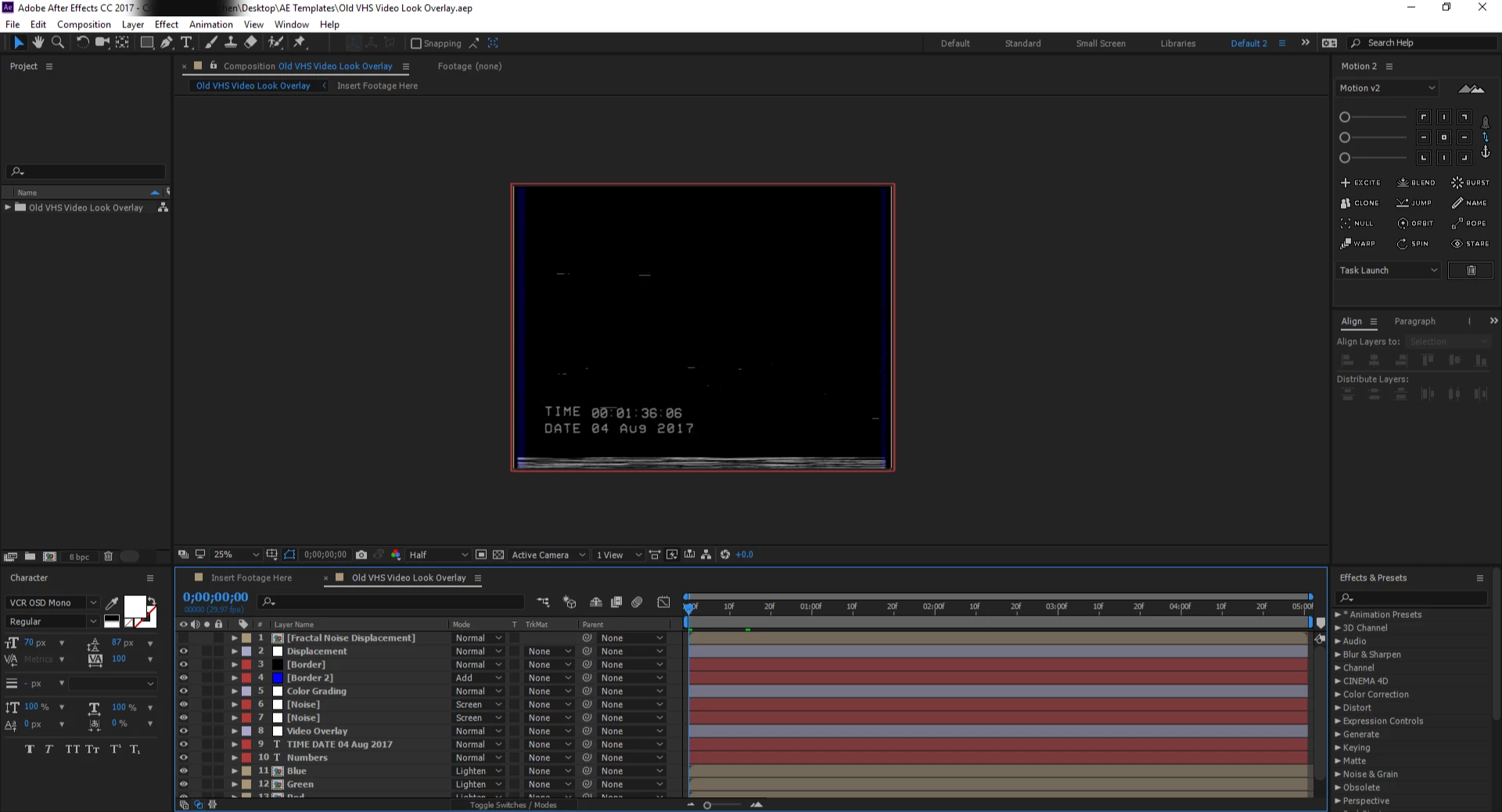
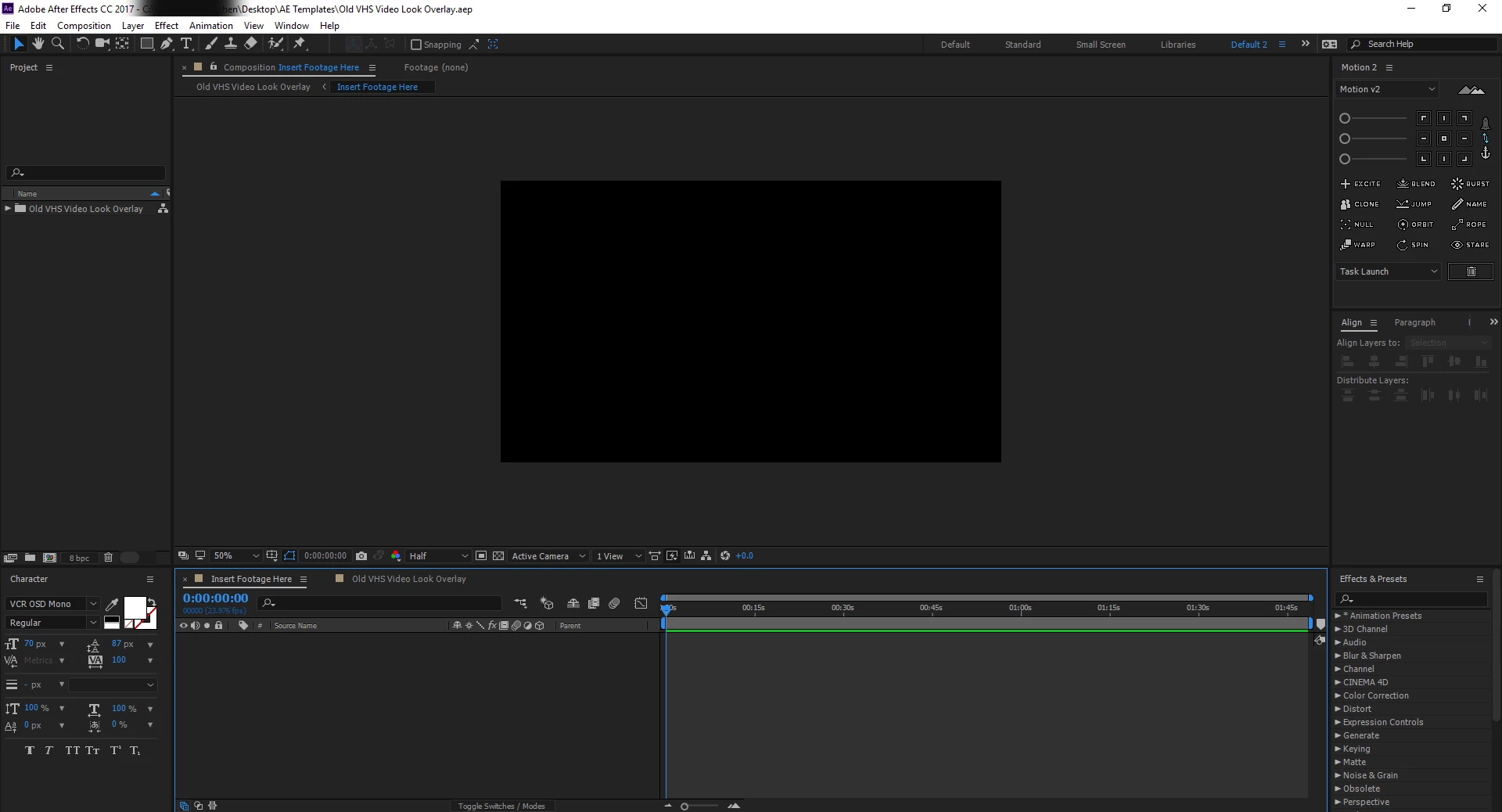
If you happen to have effects applied to the video layer to be replaced you can copy-paste them to a solid. Then you can annotate the layer with, "REPLACE THIS WITH VIDEO".... or words to that effect. Boom. Done. Easy-peasy. You don't have to include the video file, thus reducing file size immeasurably.



 AdChoices