
How to view/change motion path of a puppet pin position keyframe?
Hi,
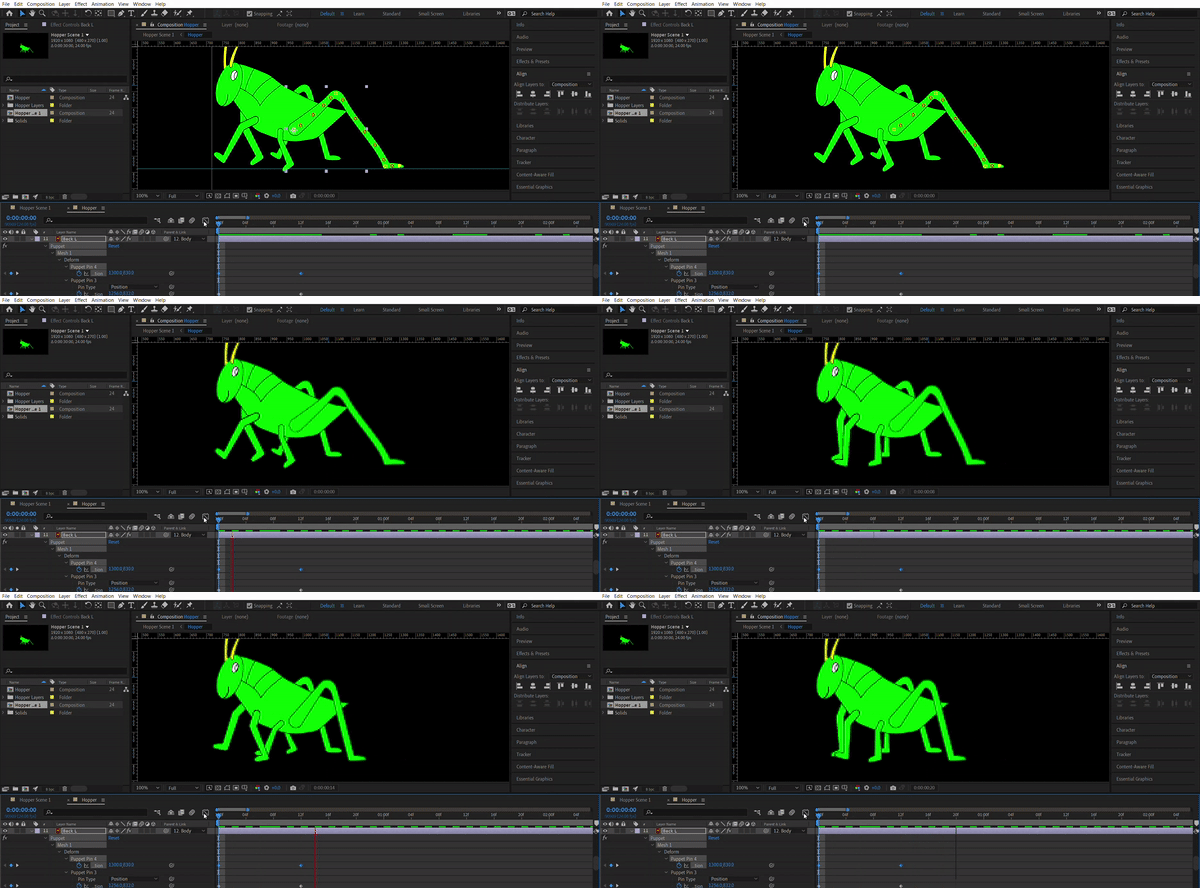
I have a character that I am trying to animate using the puppet pin tool. I have set keyframes for the position of certain points, but I am having trouble finding a way to view the motion path of the puppet pin position keyframes.
I have checked my settings, both the view options and the preferences, and they are both set to show motion paths. When I click the toggle mask and shape path visibility icon it immediately turns off when I move the playhead. When I open up the value graph editor it does not show any handles, and the motion path does not show up at all on my composition window.
I am working with illustrator layers, but even when I convert them to shape layers I cannot see the motion path for my puppet pin position keyframes. When I double click the layer to try and view the layer window, it does nothing. I have tried changing the spatial interpolation to bezier, and I still see no motion path or handles.
I have attached a picture of my character - I am trying to animate the points on the foot of the back leg to move them to the left, but I want them to move in an arc, or curved path, rather than linearly along a straight line. Any help would be appreciated.
 AdChoices