


I just want to center a text to a specific layer T_T
Hello 🙂
Ok so I am working on a video on Adobe Premiere. (yes we are on AE thread, wait ...)
I need to type a dialogue text in an area.
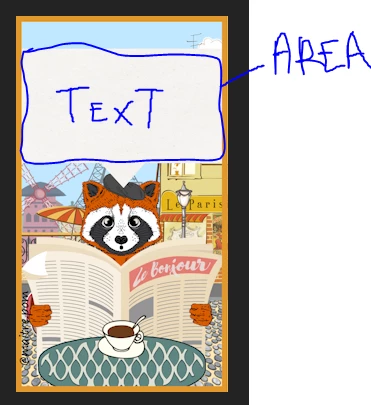
But I need the typing machine effect from After Effects.
I tried to export the effect from AE to Premiere, but typerwrite fx uses automation,keyframe
When we export, AE removes it.. (impossible to add manually a toggle animation)
Now I am trying to edit a text on AE (that will I export as Essential Graphic on Premiere)
A test worked, but it will be painful to do that each time for a new text.
The othe problem I have, I need to position myself the text.
So it's important for me that when I type a dialogue,
there is a limitation aera
and
the text starts from the center
So my text will be always centered, whatever the number of words.
On AE , this is what I do :
- I create a rectangle layer simulating the dialogue text area on my video premiere. (pink rectangle)
- I choose the text tool and define the area limitation for my text (red frame)
All I type, whatever how many words will be in that box
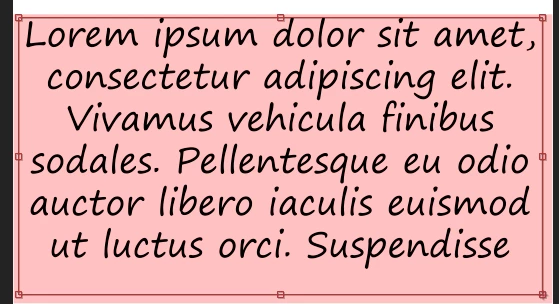
But in the reality, it will be shorter line
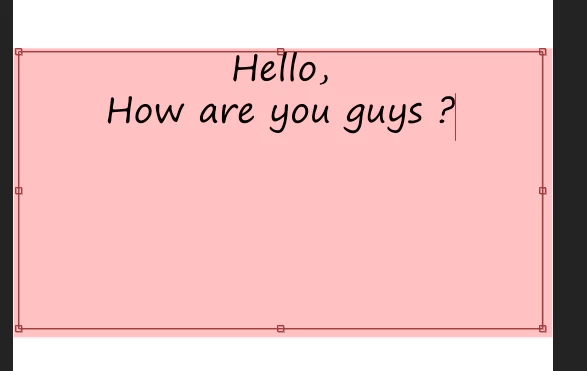
Ok it's fine but I need the text to be centered to the pink area/bubble
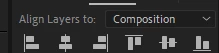
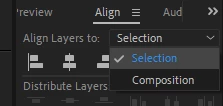
If I use ALIGN LAYERS TO, as it shows, it will center the text in the full document (composition)
But I need to it to be aligned to the previous layer (the pink dialogue area/bubble)
So I try to select both layers ( the zone and the text)
It seems it's going somewhere :
Now let's align :
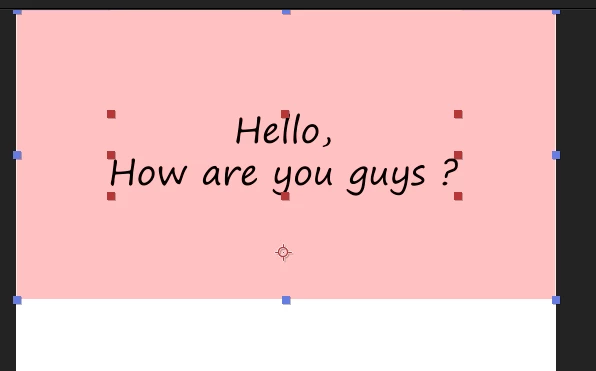
Huh, Ok why it pushed the all thing on top. (i did clicked on the center symbol)
Let's try again :
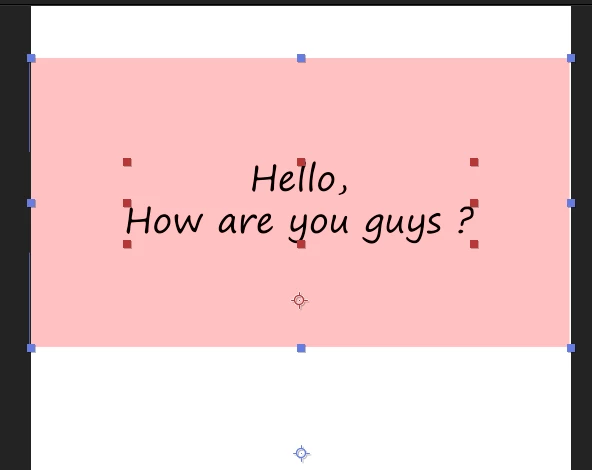
Ok now It seems well visually. (but why?! same move, different result)
Now let's check the text area :
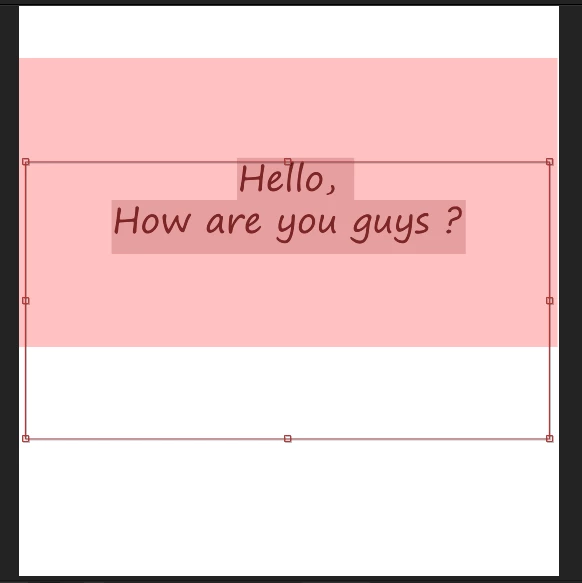
Arg ... It has move the area ...
Why so complicated ? 🙂
Can you help ?
I want to center a text (hori and vert) in an selected area.
What I don't need :
to tell me different methods to apply typing effect on Premiere, it doesn't work as I want.
(the tutorials I see use a mask moving from left to right, but the illusion works only if u have one line)
thank you !
 AdChoices