Participant
September 7, 2021
Answered

Layers are there but the objects inside are invisible

  • September 7, 2021
  • 2 replies
  • 231 views

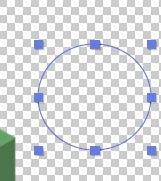
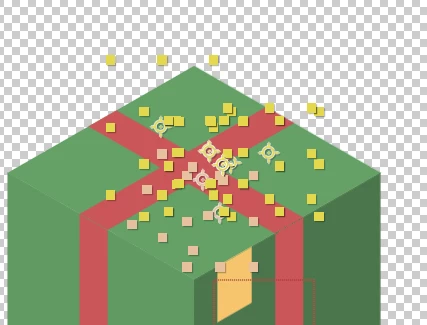
the layers are there but shape inside it is gone and I can't create a new shape too. But outside this comp it can be created normally. I don't know that I hit something wrong or not. How can I get my shape back to normal?
 

This topic has been closed for replies.
Correct answer Prince5FA6

thank for your answer. It came back now in active camera view.

2 replies

nishu_kush
Community Manager
Community Manager
September 7, 2021

Hi Prince,


Thanks for writing in.

As Jose mentioned, screenshots or a screen recording would be helpful to understand the issue properly. Also, I wonder if you've accidentally changed the Fill and Stroke and to None.

Looking forward to your response.


Thanks,

Nishu

Prince5FA6AuthorCorrect answer
Participant
September 8, 2021

thank for your answer. It came back now in active camera view.

Jose Panadero
Community Expert
Community Expert
September 7, 2021

We need more info. Could you share screen captures of your Timeline panel (press UU before screen capture so we can see any modified properties. Also it is interesting that you share a complete capture of your composition panel to know what settings you are using in it.

Participant
September 8, 2021


thank for an answer. Now I change the view to active camera and it came back I think cus the invisible objects are not in 3D layer. But at first it was visible from front view.