Hi,
Thanks again. I tried what you were saying and started again with a rectangle shape layer on after effects and an ellipse and the ellipse is going up and down with the rectangle but the problem I'm having is that it's not staying attached and floating just above the top edge. Do you know what I might be doing wrong?
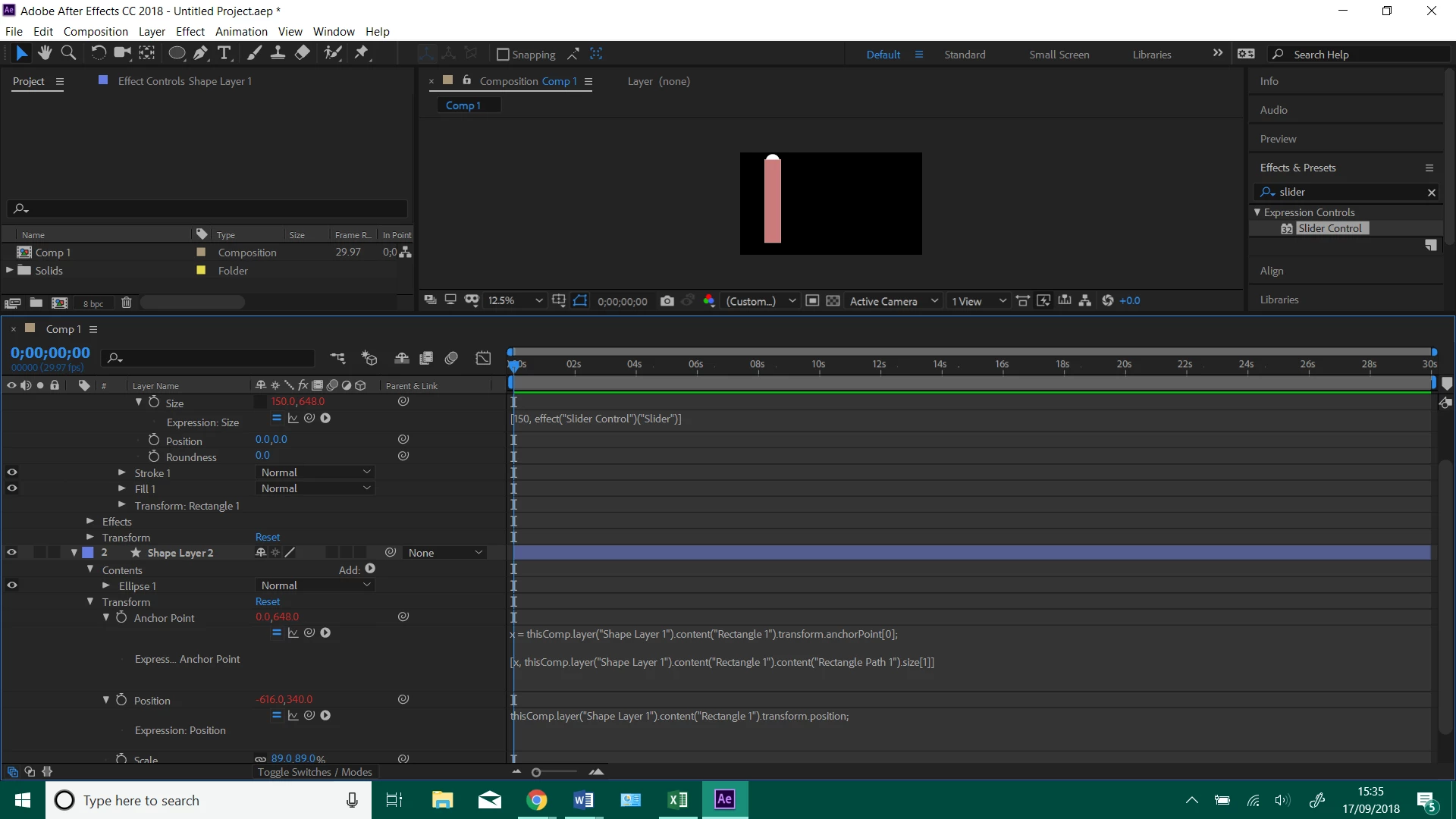
Let me simplify things for you. Here's an animation preset that will create a column and a circle that are tied together with a slider. There is also an offset slider for the circle so you can position the circle exactly where you want it to be. You can add as many shape layers as you like and position them anywhere. You can change the width of the column, the x position of the circle, or change the size.
Column Marker.ffx
Just download the animation preset, save it to your Custom Animation Presets folder, then use the Animation>Apply Animation Preset menu to apply it to a composition and it will create a shape layer like this:
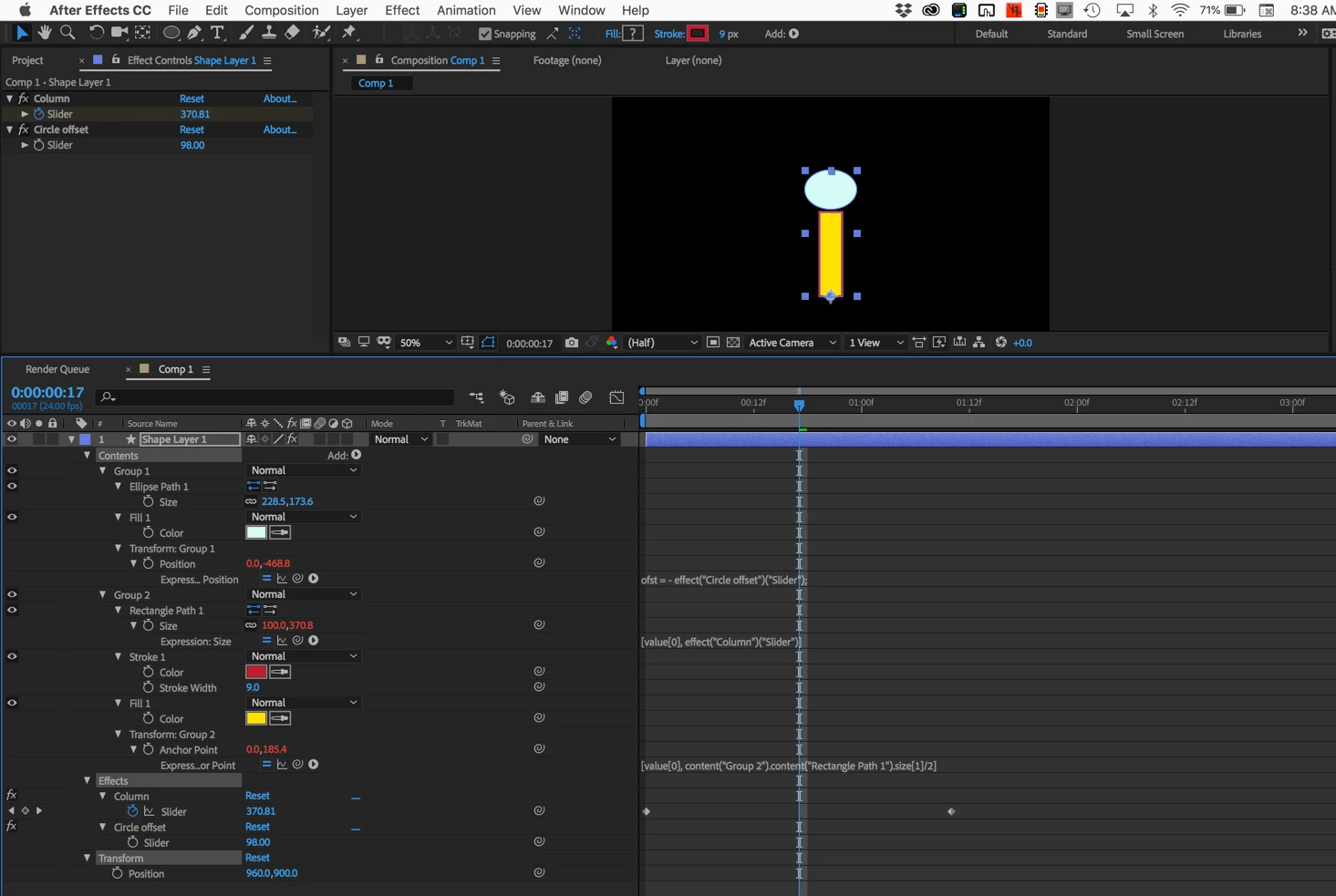
I didn't take the time to redo your project but this should get you started.




 AdChoices