Participant
January 17, 2019
Question

Making a PNG image fade in following certain path

  • January 17, 2019
  • 1 reply
  • 739 views

Hello,

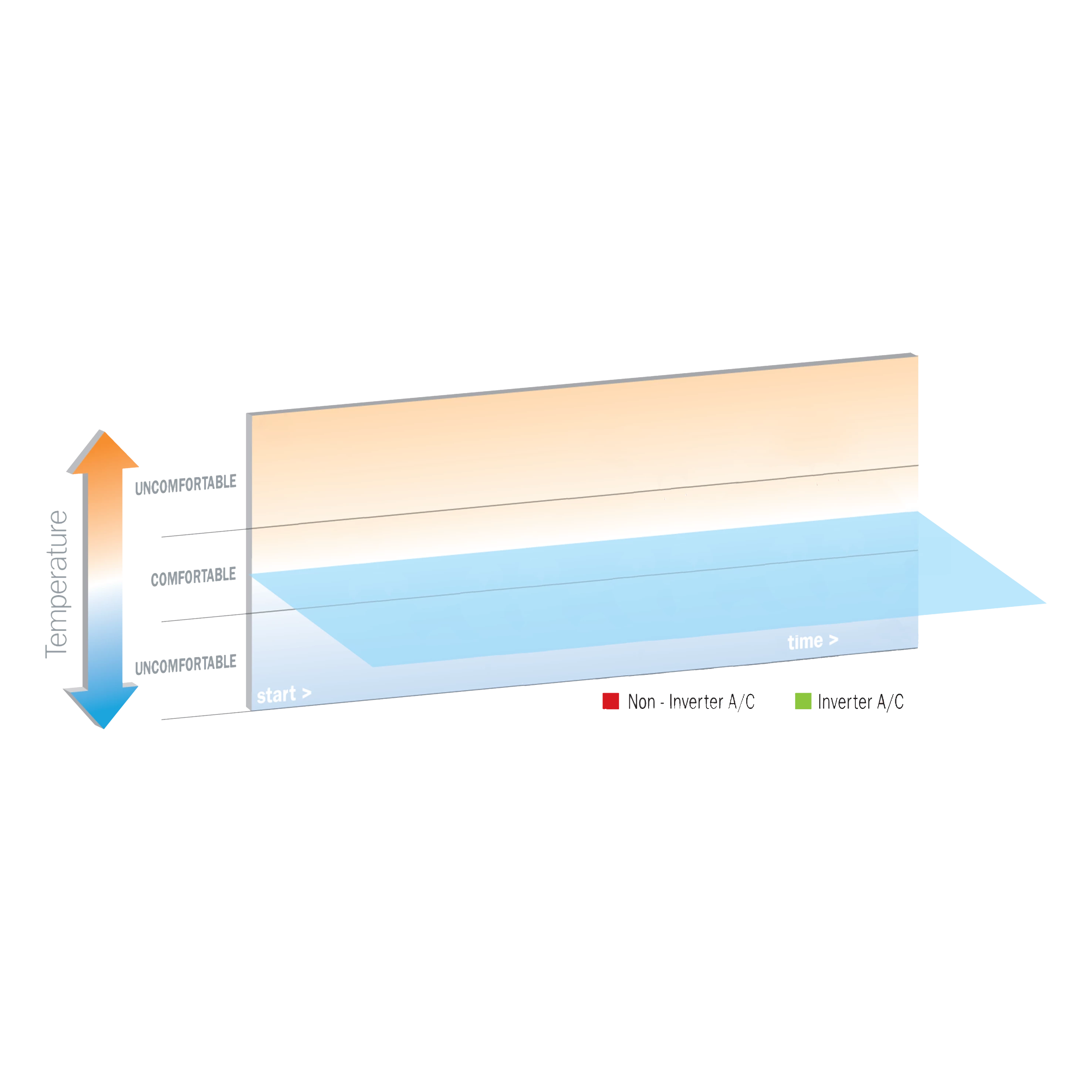
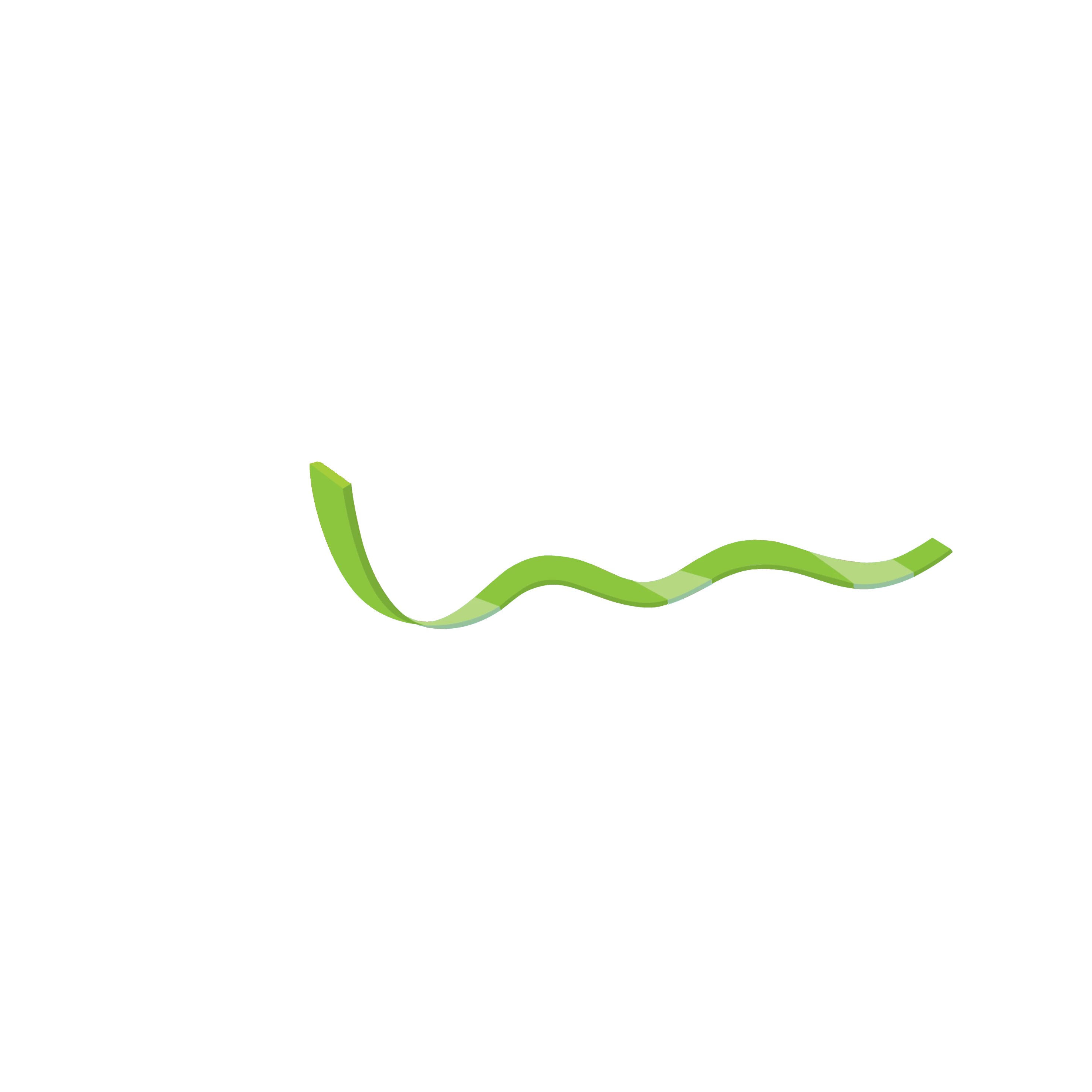
I have this PNG image of a 3D green line and a 3D table and I would like to combine them in a way where the line sort of appears over time following a certain path that shows how it goes up and down on the table in a professional-looking way.

I realize that the easiest way to do so in a shape layer is to make it follow a path but I can't seem to figure out how to do so when it comes to a still image as these are the only raw materials that I have at the moment.

Thanks in advance!
    This topic has been closed for replies.

    1 reply

    Legend
    January 17, 2019

    Since your green line never folds back on itself, you can simply use a rectangular mask that animates from right to left.

    Participant
    January 17, 2019

    I'm not experienced with using masks so can you point me to the basic steps of doing so?

    Kyle Hamrick
    Community Expert
    Community Expert
    January 17, 2019

    Create a mask using either one of the shape tools or freehand it with the pen tool.
    Keyframe the "Mask Path" property, and animate it over time to reveal the way you'd like.
    Create and customize shapes and masks in After Effects


    Depending on what you're going for, you could create the first look by creating a stroked shape layer path and using the C4D renderer. Using a Trim Paths operator on the shape layer would be an easy way to reveal this very cleanly (and the extrusion would cooperate perfectly as well).