


Mocha AE and After Effects workflow: Exporting Track data issue!
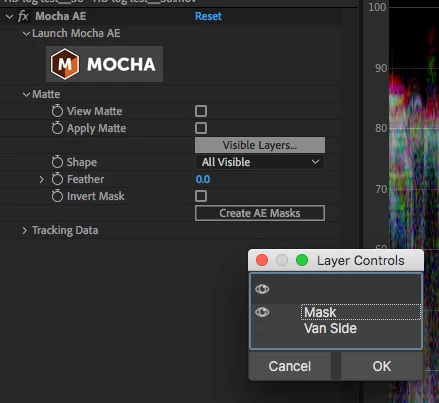
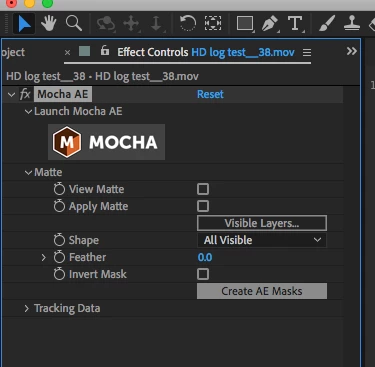
I'm trying to rotoscope my subject so I can place text behind him afterwards. But every tutorial I follow when it gets to the exporting of the track into after effects, instead of rotoscoping my subject itself mocha seems to track to my footage and warp it. How do I stop this?
My computer: Windows Omen by Hp laptop 15-dc1xxx
After effects version: 17.5.1
Here i'm trying to just rotoscope his ear to show an example. https://www.dropbox.com/s/sv9wndt7o66ocz3/mocha%20ae%20problem%20more%20detailed.mp4?dl=0
I don't know why my screen record wasn't showing u my mocha AE screen, but basically i saved it, and exited to After effects. Skip to 40 seconds!
When I make a AE mask it does seem to work but it's still slightly off my subject, also I heard it's better to export the track data into the layer anyway. This is my first time using Mocha AE so I'm still learning the ropes. Thanks in advance.

 AdChoices