


New Participant
April 24, 2019
Answered

Mocha AE Crashes On Startup

  • April 24, 2019
  • 4 replies
  • 6761 views

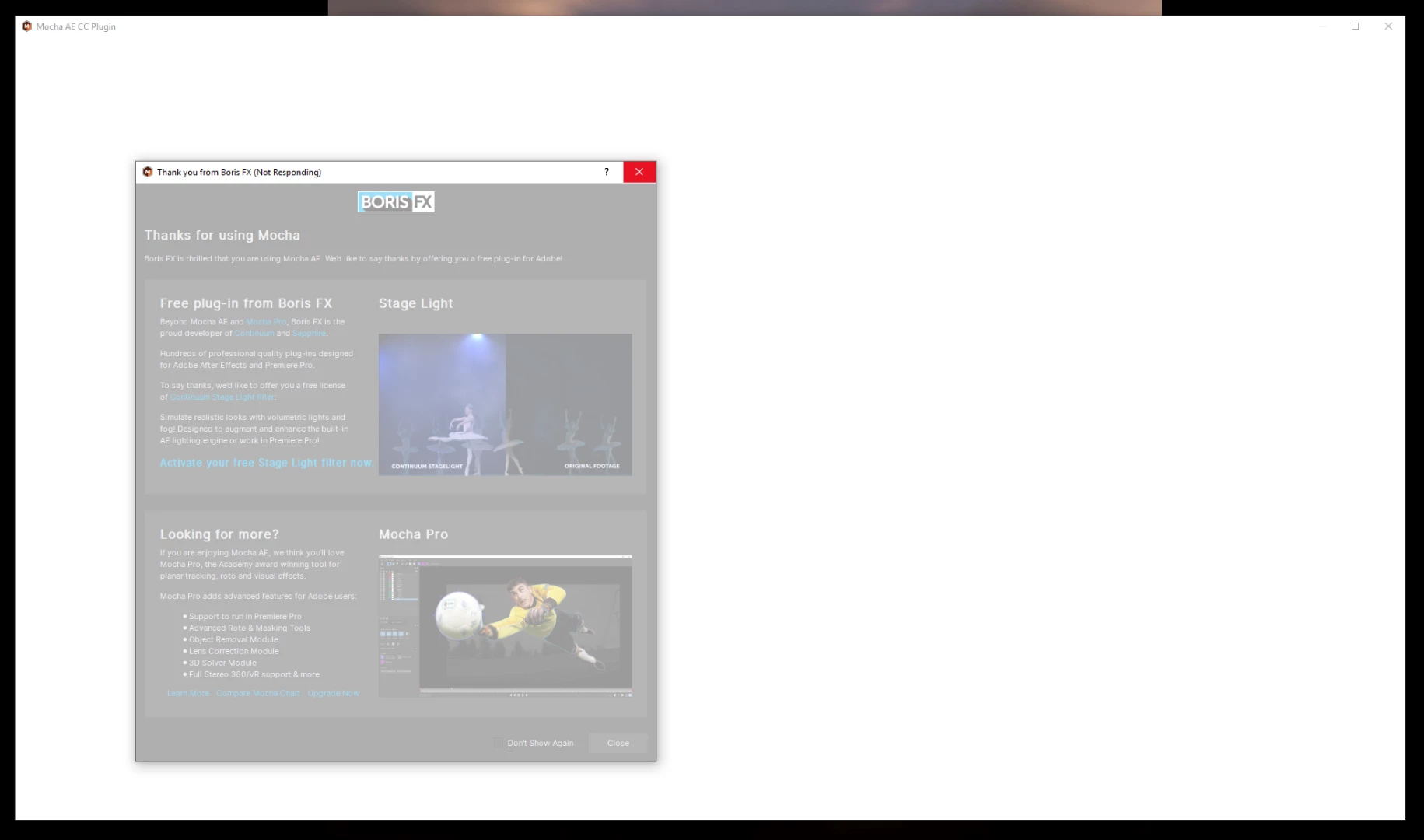
I try to open Mocha to track a clip.  When I click on the Mocha icon under the effects panel Mocha gives me the "thank you for using mocha" dialogue and then hangs up and abruptly crashes AE completely. I tried trashing the prefs, and re-installing AE multiple times. No dice. Running windows 10, i9 Processor, 2080TI Nvidia card. Everything else in AE works fine.
This topic has been closed for replies.
Correct answer tdawgrooted

I got a reply from Boris FX, this fixed it!!

Hello Tom,

Since reinstalling After Effects didn't work, let's try this -- Quickly, go into your Start menu, type 'regedt32' and press Enter -

HKEY_CURRENT_USER\Software\Imagineer Systems Ltd\

Inside here, you will see a folder for your mocha installed version (such as "Mocha Pro Plugin 2019") -- with Adobe closed, delete this folder from the Registry.  After this, Restart (if not inconvenient) and re-attempt mocha in a New After Effects project.

Thank you.

Jon

Technical Support Team

Boris FX / Imagineer Systems

4 replies

New Participant
August 6, 2022

after installing after effects i am opening mocha ae ....it showa mocha is starting and crashes immidiately plzzzz i hd really appreciate if anyone solve my problem what to do noww....


New Participant
September 27, 2020

I am having the same issue and delet the folder you said. after deleting the file same issue is happening

New Participant
October 12, 2020

I am having the same problem as well.  I have tried the regedt, uninstalling adobe CC and reinstalling.  Still nothing.  Any help would be appreciated!

austinv7765168
New Participant
November 20, 2020

Same here Mocha WILL NOT stop crashing, I can track a few frames in and everything wipes out. It is annoying because just today I successfully tracked one part of my project but now it will not stop crashing. I am using a 2,100 Macbook pro that I would like to think should be able to function with mocha. 

New Participant
February 12, 2020

@tdawgrooted you're my hero. thanks

Jose Panadero
Adobe Expert
April 24, 2019

This GPU is not officially supported by Mocha but I don't think that this is the main problem. Have you tried launching mocha with any other video clip? What is the format and codec of your video clip? You must check also that the cache folder for Mocha is not write protected. I don't remember exactly where the cache folder is but I think you have a folder called MoTempBCC or MoTemp in your C:\\ directory

New Participant
April 25, 2019

I actually used Mocha and got one track done two days again, and then yesterday this was happening. So maddening! I tried opening a new project and tried multiple video files and codecs. h264 and prores, same results. I'll check the cache folder also, that's a good tip!