


Answered
Move the pen tool to a point outside the working area
How to move the pen tool and create paths outside the working area?
I am trying to pin two different points that cannot be viewed at the same time on this scale
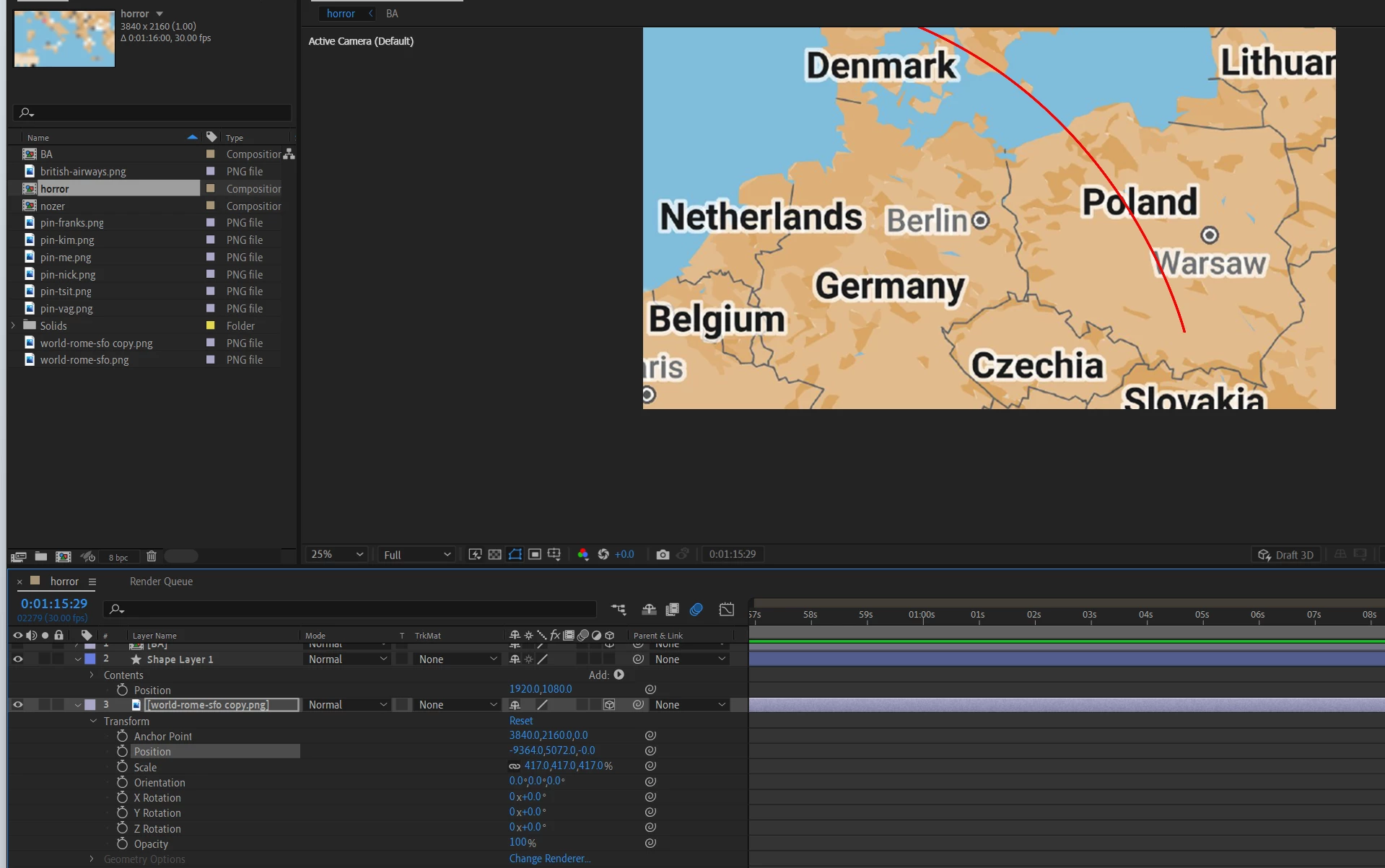

How to move the pen tool and create paths outside the working area?
I am trying to pin two different points that cannot be viewed at the same time on this scale
Use Ctrl/Cmnd plus the + or - or change the Magnification factor so you can see outside the comp boundary.
You should then be able to see any path that shows up in the comp panel. Motion Path, Vector Path.
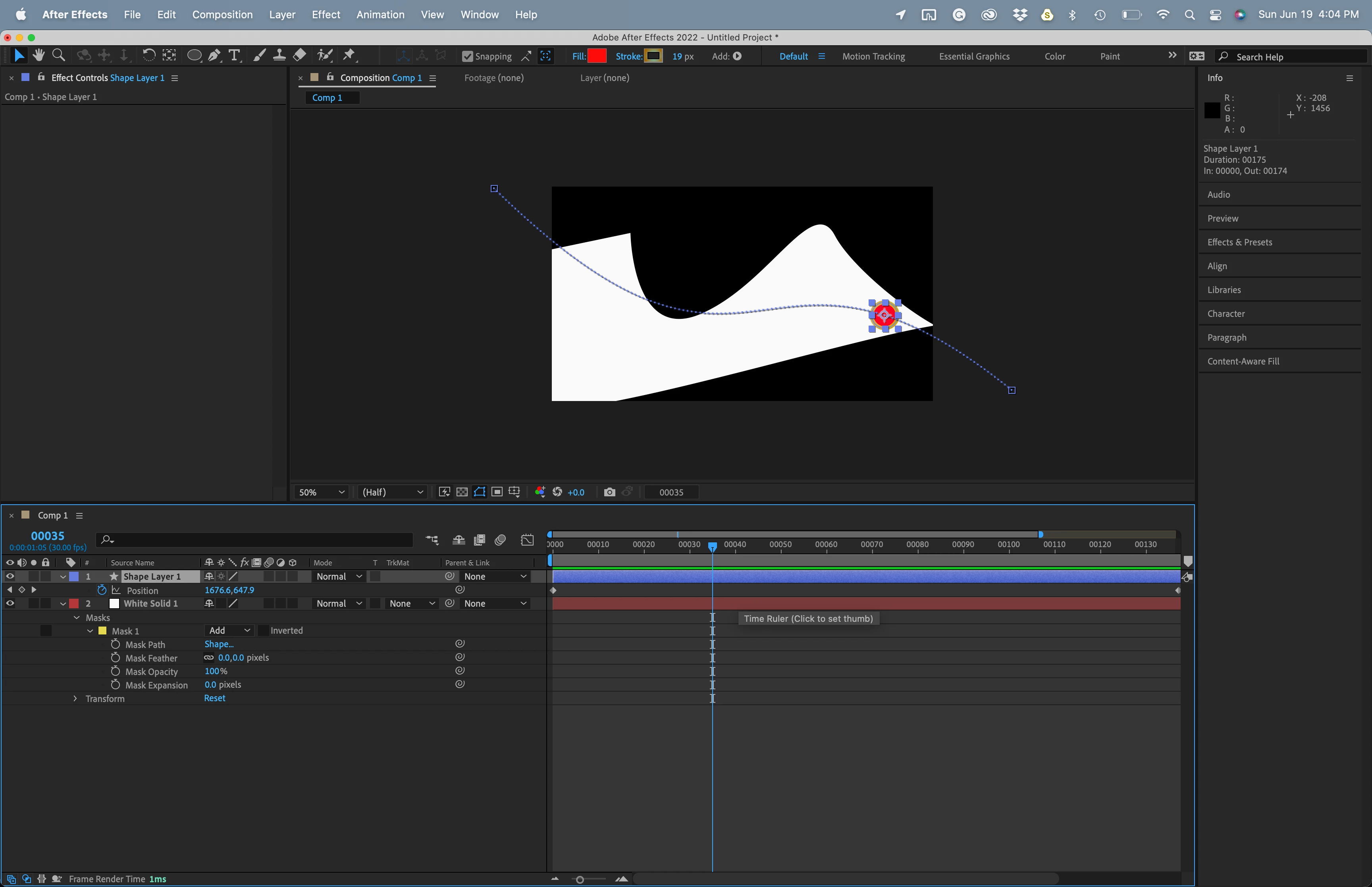
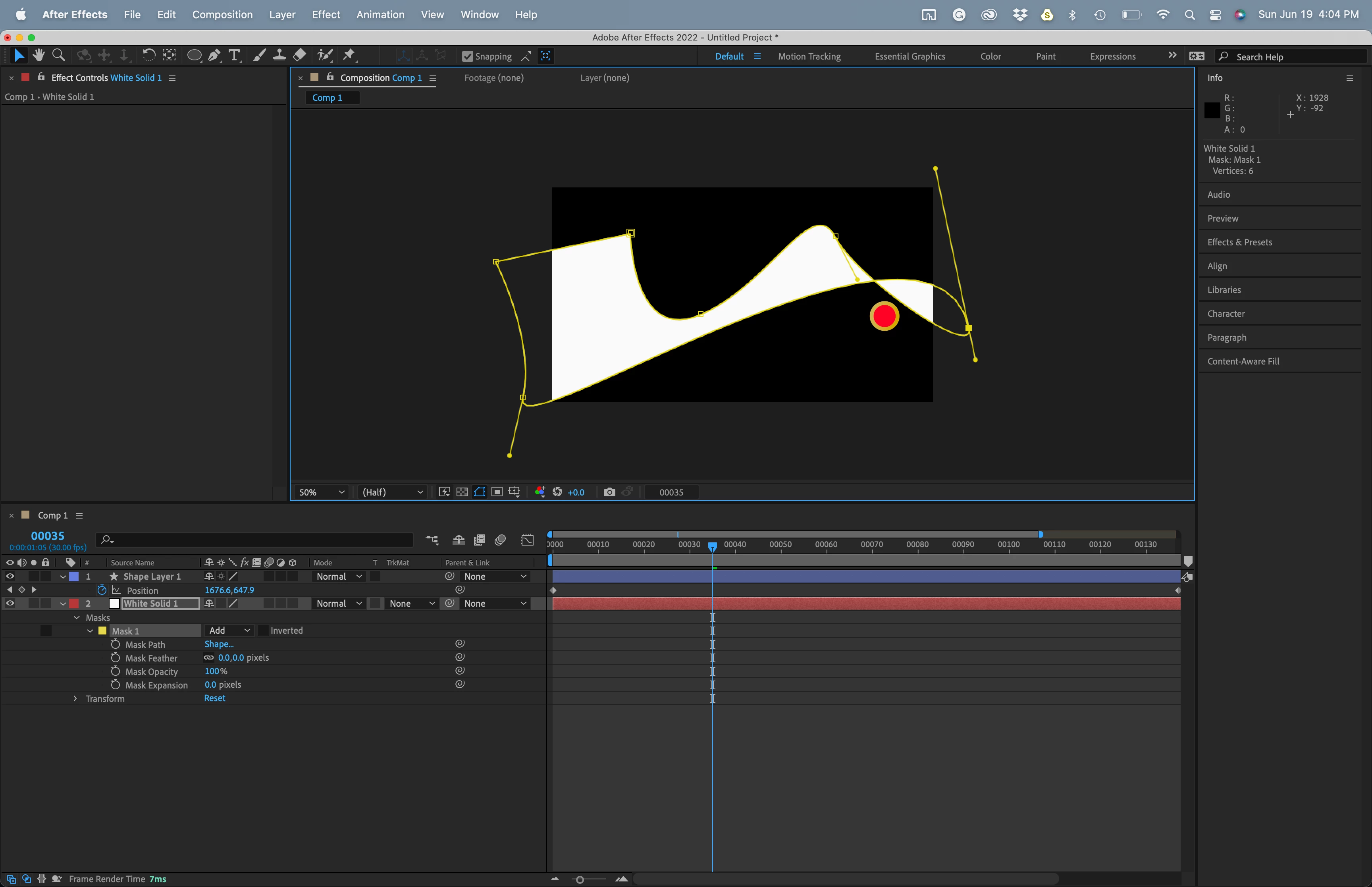
You can also hold down the Space Bar to temporally bring up the Hand tool and move the comp frame around in the comp panel. If that is problematic just press H.
Editing Vector Paths (masks and shapes) is easy if you have the selection tool active and you watch the cursor. If you have the Pen tool active you will need to use the Alt/Option and Ctrl/Cmnd keys as modifiers and carefully observe the cursor to select one or more points, break a bezier handle, or convert a vertex.
Maybe this old tutorial I did will help:
Already have an account? Login
Enter your E-mail address. We'll send you an e-mail with instructions to reset your password.
 AdChoices