


Question
New Project Solids Folder; unable to change this preference
A while ago I renamed the Solids folder in a project to SWATCHES. Since then, whenever I create a Solid Layer, Adjustment Layer etc. they get placed into a folder called SWATCHES… Somehow, I've changed the default folder name and I can't find where to change it back…
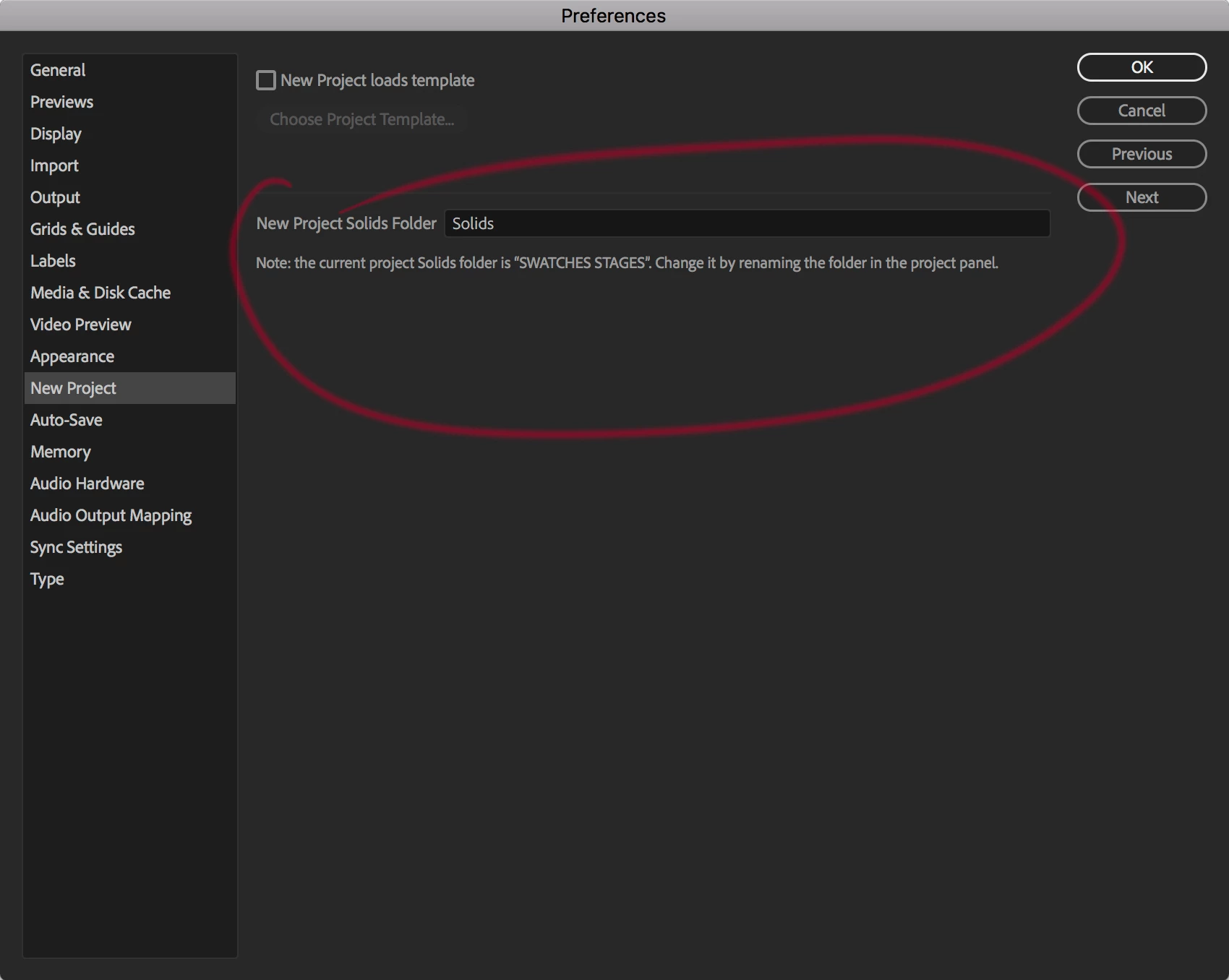
In the Preferences, under the New Project heading, there is an entry for New Project Solids Folder, but that's set to Solids. But underneath it tells me that the current project folder is SWATCHES… However, every time I start a new project, the solids folder never returns to it's original name, ie. Solids.
I realise this is just a small thing, but it's bugging me…
 AdChoices