


No second layer of text in AE
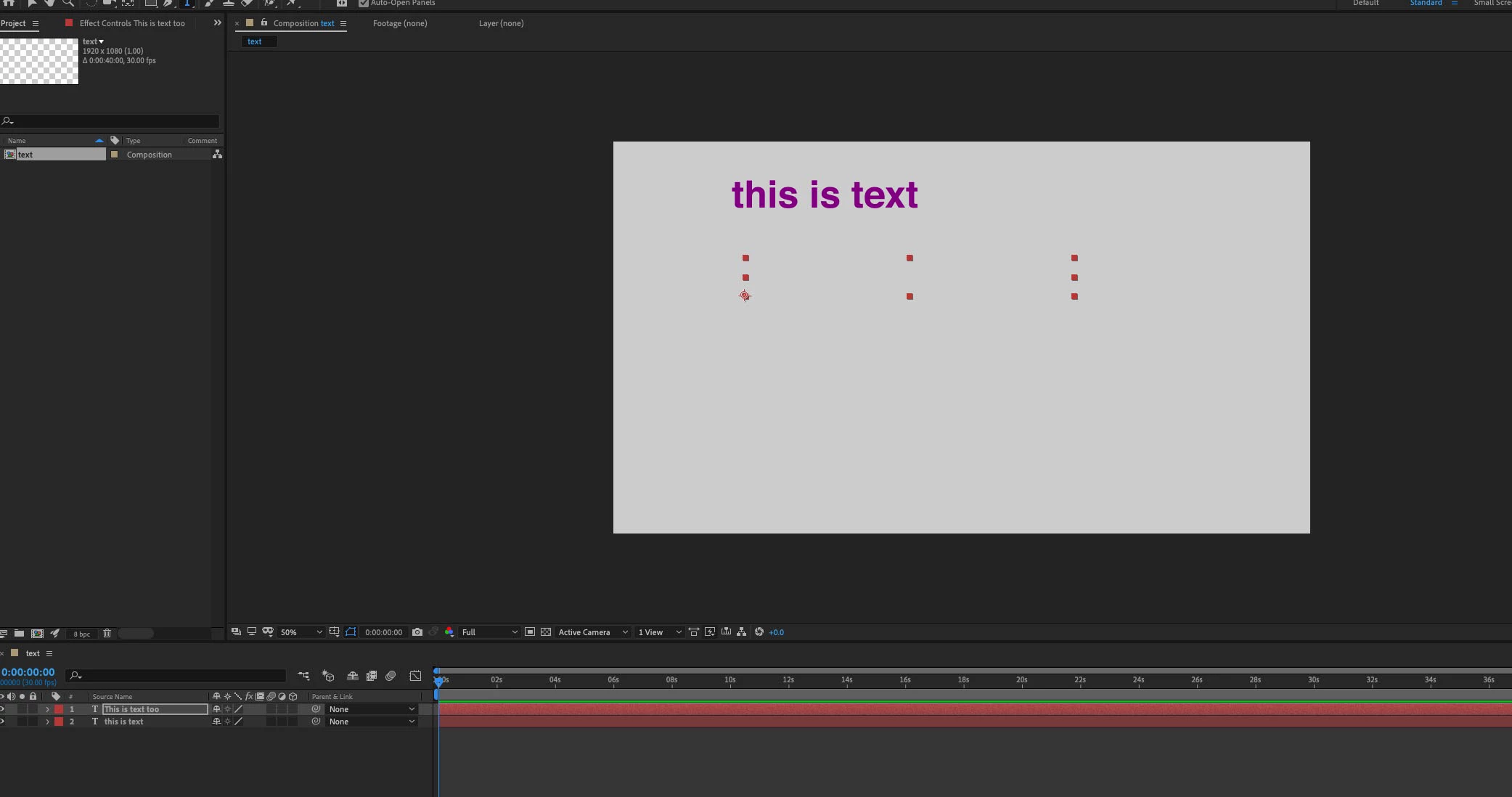
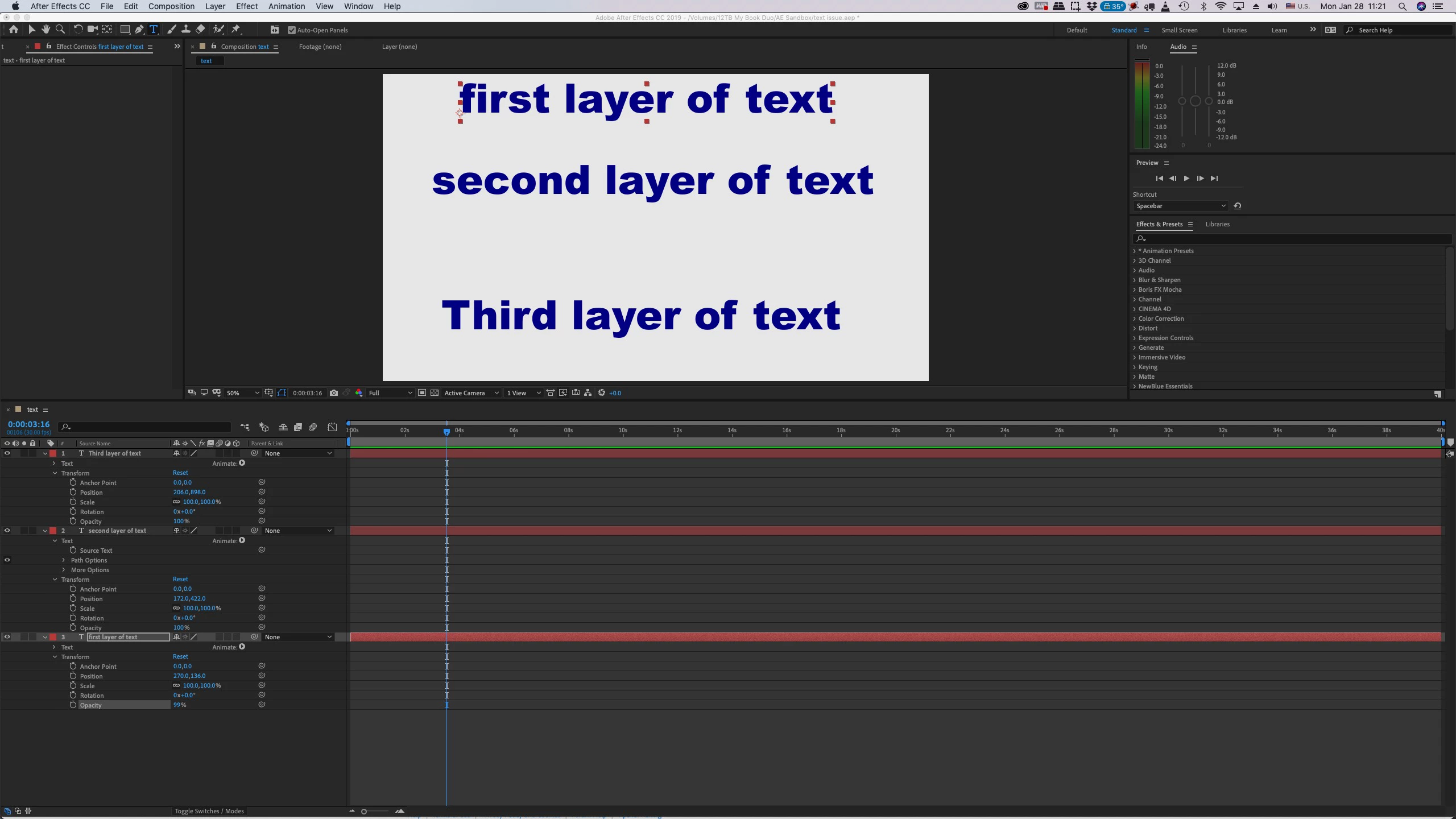
I have this un-before seen issue with After Effects. The first line of text appears perfectly normal, but try to add text on a second layer and it is invisible, and it will not render. I can see the bounding box of the text, I can highlight the invisible text, and I can see the layer in the layers panel in the lower left, but not on the canvas. I've tried rebooting, tried uninstalling AE and re-installing. I've right-clicked on the paragraph panel and character panel to reset the character. If I change the order of the layers, it mashes the text of both layers on top of each other making it illegible. If I try to resize the invisible text it crashes AE. I uninstalled AE 16.0.1 and installed AE 15, (2018) and it worked fine. But reinstall AE 16.0.1 and the same issue reappears. Nothing works and I do not believe its a problem on my computer . I'm on a Mac Pro running OS 10.14.3 with 64 GB of memory, and 3.5 GHz 6-Core Intel Xeon E5 and AE 16.0.1
This seems like a very fundamental bug that needs a fix and fast. AE worked fine last week, now this. I'd love some help on this.
 AdChoices