Participating Frequently
September 12, 2024
Question

Opening older After Effects project in newer version, assets are completely black or missing

  • September 12, 2024
  • 1 reply
  • 1268 views

I'm opening AE project files made on the 2021 version in the 2024 version. Whenever I open them, the message  "This project must be converted from version. The original file will be unchanged"


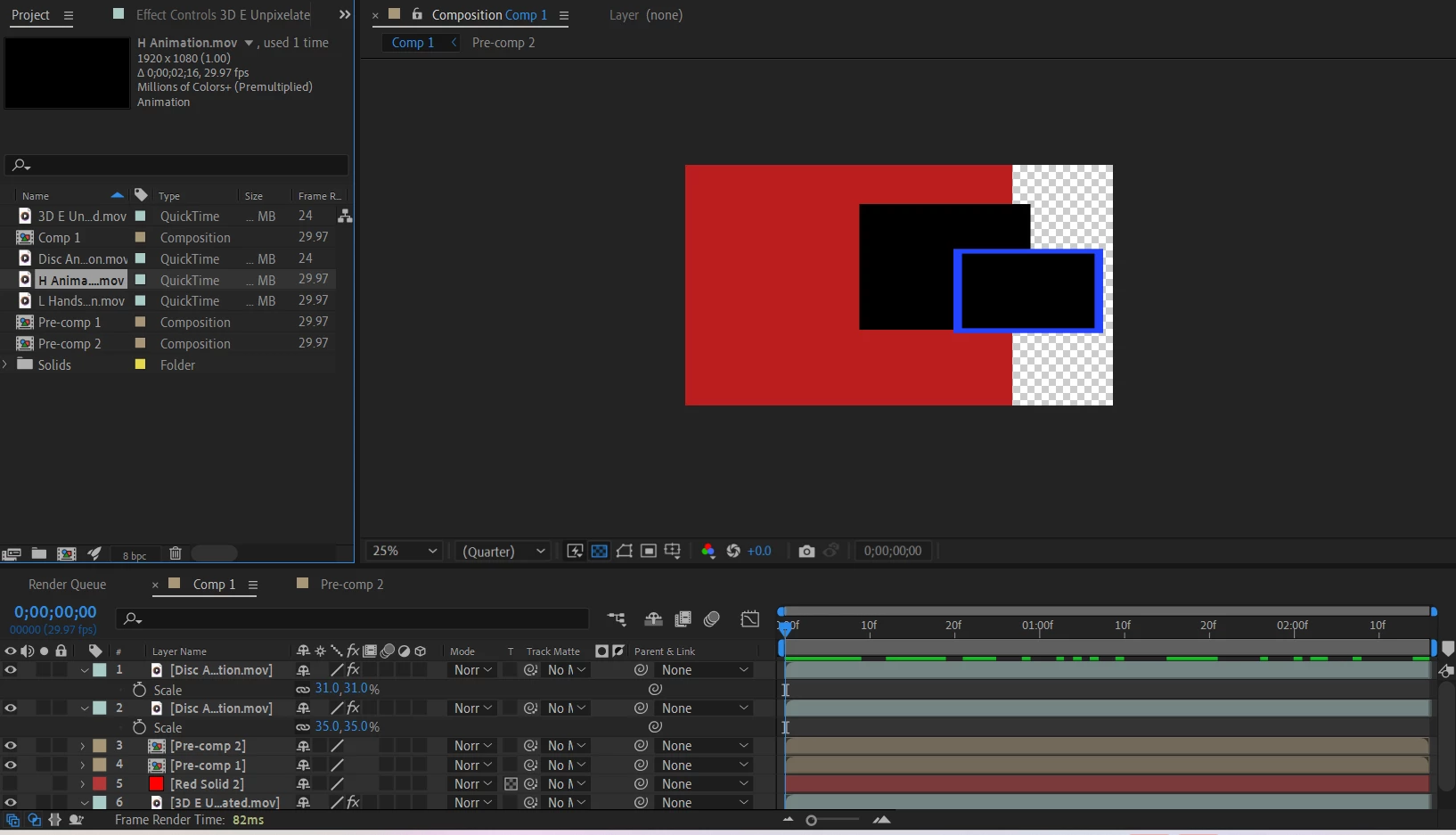
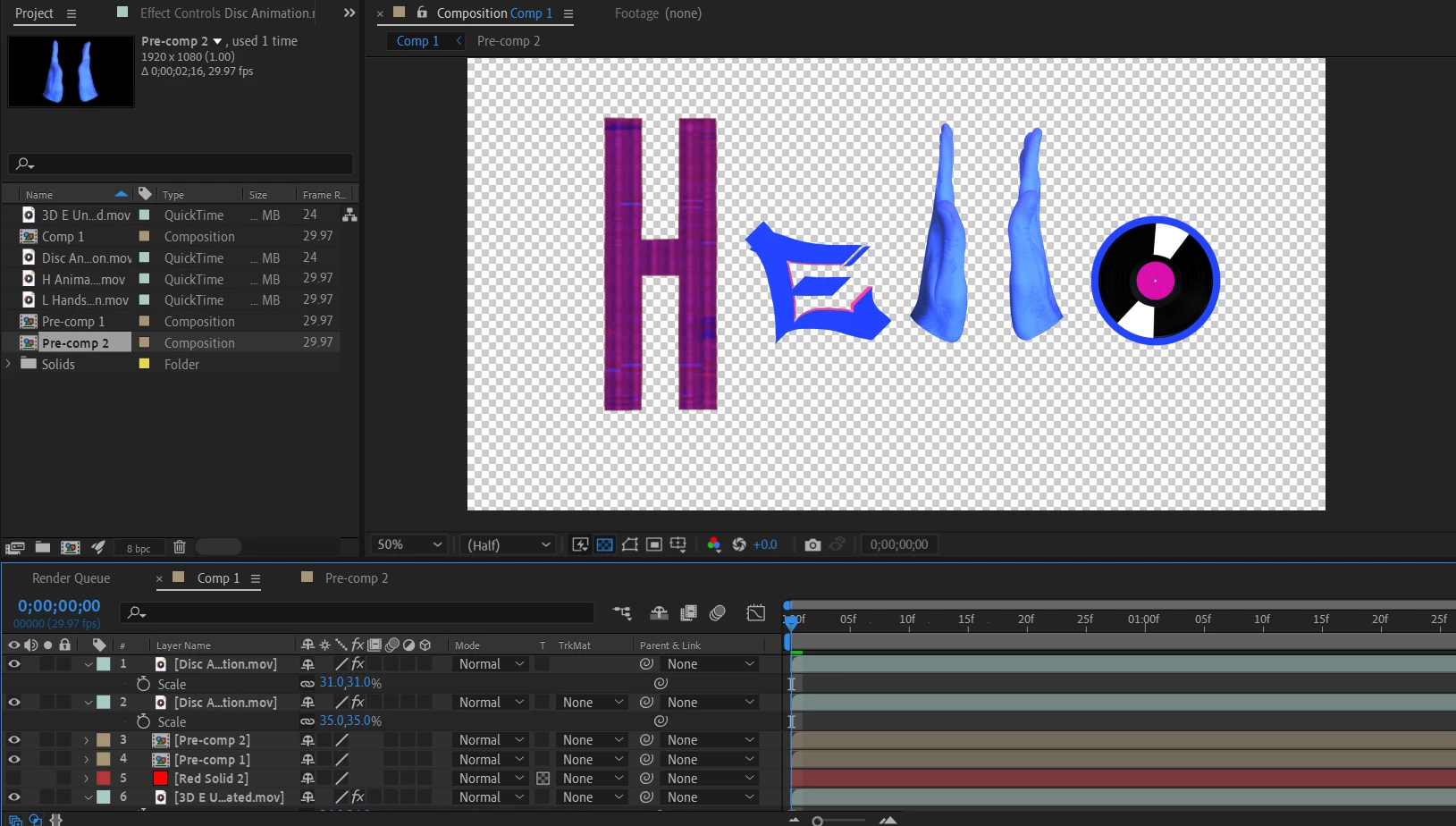
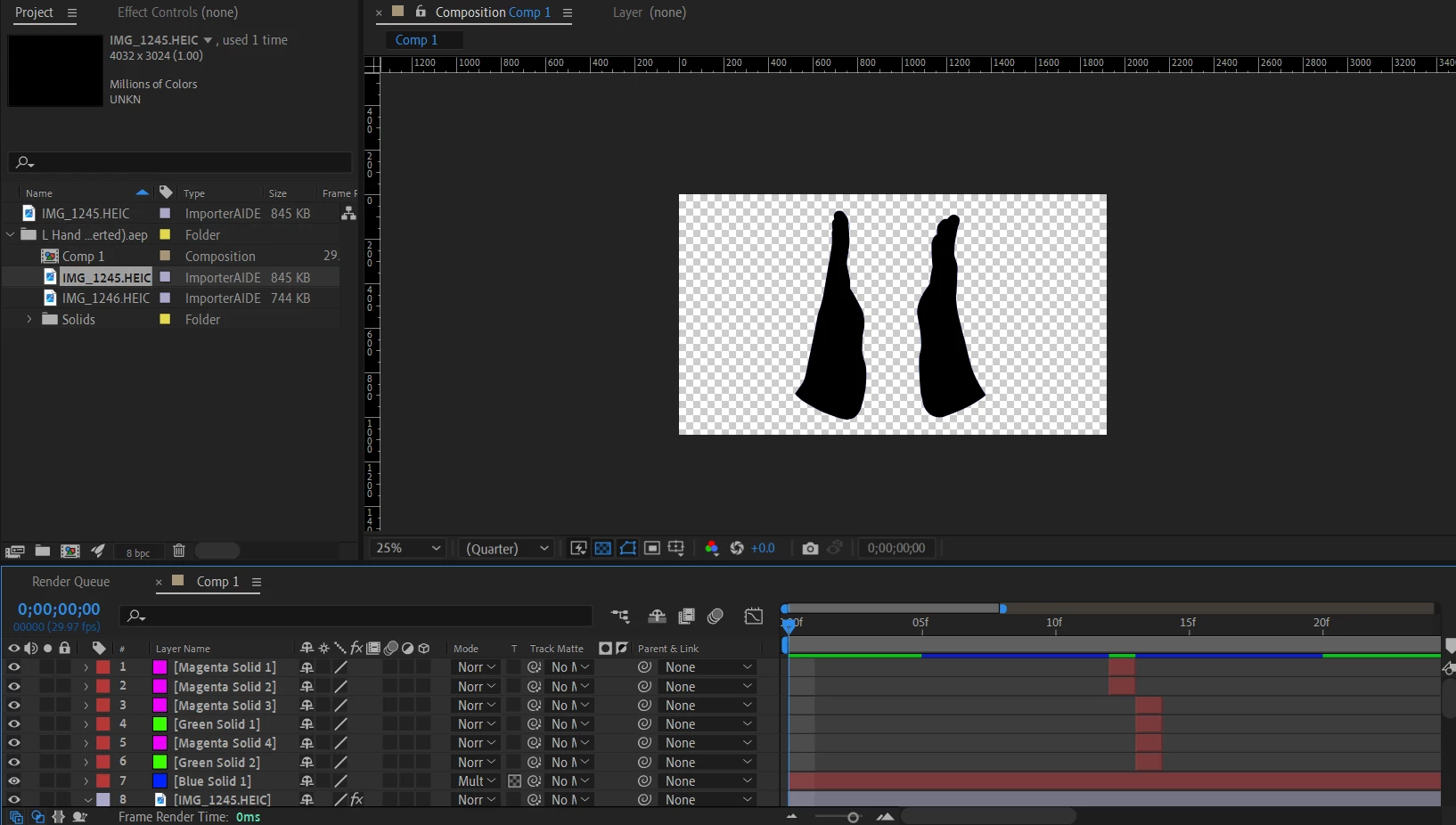
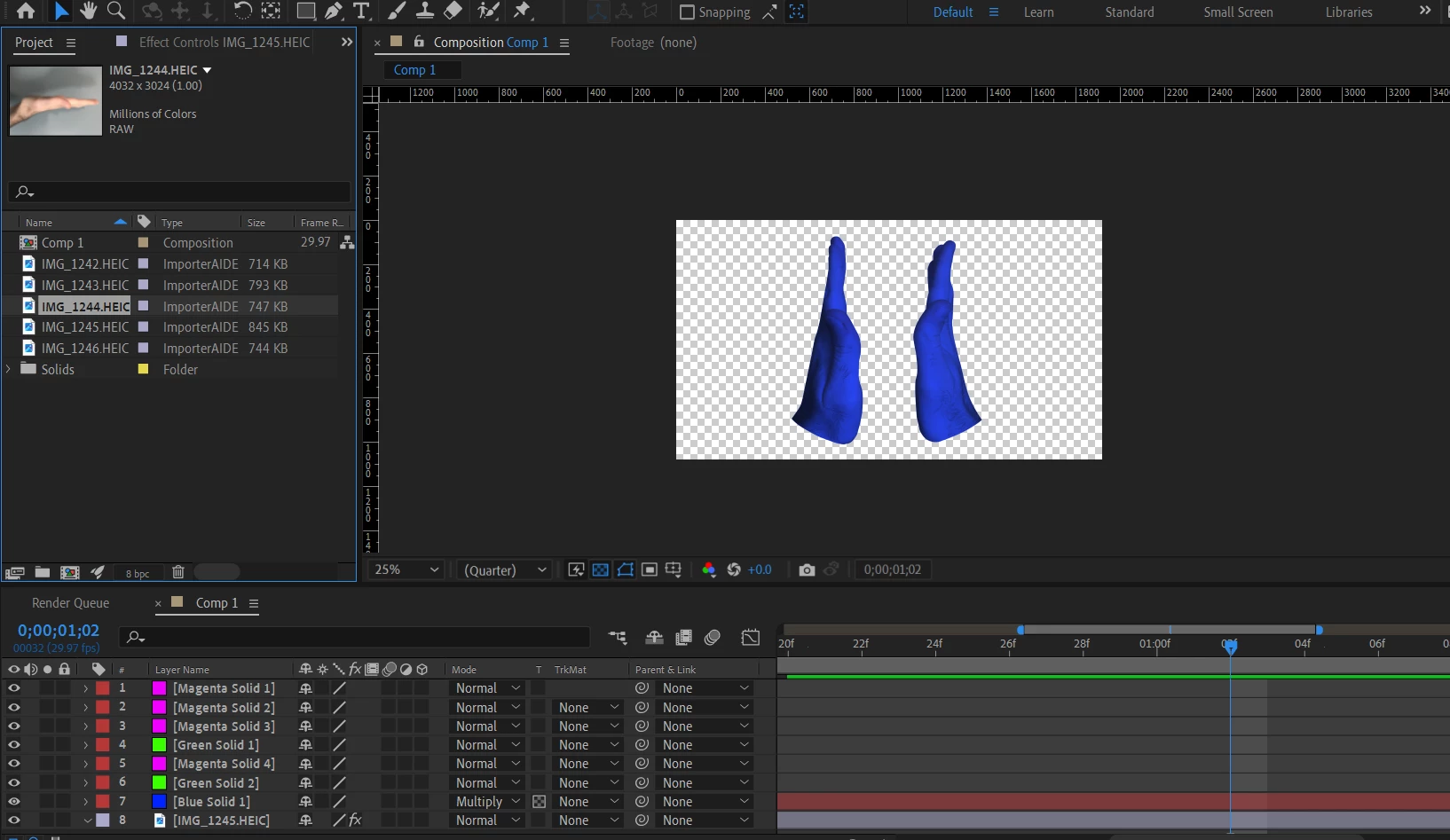
Opening the project, all the uploaded movs and image files I added don't show up in the preview, or are completely black. I did follow this tutorial to try and fix the issue, but not only did it not fix the missing assets, but made one of my other projects more confusing. Previously it was entirely black, but now it has these colored squares where the assets are supposed to be.


Should also mention that I tried following the tutorial yesterday, but it repeatedly caused Adobe to stop responding.


Here are what my project files look like in both versions
This topic has been closed for replies.

1 reply

ml3mAuthor
Participating Frequently
September 12, 2024

Should have included this in the thread, but I should mention that the mov files are totally black in new projects, so adding them to new projects doesn't fix them

nishu_kush
Community Manager
Community Manager
September 12, 2024

What are your system specifications (CPU, GPU, RAM, OS version)? Where your media files are stored? Are they in synced folder (Dropbox, Google Drive, etc)? If so, try bringing them to your local location and import them into a new project to see if that brings any change. 

Let us know. Moving this thread from Bugs to Discussions for troubleshooting.


Thanks,
Nishu

nishu_kush
Community Manager
Community Manager
September 16, 2024

Sent


Thanks for sharing the files. I opened them on my end, and they seem to open fine (screenshot). Try clearing the media cache (Edit > Purge > All Memory & Disk Cache) and running After Effects in Safe Mode.

Let us know the outcome.


Thanks,
Nishu