


New Participant
August 7, 2017
Answered

Please help! Static/noise lines across preview screen

  • August 7, 2017
  • 1 reply
  • 1191 views

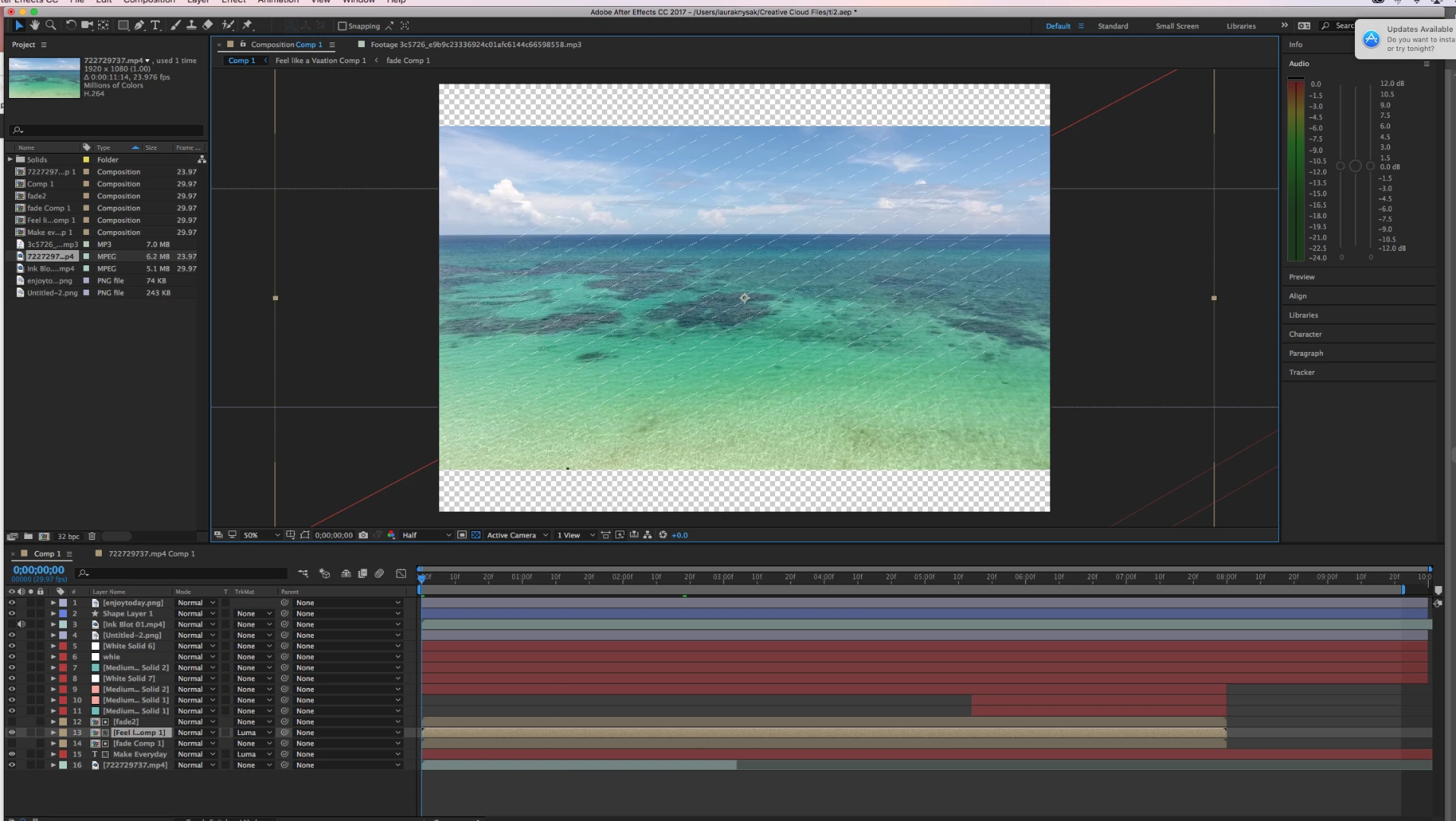
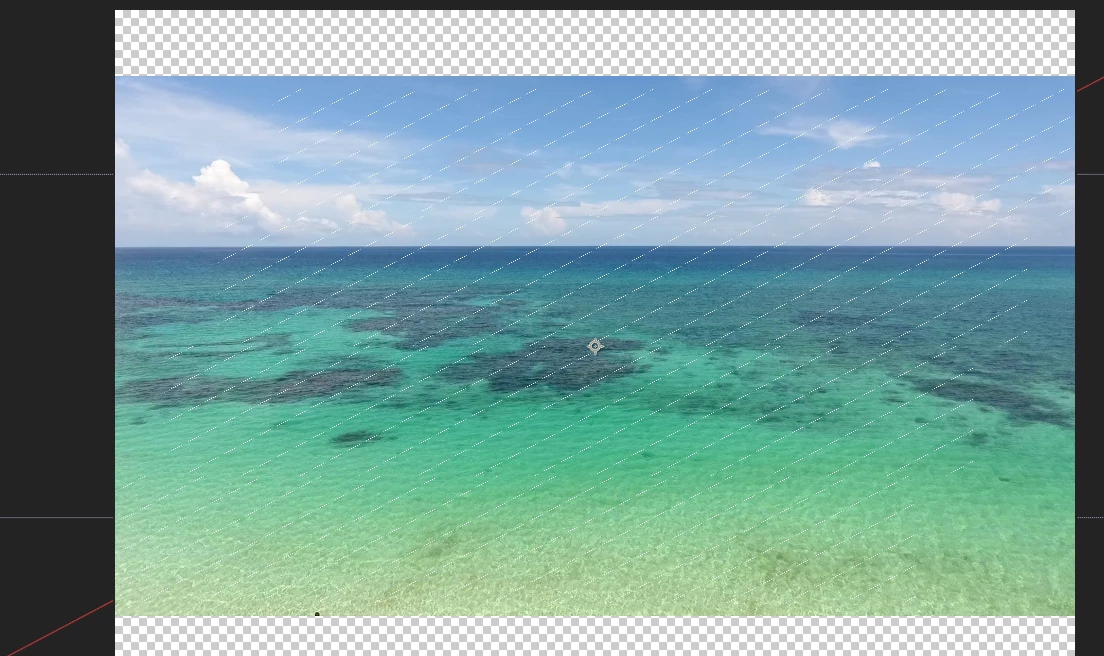
First off my after effects is running very slow, and now have these lines running across my 12 second video. I have tried every resolution, quality and nothing seems to work on getting rid of them,  and i know it is not in the footage, i cant seem to find anyone who has had this problem so someone please help me! It also is exporting with the lines on it
This topic has been closed for replies.
Correct answer Dave_LaRonde

You're trying to run AE on just 4 gigs?  That's a problem, ma'am.  You will be MUCH better off with 16 gigs.  No kidding AE likes memory.

1 reply

S_Gans
Community Expert
August 7, 2017

Hi. I see that you're at 50% zoom in the Comp panel. Does this still look this way at 100% zoom? It looks like GPU artifacts.

Adobe Community Expert / Adobe Certified Instructor
New Participant
August 7, 2017

yes, unfortunately I just can't get them to go away. I have tried clearing the Disk Cache but still doesn't  work. I'm not sure if it's because I am saving it all to my mac (2.7 GHz Intel Core i5 processor with 4GB of ram) and should save it to a external drive instead?

thank you for the reply!

Dave_LaRonde
Dave_LaRondeCorrect answer
Inspiring
August 7, 2017

You're trying to run AE on just 4 gigs?  That's a problem, ma'am.  You will be MUCH better off with 16 gigs.  No kidding AE likes memory.