Beantwortet
Polystar not showing option to change points
i want to create a triangle but no matter what I do I cannot change the amounts of points on a polystar
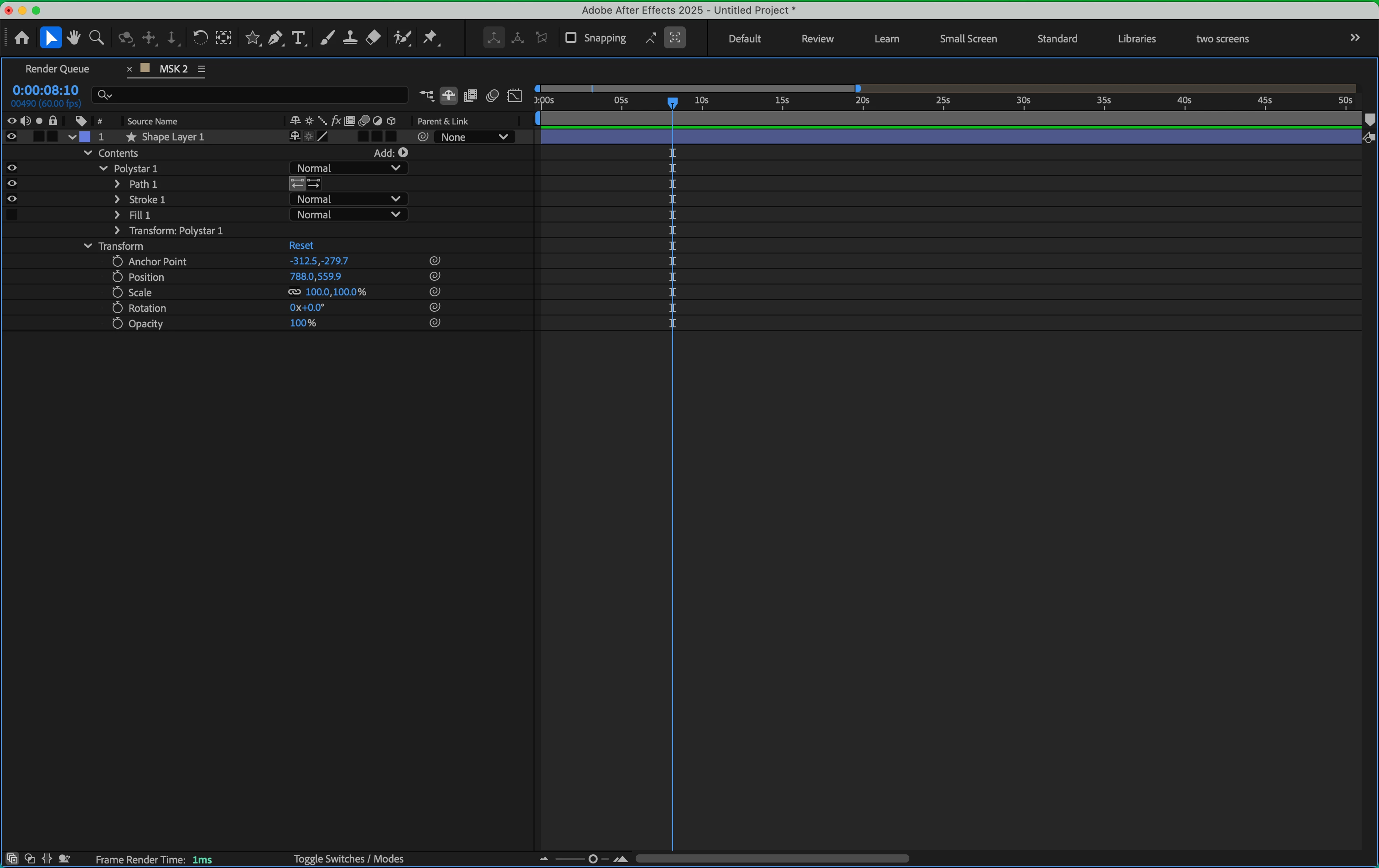
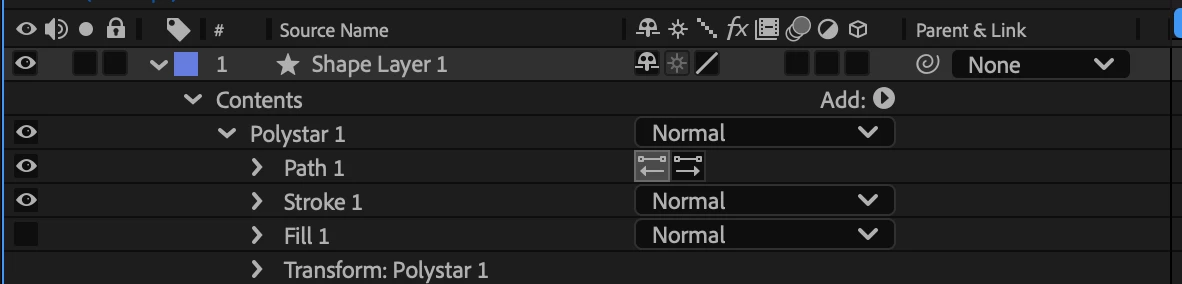

i want to create a triangle but no matter what I do I cannot change the amounts of points on a polystar
It appears that you have "Bezier Path" selected in the top toolbar when the Shape tool (Rectangle, Polygon, Ellipse, etc) is selected. This creates a Path group instead of the parametric Polystar group that would have the Points controls. Try deselecting the checkbox and recreating the Shape layer.
Cheers,
- John, After Effects Engineering Team
Enter your E-mail address. We'll send you an e-mail with instructions to reset your password.
 AdChoices