


Participant
December 16, 2021
Question

Pseudo unknown property of type

  • December 16, 2021
  • 1 reply
  • 1349 views

I'm struggling with open my project file because of the after effect error. I get this error message when I try to open my project file.


After Effects error: asked to create unknown property of type

"adbe layer source alternate (1d16)"

screenshot:
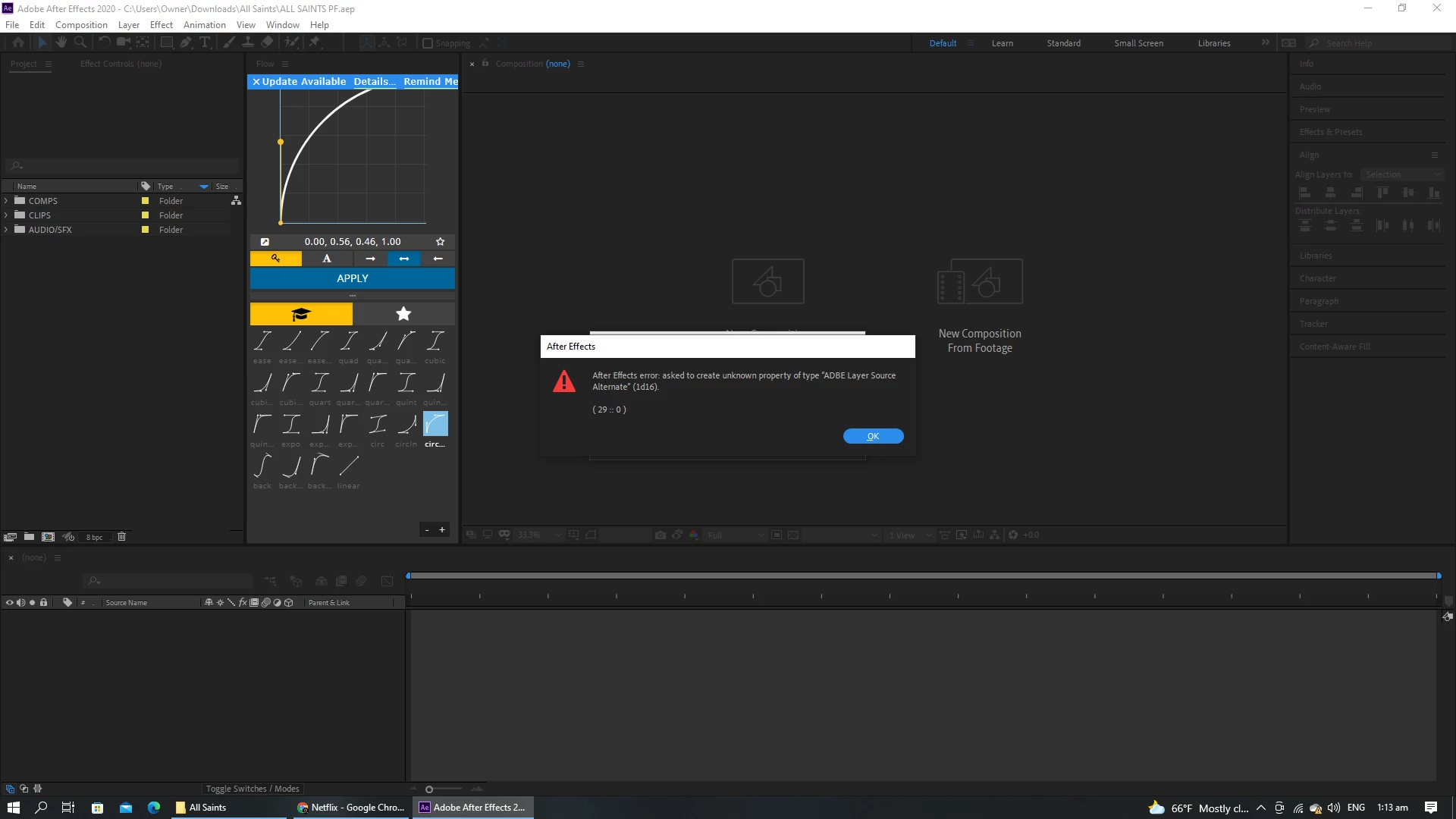
I couldn't find an answer to my problem, so I decided to post about it.

At first, I thought it was because of my computer specs, but that doesn't appear to be the case; instead, it appears to be a problem with the scripts, as you may be aware, and I have no idea how to fix it.

I'm in desperate need of assistance.

This topic has been closed for replies.

1 reply

Kyle Hamrick
Community Expert
Community Expert
December 16, 2021

Is this actually preventing you from opening your project, or are you able to just click past it? 

This is likely related to a specific preset or third-party tool used in your project. I'm guessing you only see this error on the one specific project? If it is indeed preventing you from opening the project:

- Try creating a new, clean AE project, and importing this problem one into it. Any progress?

- If you're using a third-party tool as suggested above, try uninstalling that or deleting it from AE's Support Files folder. On Windows, this is located at C:\Program Files\Adobe\Adobe After Effects (version)\Support Files\(appropriate subfolder)

Participant
December 18, 2021

Hello there, Hamrick. Sorry for the late response, but you guessed correctly, and I will try that. I never thought of importing everything into a new project, but unfortunately I can't completely open my project, so if I can't import it, I will try your secondary method.

Your help has been greatly appreciated.