This topic has been closed for replies.
Correct answer Roei Tzoref
  1. create a solid layer
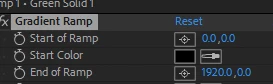
  2. add the ramp effect. set the coordinates like this to get a horizontal ramp

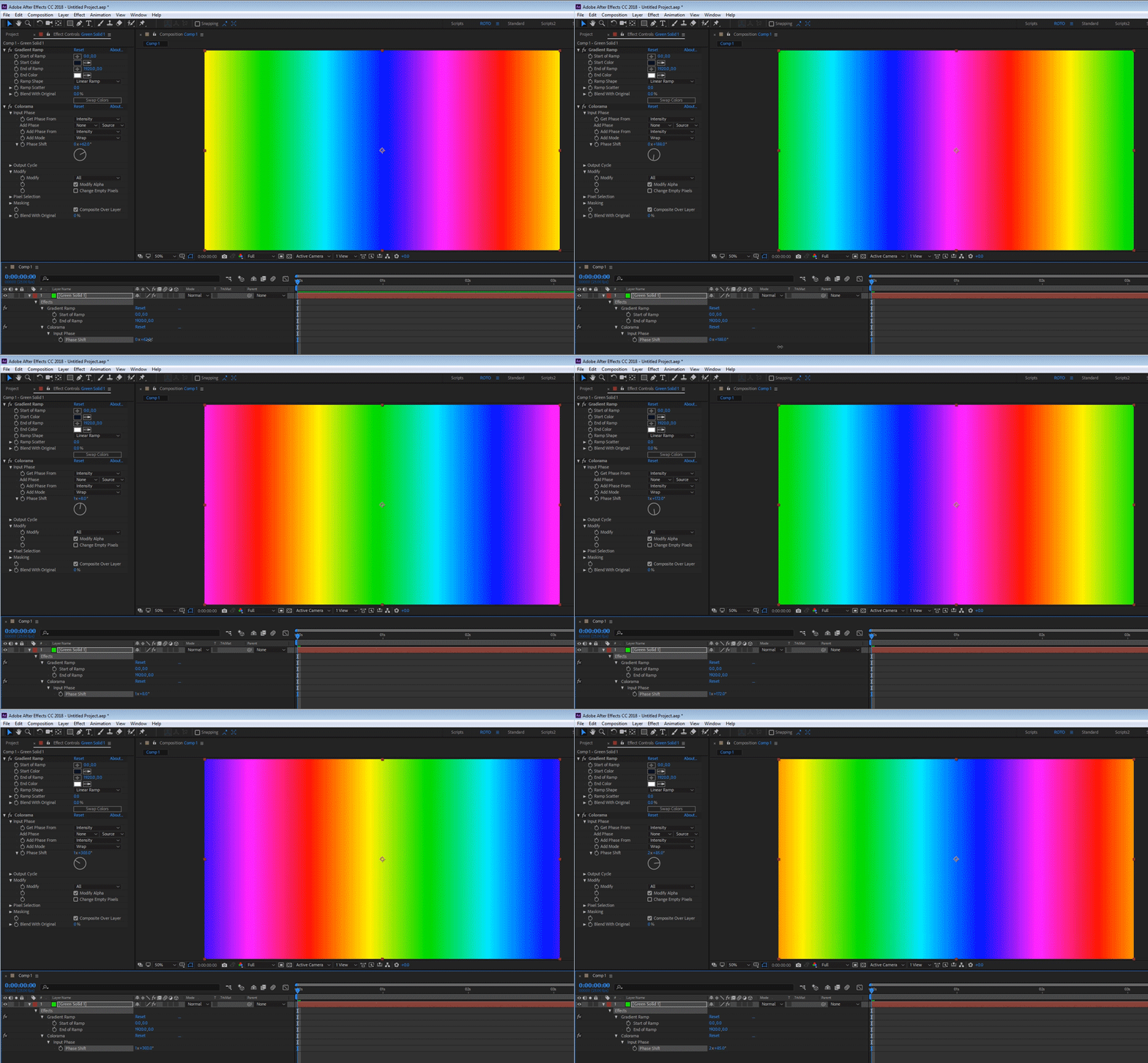
3. add the colorama effect

4. rotate the phase shift parameter
1 reply

Roei Tzoref
Brainiac
February 17, 2018

You can create a hue gradient using the colorama effect. the default is a hue wheel which is a rainbow. You can animate it.

Participating Frequently
February 17, 2018

How would i set it up so it would rotate like the keyboard?

Roland Kahlenberg
Brainiac
February 17, 2018

Create a Solid which is the same size as the Comp. Apply Generate>Gradient Ramp. Ensure that the Ramp goes from Left to Right. Then apply ColorCorrection>Colorama. Se the Output Cycle to Hue. Then animate the Phase Shift property.

If selecting Hue is not close to what you want in terms of colors, then make the appropriate color selections in the Output Cycle property.
You should be able to get to grips with Colorama as it's quite a straight forward effect. Goto Help>Effect Reference to gather more information on Colorama.

Very Advanced After Effects Training | Adaptive & Responsive Toolkits | Intelligent Design Assets (IDAs) | MoGraph Design System DEV